Works with every WordPress site

Store Locator
for WordPress

Add a beautiful, searchable store locator to your WordPress site. Works with every theme and page builder. Ready in minutes.

No plugin required Any page builder Free brand matching

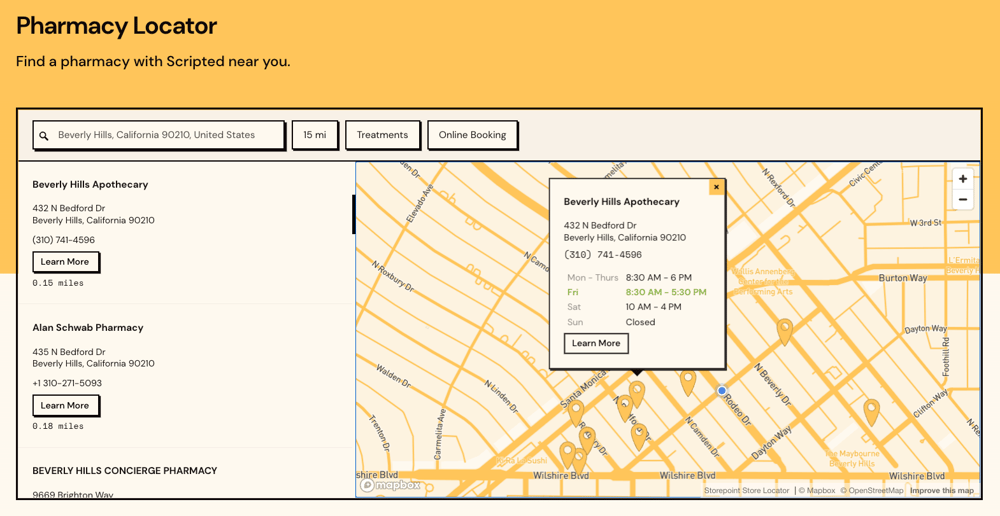
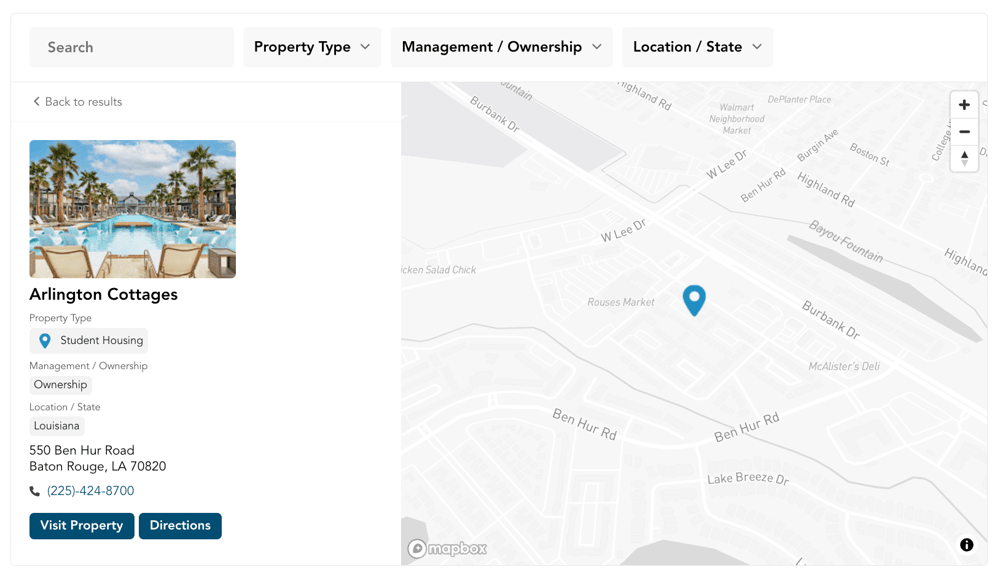
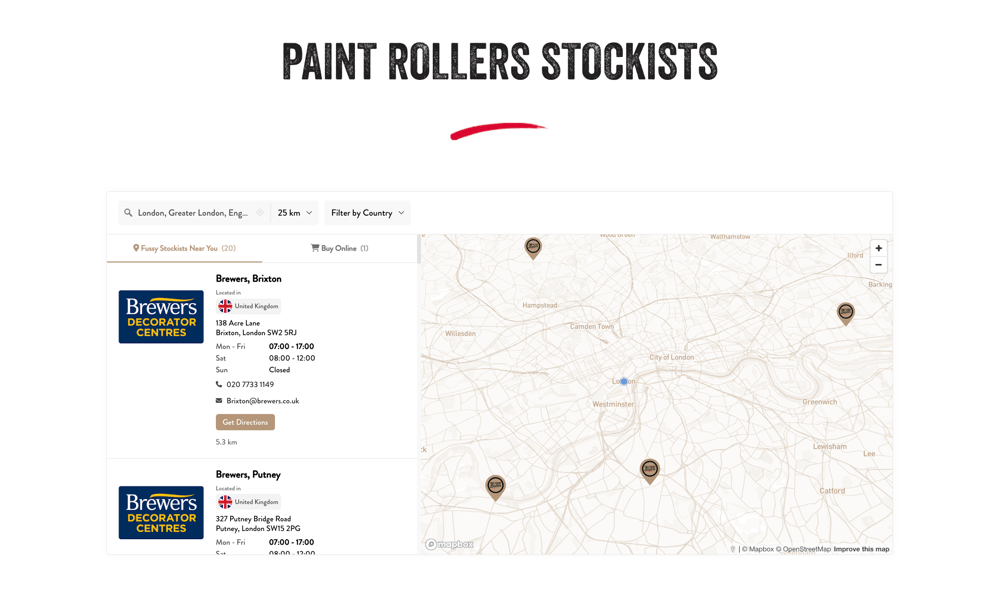
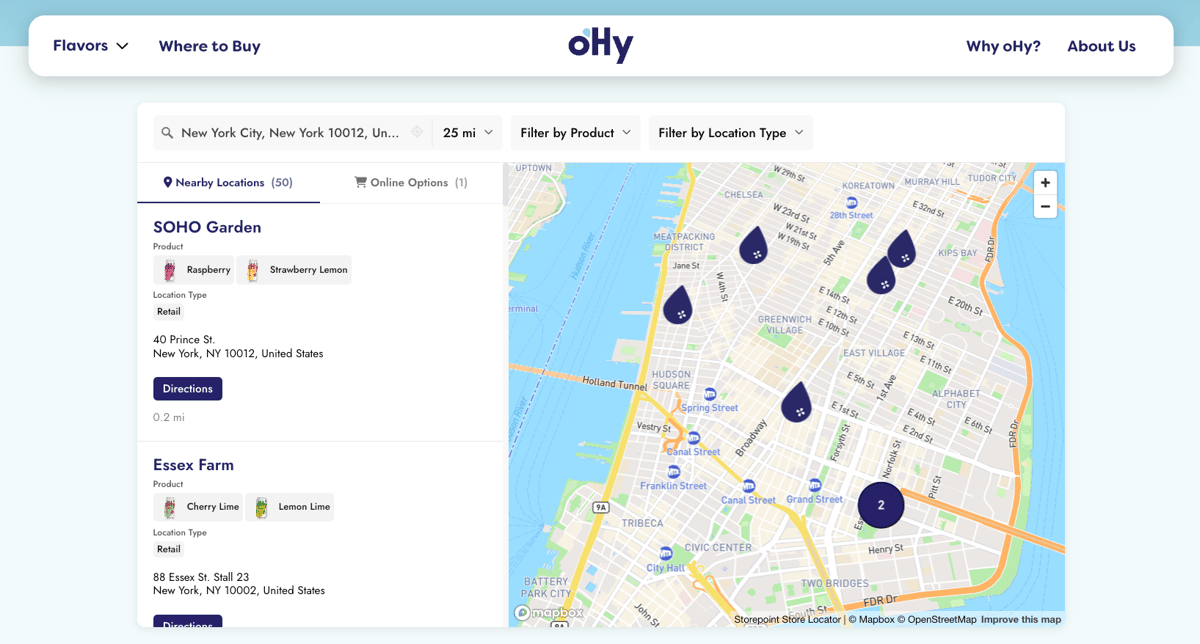
Store locator embedded on a WordPress website

Loved by thousands of small businesses, global brands and everyone in between.

Design

Matches your WordPress theme.
Pixel for pixel.

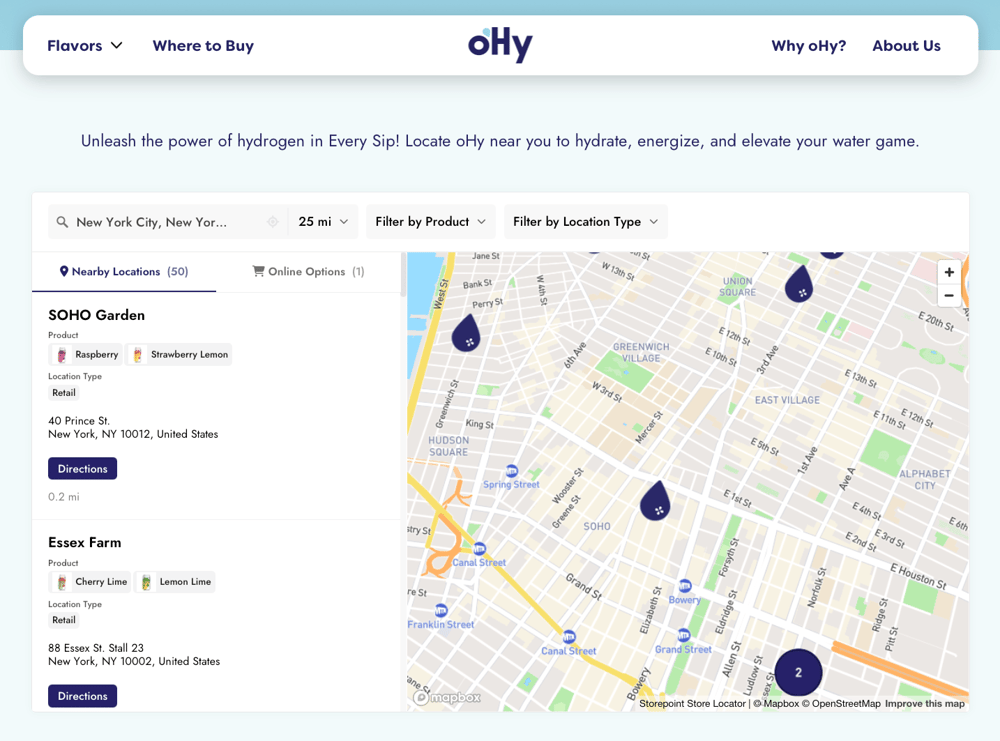
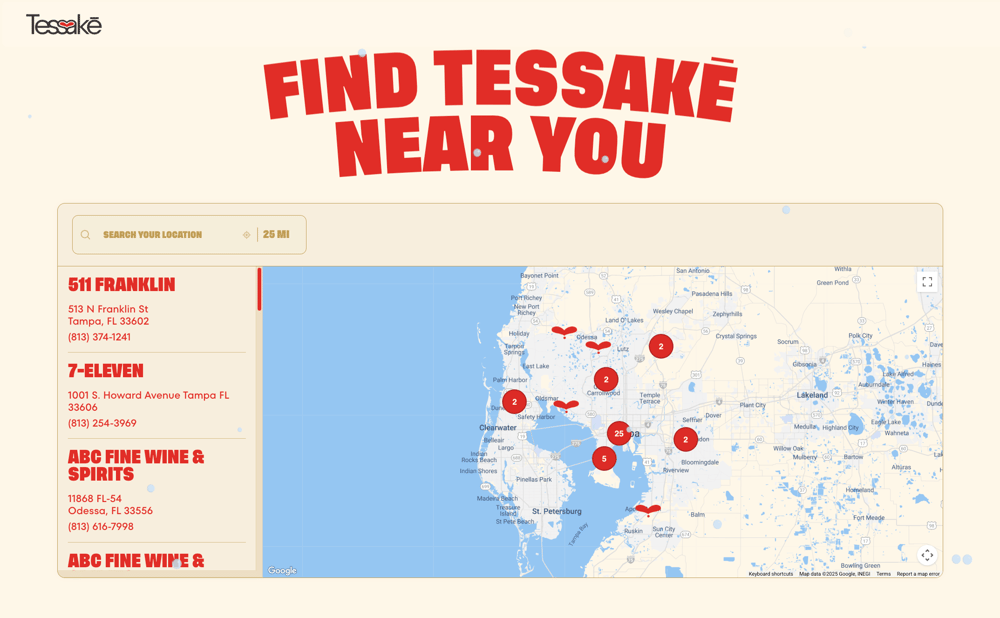
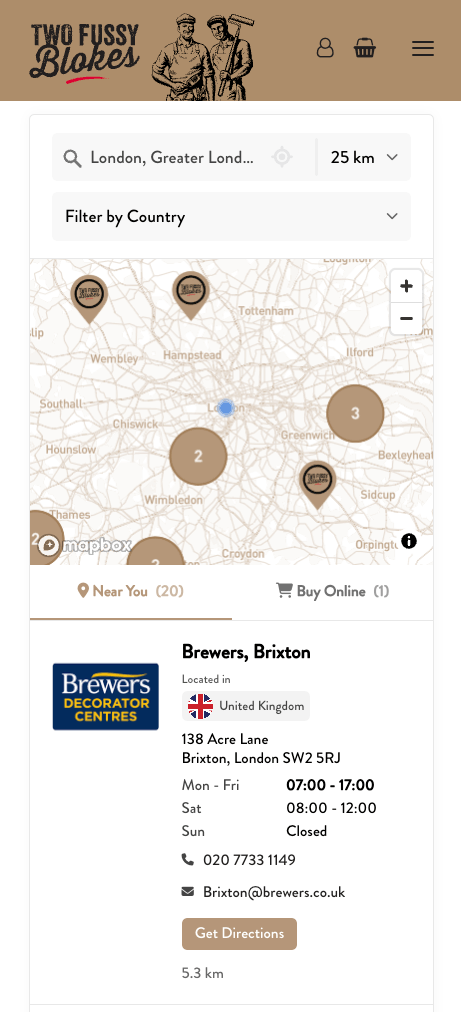
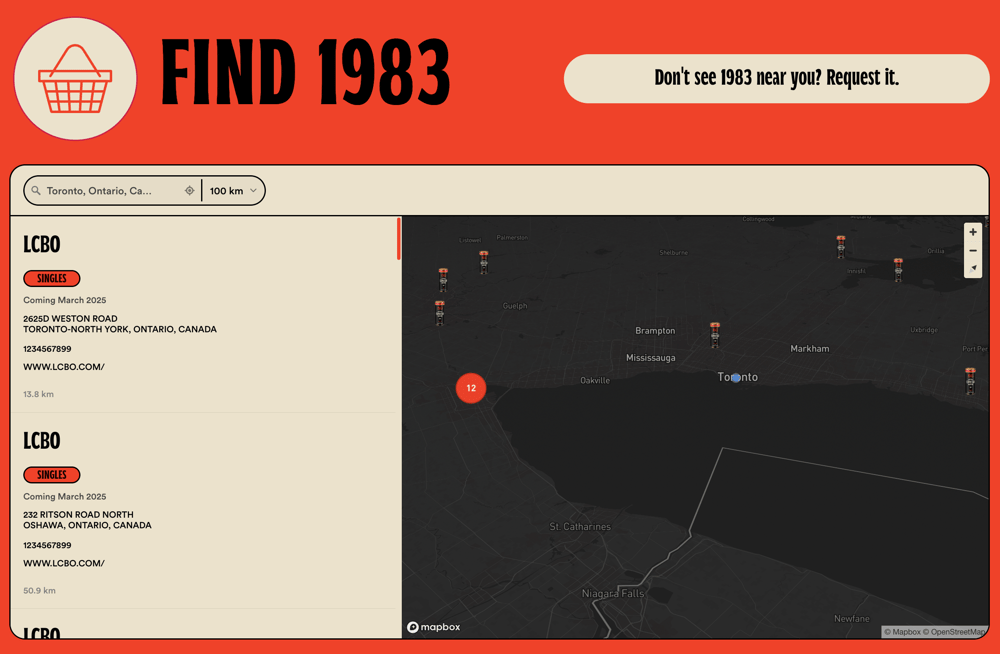
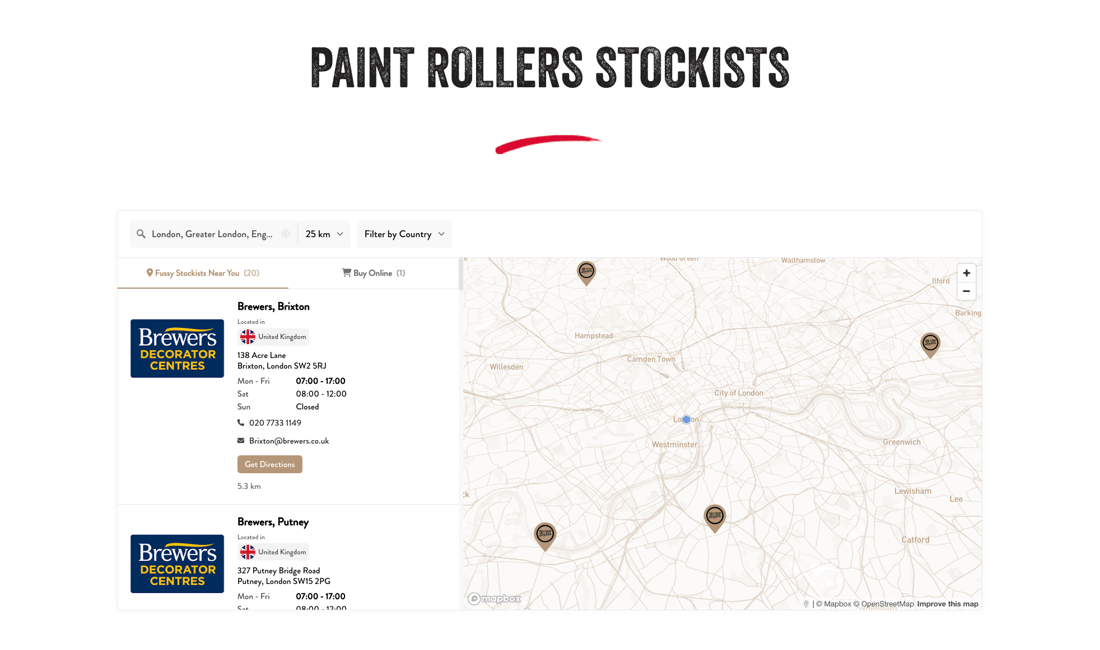
Your locator uses your site's fonts, colors, and styling. Adjust settings yourself, hand it to your designer for pixel-perfect CSS tweaks, or let us handle it. Choose from list, grid, map, or mapless layouts to fit the page.

  • Works with every WordPress theme
  • Multiple layout options to choose from
  • Full CSS access for designers
  • Free brand matching on every plan
Brand-matched store locator design on WordPress with custom fonts and colors
Compatibility

Gutenberg. Elementor. Divi.
One embed code.

Paste the embed code into any page builder. It loads from our infrastructure, not your server. No plugin conflicts, no PHP issues, no caching problems. Your WordPress site stays fast.

  • Works with Gutenberg, Elementor, Divi, WPBakery
  • No plugin conflicts or theme issues
  • Loads from our CDN, not your server
  • Zero impact on site speed
Store locator working across WordPress page builders like Elementor and Gutenberg
One platform

Manage everything
from one dashboard.

Add locations one by one, drag in a spreadsheet, or connect Google Sheets so updates happen automatically. Changes go live on your WordPress site instantly. Import, sync, analytics, and customization all live under one roof.

  • Drag-and-drop spreadsheet import
  • Google Sheets sync for automatic updates
  • Search analytics to see where customers look
  • Developer API for custom integrations
Storepoint dashboard showing location management for WordPress store locator
Setup

Up and running in minutes

No coding required. Works with any WordPress setup.

1 Set up your account

Create your Storepoint account and set up your locator.

2 Add your locations

Import from a spreadsheet, sync from Google Sheets, or add one by one.

3 Paste into WordPress

Drop the embed code into any page or page builder block. It updates itself automatically.

Features

Everything you need to help customers find you

Fully Customizable Design

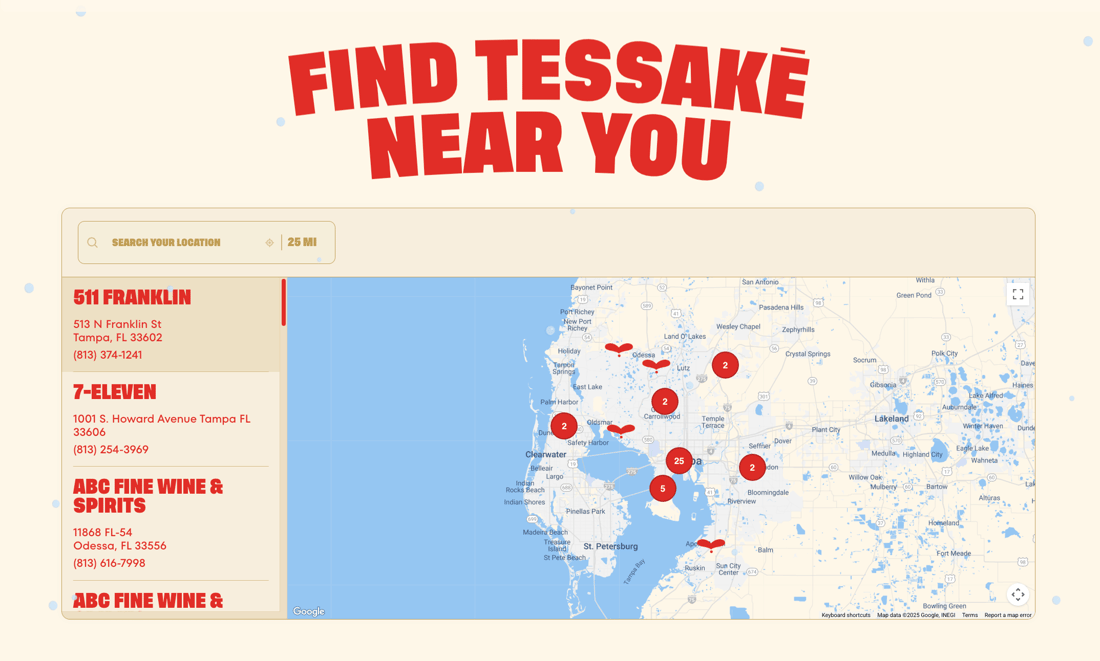
Set your brand colors, fonts, and button styles. Choose a layout that fits your WordPress site. Edit CSS yourself or let us style it for you. Your locator looks like a native part of your site, not a third-party widget.

Learn more
Easy Location Management

Add locations in our dashboard or import from a spreadsheet. We detect your columns automatically.

Learn more
Google Sheets Sync

Connect a spreadsheet. Edit your sheet, and your locator updates automatically.

Learn more
Filters & Tags

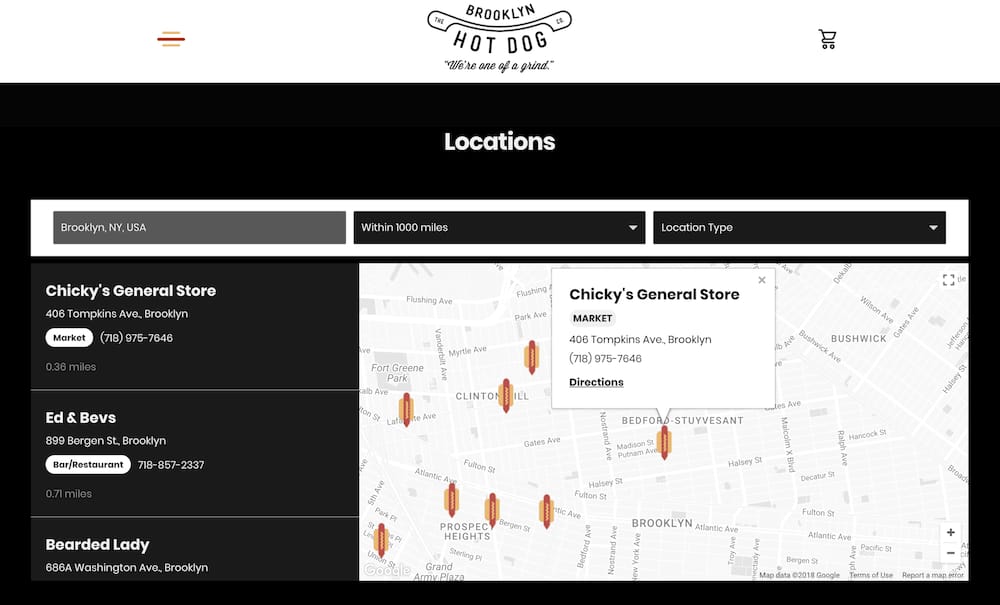
Create one filter or many. Let visitors narrow results by product, service, brand, or any tag you define. Embed a locator pre-filtered to a specific tag, category, or product line on different pages of your WordPress site.

Learn more
Custom Map Markers

Use your brand colors, upload custom icons, or show different markers for different location types. Make the map yours.

Learn more
Search & Auto-Detect

Search by zip, city, or address with autocomplete suggestions. Or let visitors search by keyword to find a location by name. Auto-detect is there too, showing nearby results the moment the page loads.

Mobile-First

Responsive out of the box. Looks great on every device, every screen size.

Custom Fields & Buttons

Add booking links, menus, social icons, or any extra info to your locations.

Learn more
Search Analytics

See where customers are searching. Discover popular locations. Identify high-demand areas and spot coverage gaps. Know where demand exists before you expand.

Learn more
One-Click Directions

Visitors tap once and get directions. Opens in Google Maps or Apple Maps.

Any Language. Any Use Case.

Translate every label and button. Use it as a store locator, dealer finder, clinic directory, service area map, or anything you can think of. Works alongside WPML and Polylang.

Learn more
Online Alternatives

No nearby locations? Show your online store, website, or other options so visitors always find a way forward.

Learn more
Support That Knows the Product

Answers from the people who built it. Free brand matching on every plan. Fast responses, real solutions.

Customer Stories

What our customers say

"Storepoint was great to install on our WordPress site and it's easy to use for the end user."

Keshia Web Designer

"From first click to final product was about 15 minutes. He created a beautifully customized map with basically no direction. I'm a stickler for design and the product is beautiful."

Maggie Article One Eyewear

"The design is professional and clean and custom to our brand. It's affordable and their customer service is exceptional. Love the sync to Google Sheets too."

Katie W. Web Designer

"I needed something smooth, professional, customizable and easy to use. We're not tech experts. It met all those expectations and the end result is something I'm proud to have on my website."

Krysta Service Provider Directory
WooCommerce

Running an online store?

If your WordPress site uses WooCommerce, see our dedicated page with ecommerce-specific guides for product locators, dealer finders, and "where to buy" pages.

FAQ

Common questions

Do I need to install a WordPress plugin?

No. Storepoint works by pasting a small embed code into any WordPress page. No plugin to install, no PHP conflicts, no updates to manage. We're building a dedicated WordPress plugin for those who prefer that approach. For now, the embed method works perfectly and gives you the same features with zero maintenance.

Will this work with Elementor, Divi, and other page builders?

Yes. Storepoint works with every WordPress page builder. Paste the embed code into a Custom HTML block in Gutenberg, an HTML widget in Elementor, a Code Module in Divi, a Raw HTML element in WPBakery, or the text editor in any other builder. We have step-by-step guides for the most popular setups.

Will it conflict with my other WordPress plugins?

No. Because Storepoint isn't a WordPress plugin, it can't conflict with your theme or any other plugin on your site. It runs independently from our servers.

Will it slow down my WordPress site?

No. Unlike plugins that run PHP on your server, Storepoint loads asynchronously from our CDN. It won't affect your page speed scores or server performance.

How is this different from WordPress store locator plugins?

Traditional store locator plugins run on your server, require PHP compatibility, and can conflict with your theme or other plugins. They often charge separately for features like CSV import, analytics, and search widgets. Storepoint runs from our infrastructure with a simple embed code. All features are included on every plan, with dedicated support and free brand matching. If you ever switch away from WordPress, your locator moves with you.

Does it work with the WordPress Classic Editor?

Yes. If you use the Classic Editor, switch to the Text tab and paste the embed code. It works the same way. Our WordPress guide covers both the Classic Editor and Gutenberg.

Does this work in other languages?

Yes. You can translate every label, button, and placeholder into any language. It works alongside multilingual plugins like WPML and Polylang. See our multilingual guide.

What kind of support do you offer?

Every plan includes free brand matching. We style your locator to match your site. Questions? Email [email protected] and hear back within a few hours.

Ready to add a store locator?

Free brand matching and support included. Plans from $25/month.

Set up in minutes Works with any theme Cancel anytime