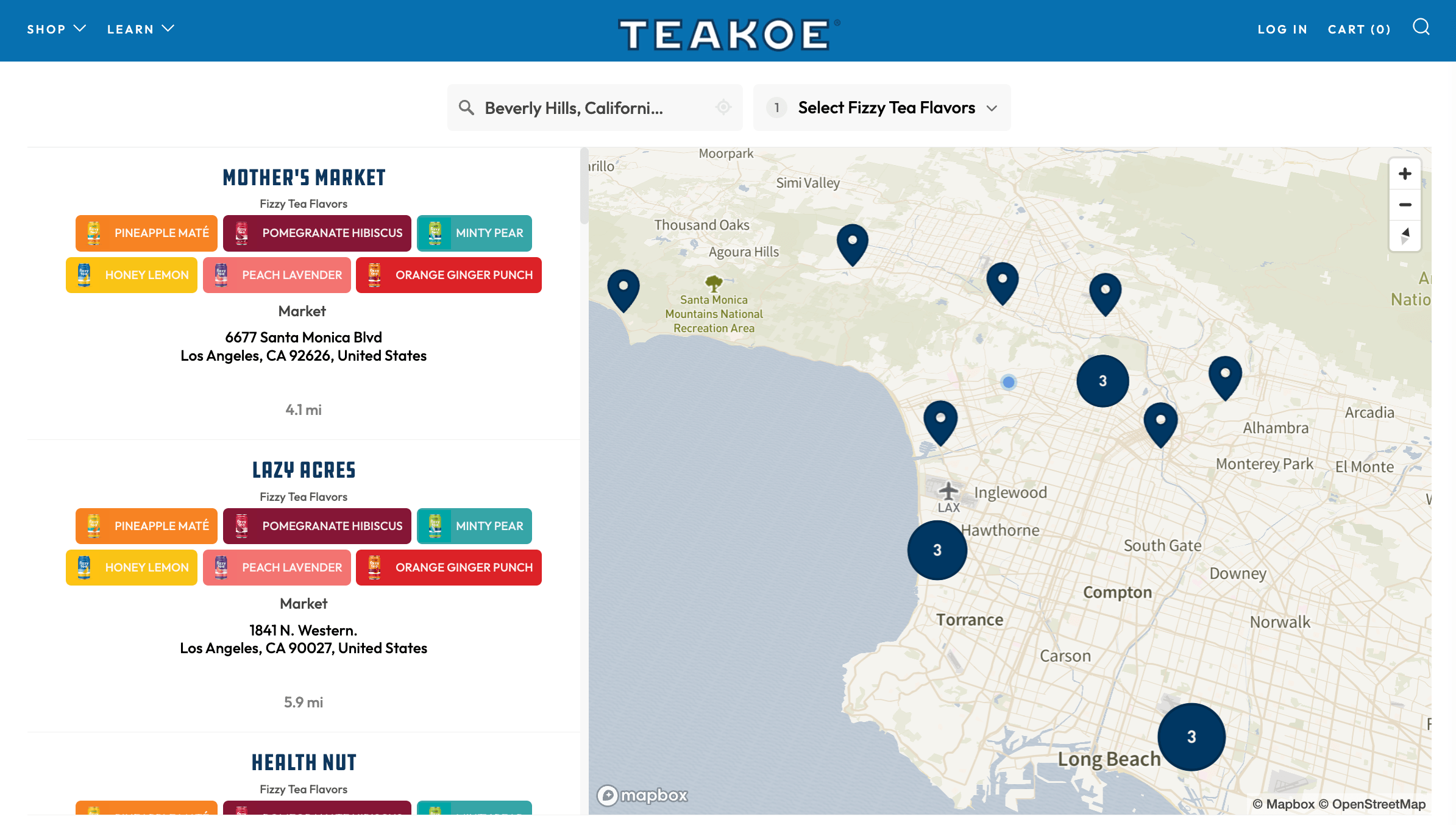
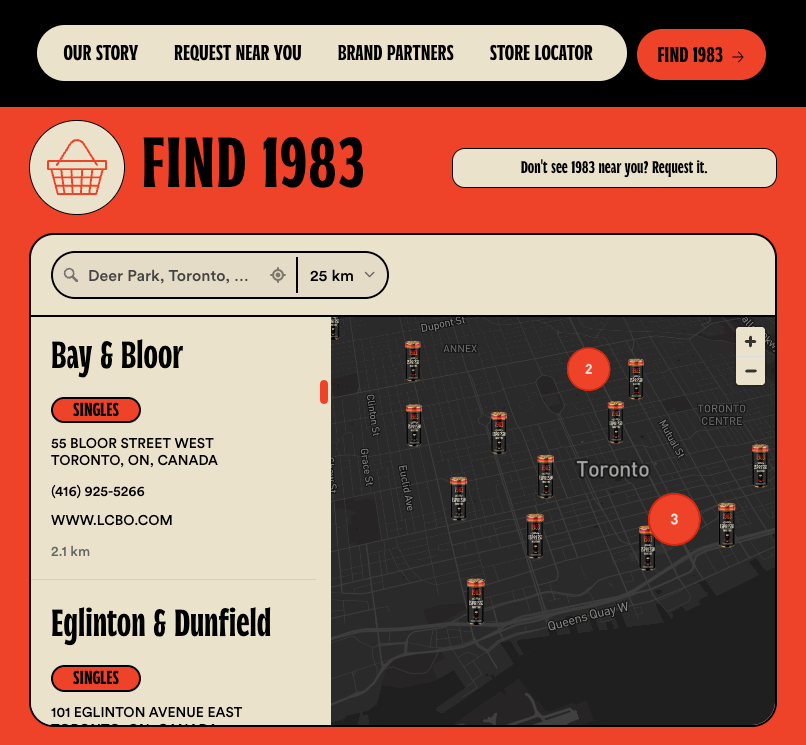
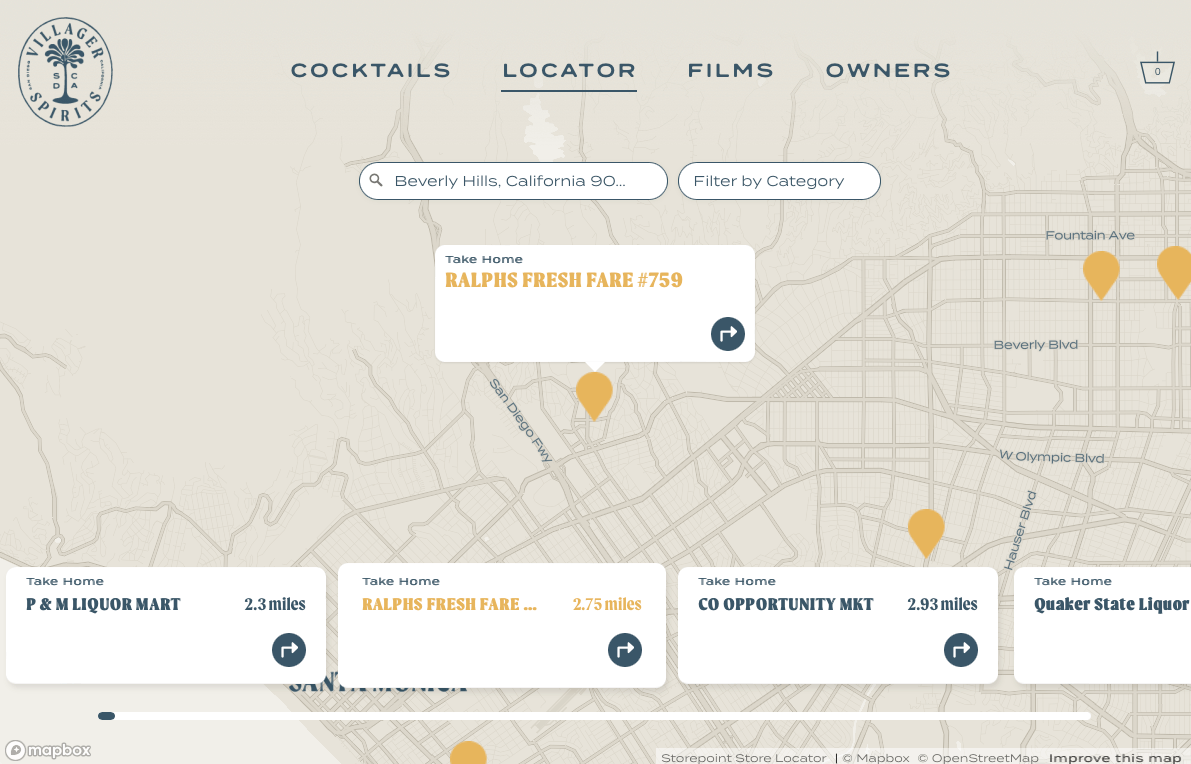
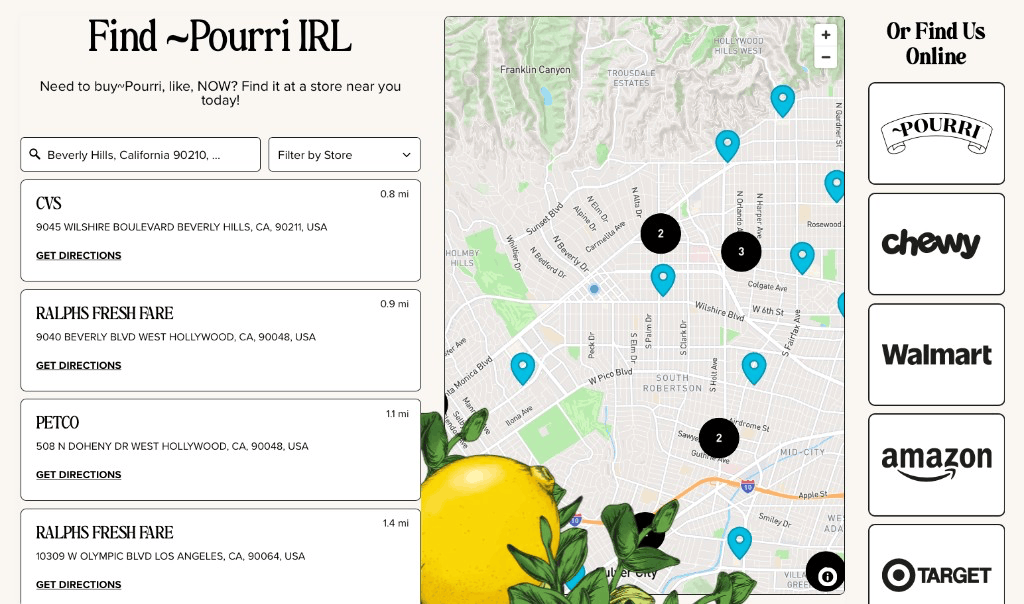
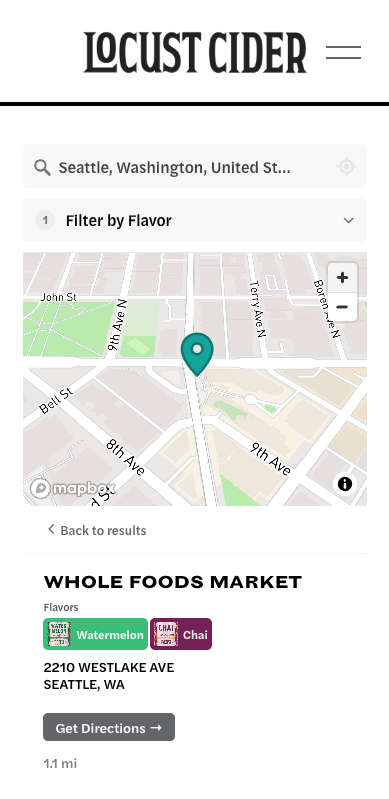
From small businesses to global brands, 5,000+ companies build their locators on Storepoint.
Made InTony’s ChocolonelyOoniKizikSodaStreamMarine LayerNARSAthletic BrewingHedley & BennettDrunk Elephant
Made InTony’s ChocolonelyOoniKizikSodaStreamMarine LayerNARSAthletic BrewingHedley & BennettDrunk Elephant
Kung Fu TeaBenchmadeDermalogicawaterdropCult GaiaHappy DadamikaLemmeKreweCorkcicle
Kung Fu TeaBenchmadeDermalogicawaterdropCult GaiaHappy DadamikaLemmeKreweCorkcicle
Works on all website platforms & devices
Storepoint works on all website platforms and custom websites, with no coding required. Our one-step copy-and-paste installation makes it easy to get up and running in minutes.
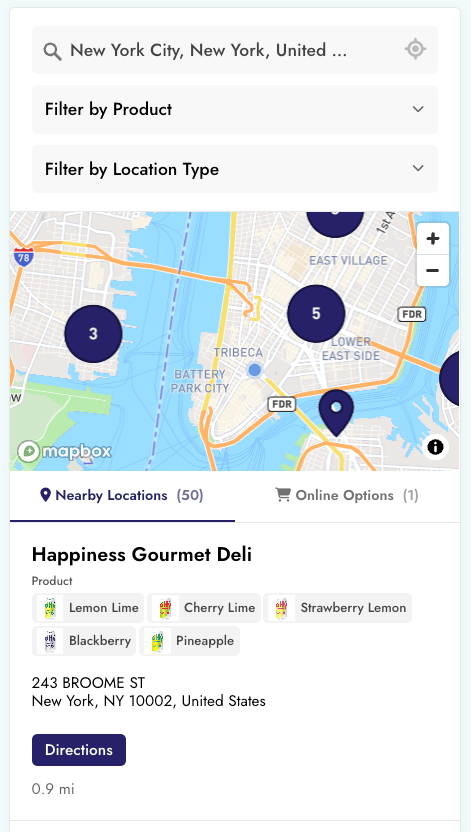
Our store locator software is also fully responsive, so it works great on mobile, tablet and desktop devices.
Besides the many customization settings available in the dashboard, our team can customize every detail of your store locator to fit your website’s design and your brand, included free with all plans.
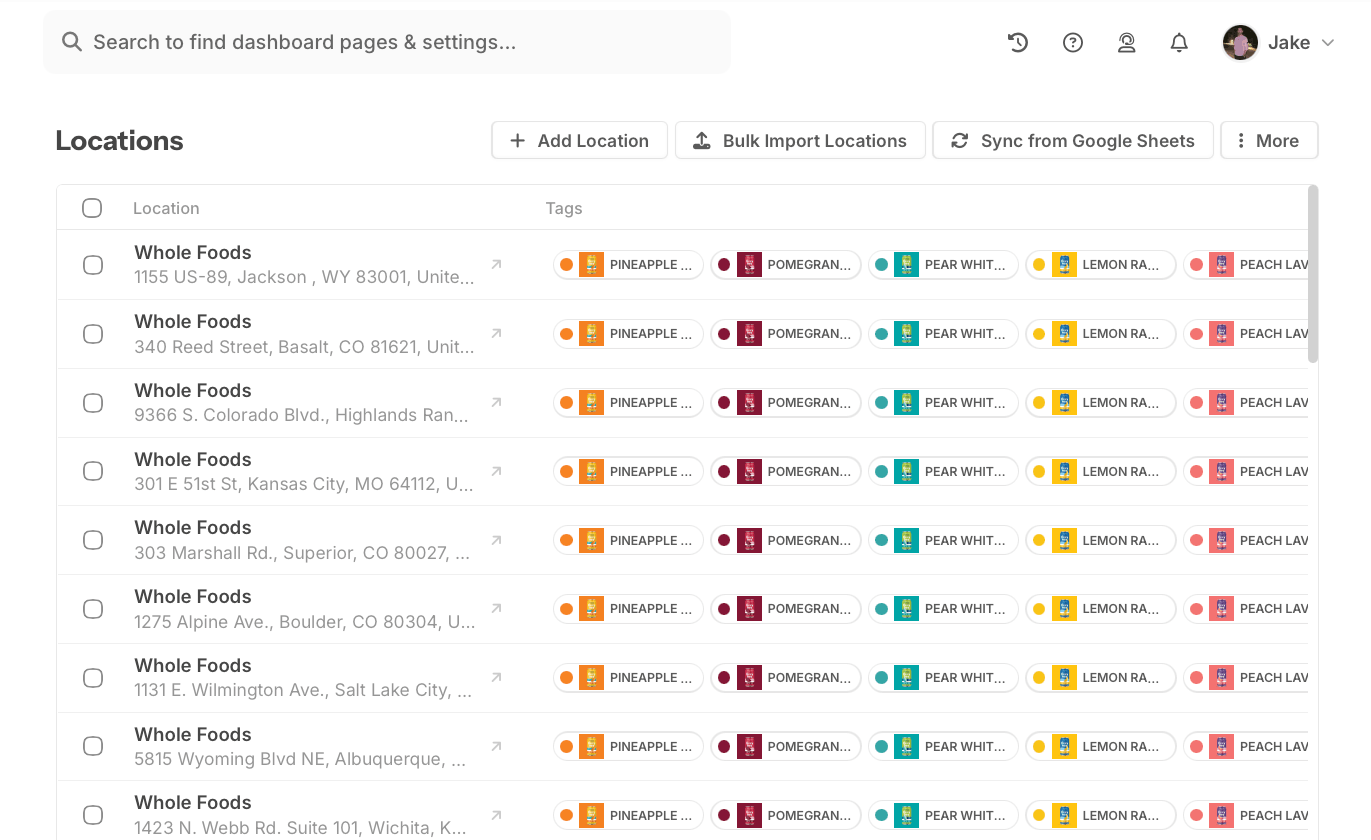
Manage your stores, dealers, stockists, providers and any other type of location in our purpose-built dashboard. Any updates show on your website automatically.
Add and edit in the dashboardAdd a location in a few clicks, and change any detail any time.
Upload your spreadsheetsUpload your Excel or CSV files, and your locations show up on your store locator. When things change, upload a new file, and your locator updates.
Connect your toolsGoogle SheetsAirtableHubSpotZapierClaudeChatGPT+ moreSync from Google Sheets, Airtable, HubSpot, Zapier and more. Or ask Claude or ChatGPT to make changes for you.
Search, filter, find. In seconds.
Your customers search, filter and find what they need, on any device.
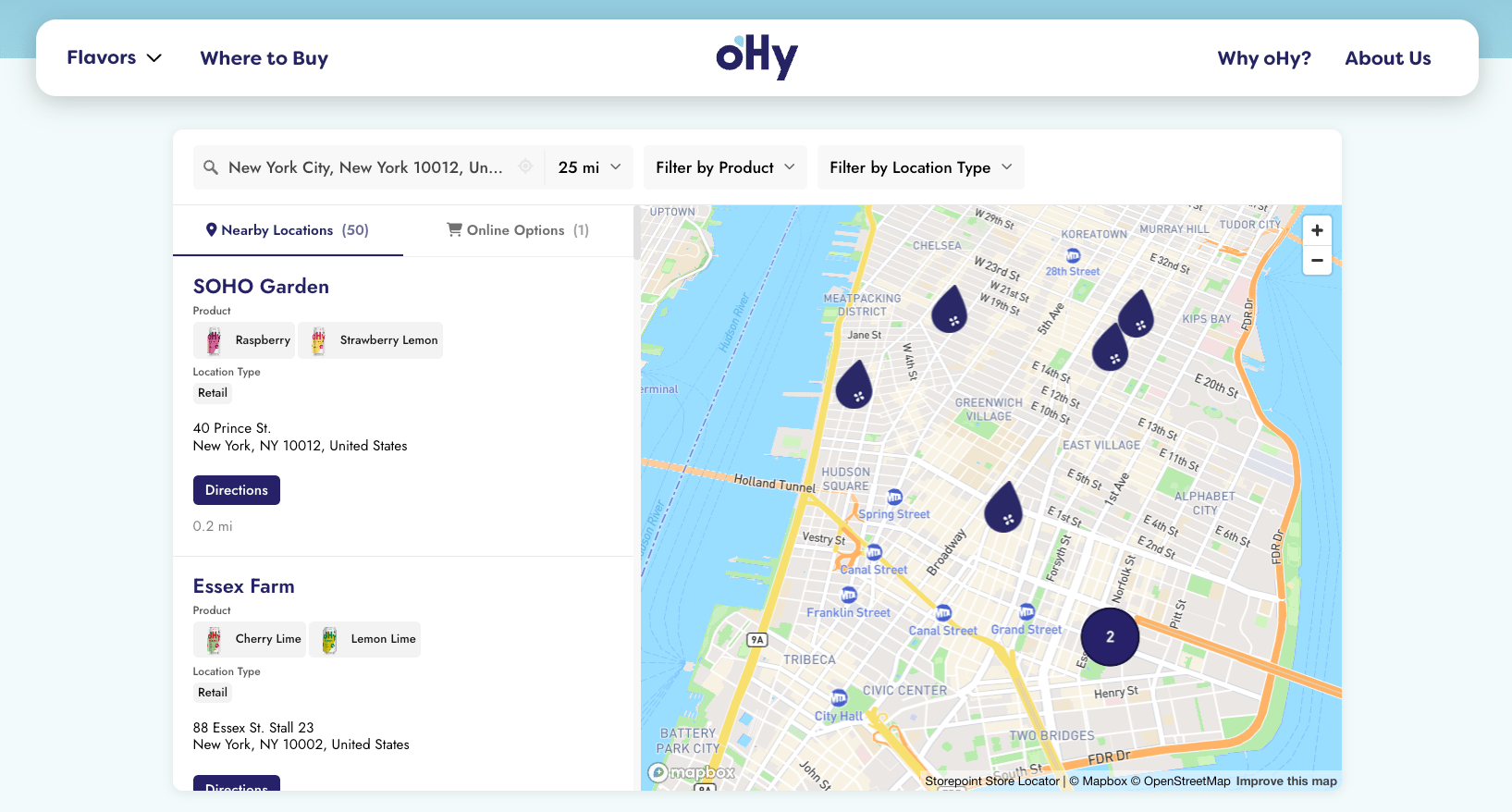
Search by city, zip, postcode or addressSuggestions appear as they type, anywhere in the world.
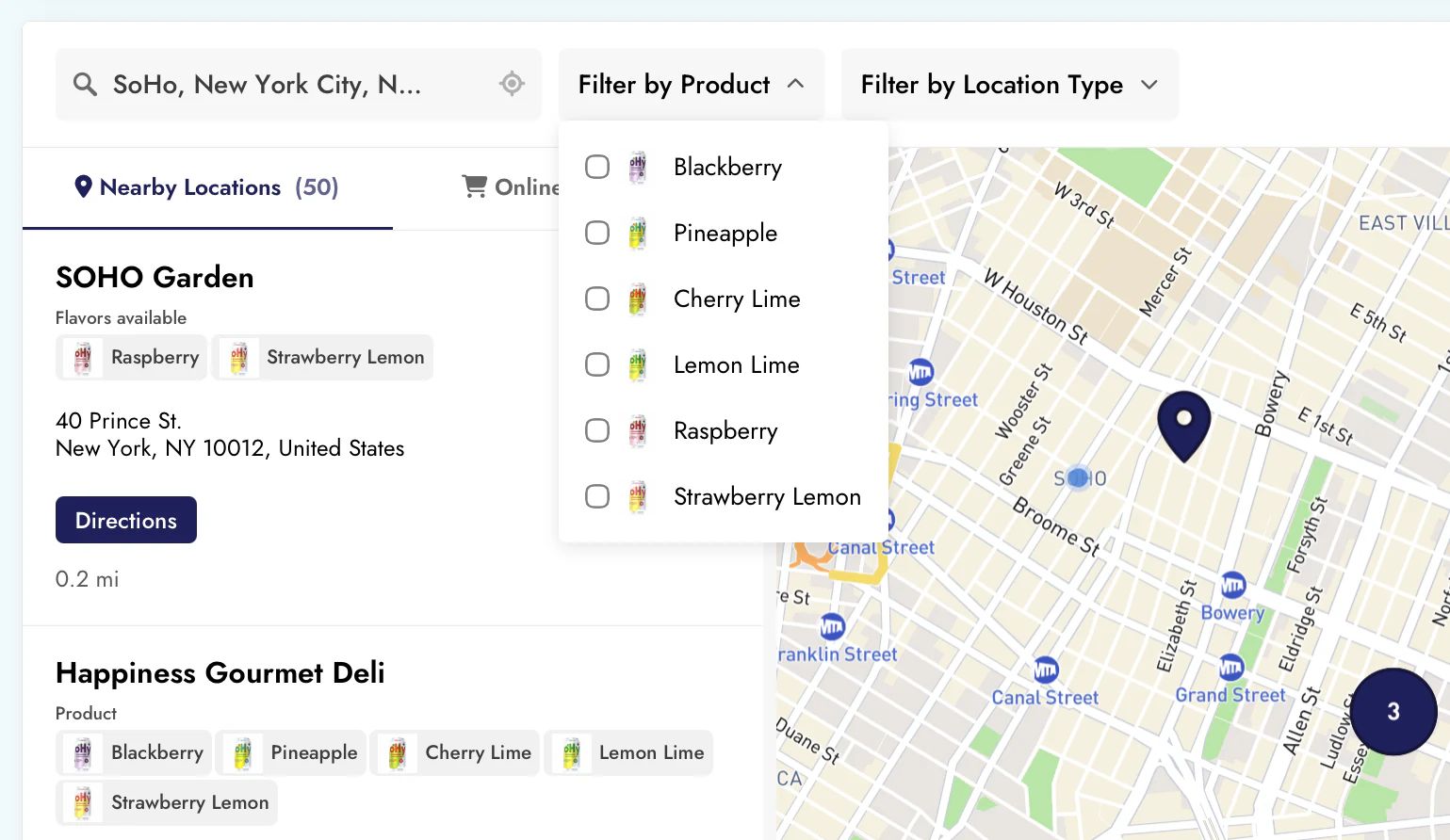
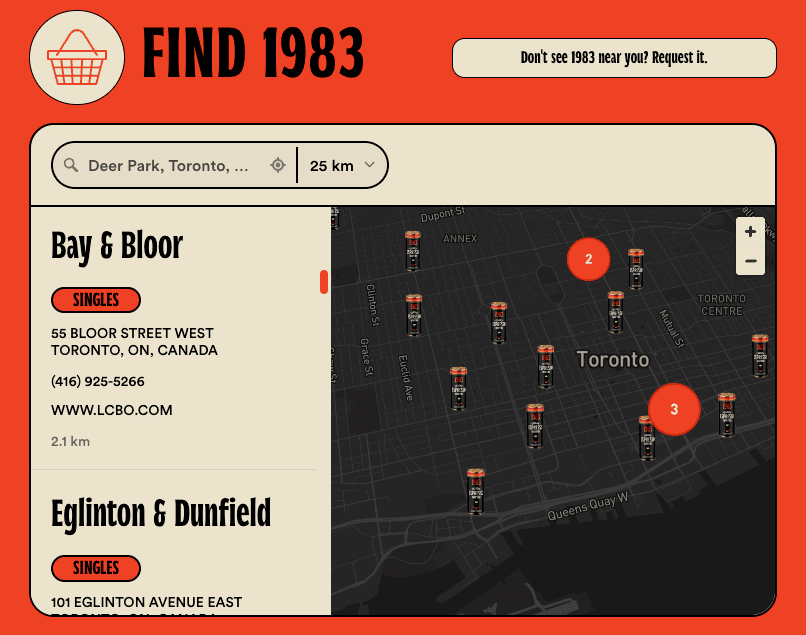
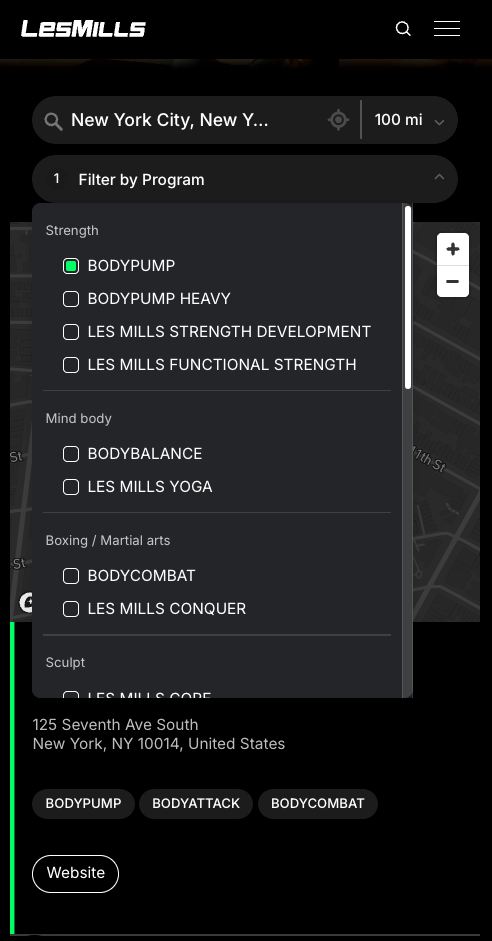
Add filters for products or servicesTag your locations, and customers find the ones that have what they need.
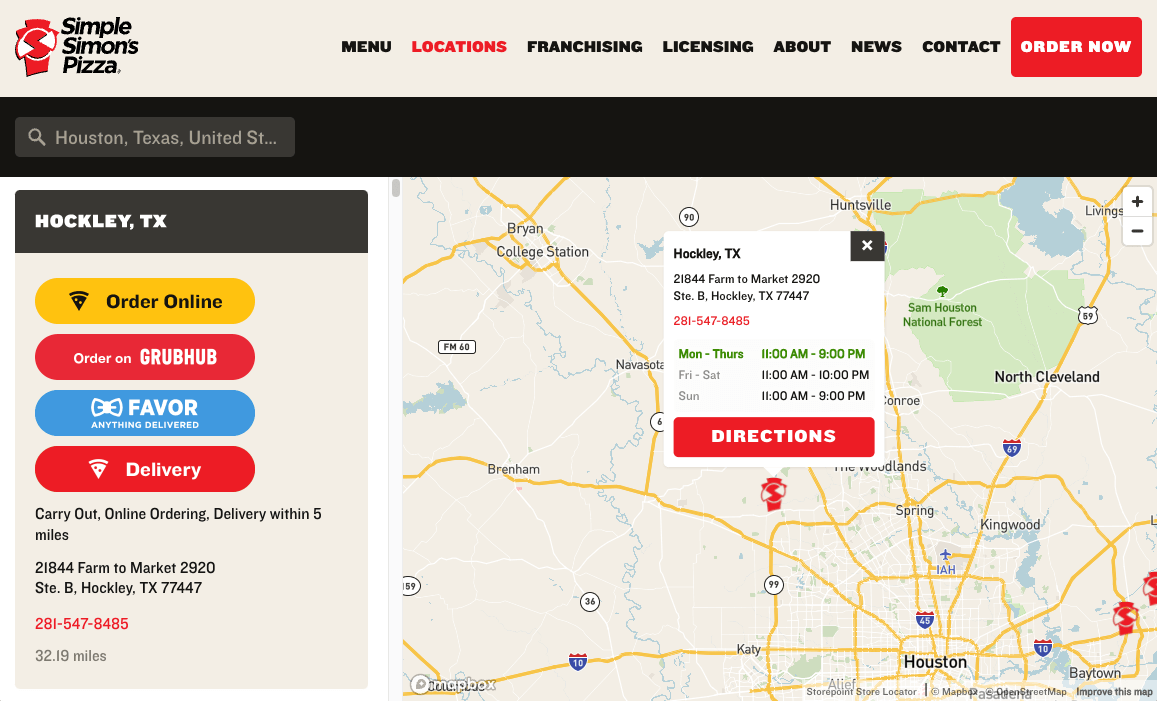
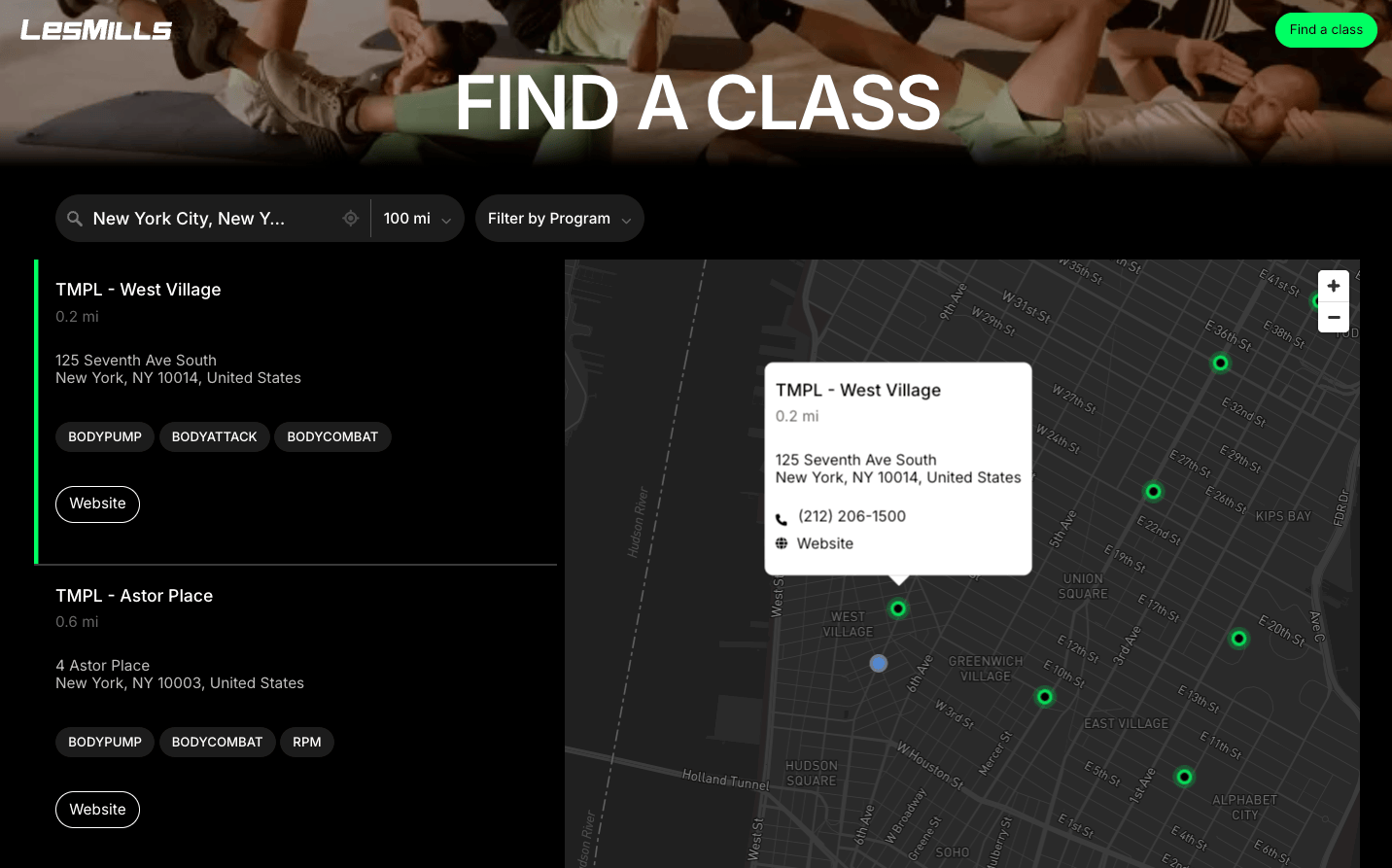
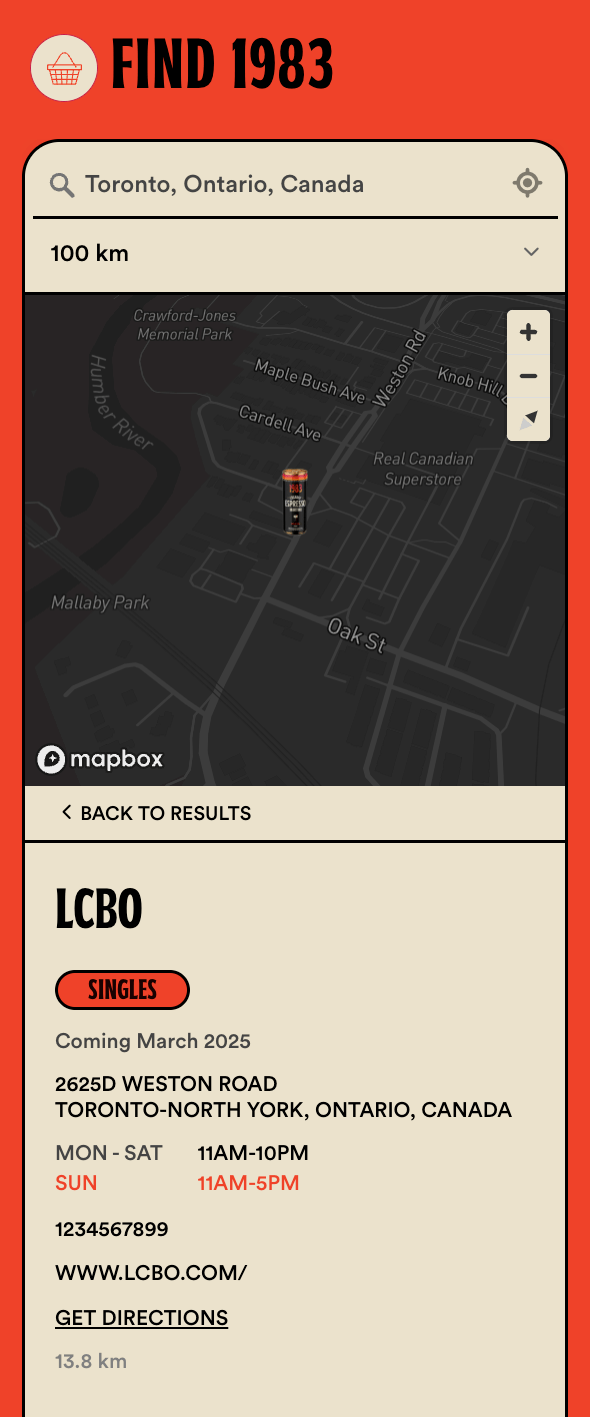
Show the details you chooseOpening hours, photos, custom fields, and buttons for calls, bookings, orders or directions.
We’ve built a store locator app that is…
…a piece of cake to manage
Easily add & edit locationsAdd a location or change its details in a few clicks.
Import from a spreadsheetUpload a CSV or Excel file. We remember your columns for next time.
Sync your location dataConnect Google Sheets, Airtable or HubSpot, and your locator updates itself.
Tags & categoriesTag locations with products, services or types, and add a color or image to each tag.
Different locations on different pagesShow locations by product, service or region on the pages where they’re relevant.
Logins for your teamInvite your team or a client, each with their own login.
Valuable metricsSee popular areas, locations, buttons and filters, and get ideas for new stores.
…delightful to use
Search by city, ZIP, postcode…Suggestions appear as people type, anywhere in the world.
Automatically show the nearestVisitors can see the closest locations as soon as the page loads.
Product & service filtersPeople find the locations that have what they need.
Search by location namePeople can find a location by its name, too.
Opening hoursShow each location’s hours, and whether it’s open right now.
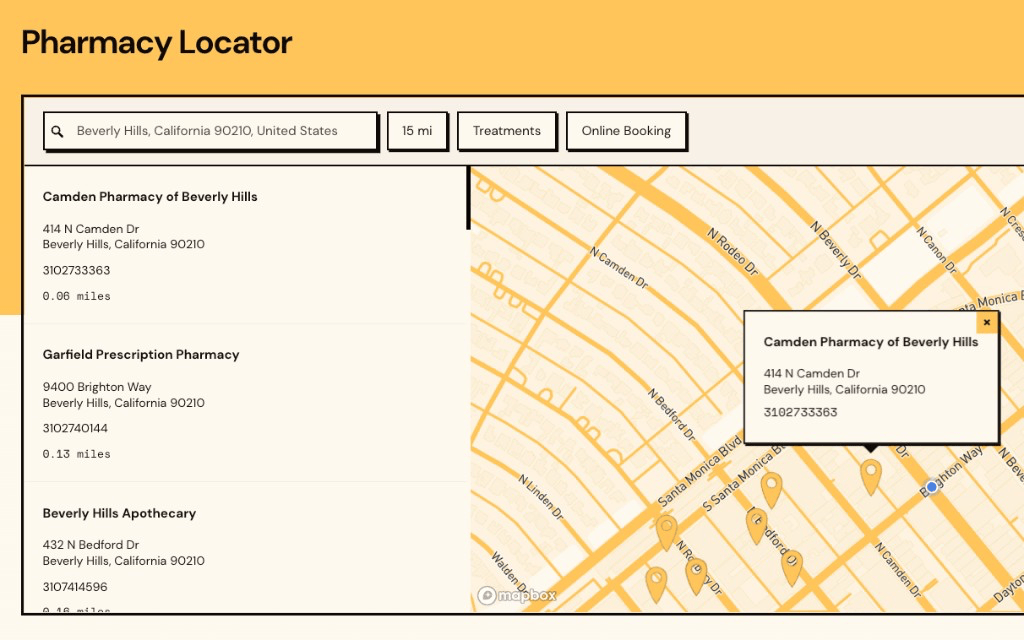
Custom fields & buttonsAdd any detail, link or button you need, like bookings, menus, quotes or directions.
Online stores & deliveryNo store nearby? Show where to buy online instead.
…beautifully designed
Free styling to match your websiteSend us your website, and our team makes your locator feel right at home.
Customize everythingSimple settings in the dashboard, and your own CSS if you want it.
Your fonts & colorsUse your website’s fonts, and match links and buttons to your brand.
Custom map pinsPick a color or upload your own image. Use a different pin for each type of location.
Map colors & stylesChoose a light, dark or grey map, or create one in your brand colors.
Your choice of layoutChoose where the search, the results and the map sit.
Your languageTranslate every word on your locator into your customers’ language.
…and looked after for you
Ready out of the boxAdd your locations, and your locator works. There’s nothing to host or fix.
Install it oncePaste one short code on your website. New features and fixes come to your locator automatically.
Integrations we look afterWhen Google Sheets, Airtable or HubSpot change, we update the integration for you, so your locations stay in sync.
Help from our teamEmail us, and a person who builds Storepoint replies.
Got ideas? We’ll work with you to build custom features. Building it into your own app? See the developer docs.
And we love them back. Shops, brands, clinics, dealers and everyone in between have built their locators with us since 2015.
5,000+
companies, from small businesses to global brands
From first click of purchase to final product was about 15 minutes of chatting with Jake. He created a beautifully customized map with basically no direction. I’m a stickler for design and the product is beautiful. Highly recommend.
MMaggieArticle One Eyewear
I love Storepoint! It’s the perfect solution for us with the flexibility to change and update locations quickly. The design is professional and clean and custom to our brand. Love the sync to Google Sheets too.
KKatie W.Web Designer
Happy new subscriber - Great platform, easy to use and excellent service!
AAnna O.Co-Founder, Arctic Power Berries
I was surfing between tabs on different store locator widgets and fumbling around aimlessly trying to customise them. Then I came across Storepoint which helped me get it to exactly what I wanted…
LLeeManaging Director, Wine & Spirits
I adapted this model to improve my provider listings worldwide. I needed something smooth, professional, customizable and easy to use (we are not tech experts). It met all those expectations and the end result is something I am proud to have on my website.
KKrystaTherapist Listings Service
Easy to use, highly customizable, very reactive and helpful team of people to work with.
BBridgette S.Marketing Manager
Super easy to use, very intuitive, and works fantastically for our needs. We rely heavily on Storepoint to drive business to our clinics.
BBrendan R.Head of IT, Healthcare
Very easy to implement and to add multiple locations. Allowed us to implement within minutes. The filtering options made it easier for our customers to see which stores were carrying which products.
AAdamOwner, Health & Wellness
Hi there! 👋
We’re the team that builds Storepoint. Got a question before you start? Email us, or book a call. We love to help.
Storepoint is a store locator app for websites. You add your locations, match the locator to your brand, and paste it on any page. Visitors search by city, zip or postcode, and find the nearest store, stockist, dealer or clinic. 5,000+ businesses have built their locators with it since 2015.
How do I add a store locator to my website?
Add your locations, choose your colors, then copy your locator from the dashboard and paste it on any page. No coding required. It works on Shopify, WordPress, Squarespace, Wix, Webflow and every other website, and most people are done in a few minutes. Stuck? Email us, or book a call, and we’ll set it up with you.
How do I manage my locations?
Add and edit them in the dashboard, or import a CSV or Excel file. Pro and Business can sync from Google Sheets, Airtable, HubSpot and Webflow CMS. You can also connect Zapier or our API, or ask Claude or ChatGPT to make changes. Every update shows on your website automatically.
Can customers filter by product or service?
Yes. Tag each location with the products, services or anything else it offers, and customers filter to find the right one. They search by city, zip, postcode or postal code, see nearby locations on the map, and get directions in one tap. No store nearby? Pro can show where to buy online instead.
Does Storepoint work as a dealer, stockist or product locator?
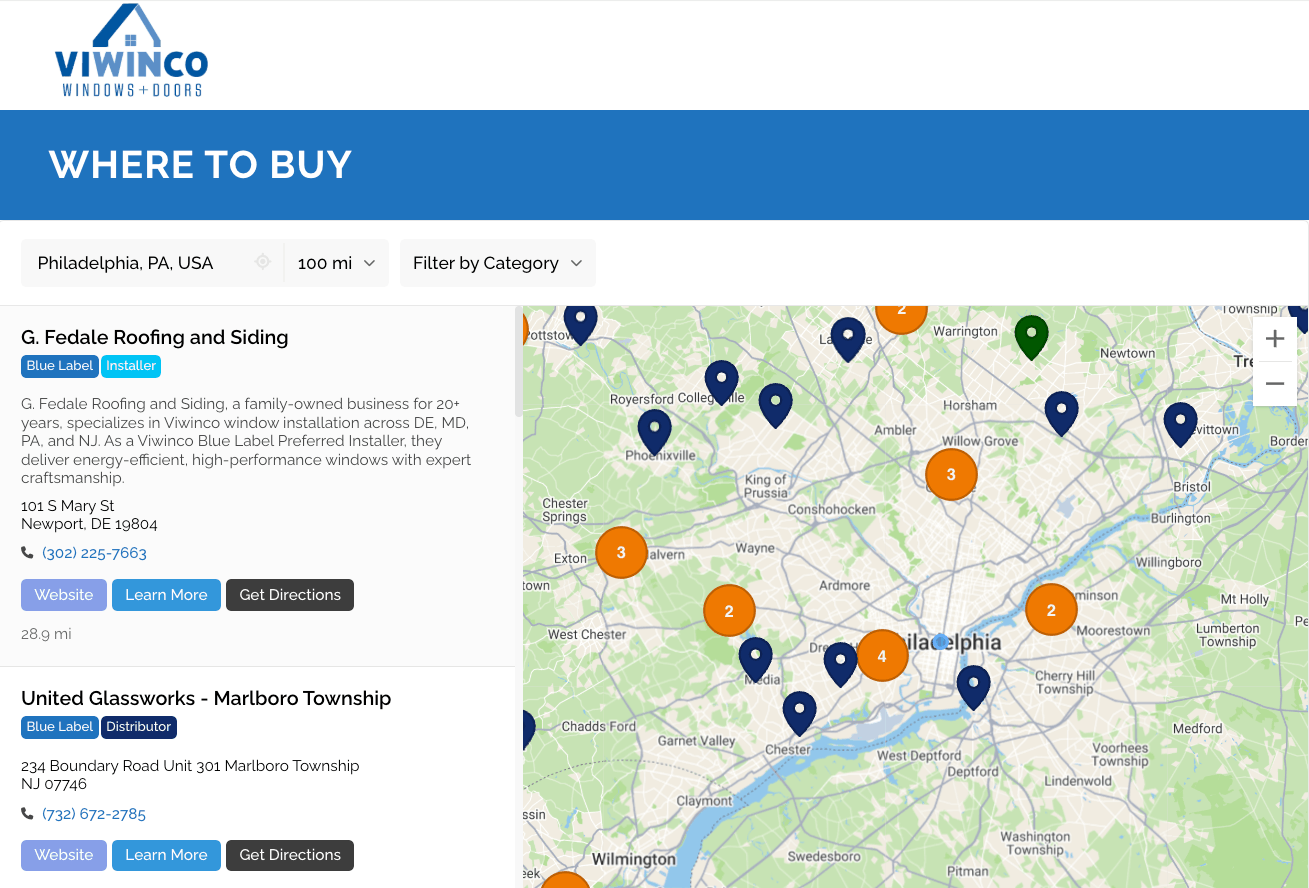
Yes. Brands use Storepoint as a dealer locator, a stockist map, or a product locator and where-to-buy page. Tag each location with the products it stocks, so customers find the right one, and put your preferred dealers first. See examples.
Can I map clinics, providers or services instead of stores?
Yes. Storepoint works for clinics, practitioners, salons, installers, classes and any other kind of location. Add filters for each specialty or service, so visitors find the right provider. Show a photo on each location, like a headshot or logo, and add custom fields for contact details or a short bio. Add buttons for bookings, quotes or anything else you need.
Can the store locator match my brand?
Yes! Choose your fonts, colors, map style, and pins in the dashboard, and designers can add CSS. Our team can also customize every detail to fit your website’s design and your brand, included free with all plans. See examples.
How much does a store locator cost?
Storepoint plans start at $25 a month for up to 200 locations. Pro is $49 a month for 2,000 locations, syncing, and analytics. Business is $99 a month for unlimited locations, territories, and team roles. Every plan includes free design customization. Compare the plans.
Does Storepoint work in my country?
Yes. Storepoint works with addresses in any country, from the UK, Germany, and the Netherlands to Canada, Australia, and Mexico. Visitors search by town, zip, postcode, postal code or address, and see distances in miles or kilometres. Every plan can show your locator in your language, and Pro can show it in more than one.
Let’s set up your store locator
Try it free for 7 days, and see it on your own website.

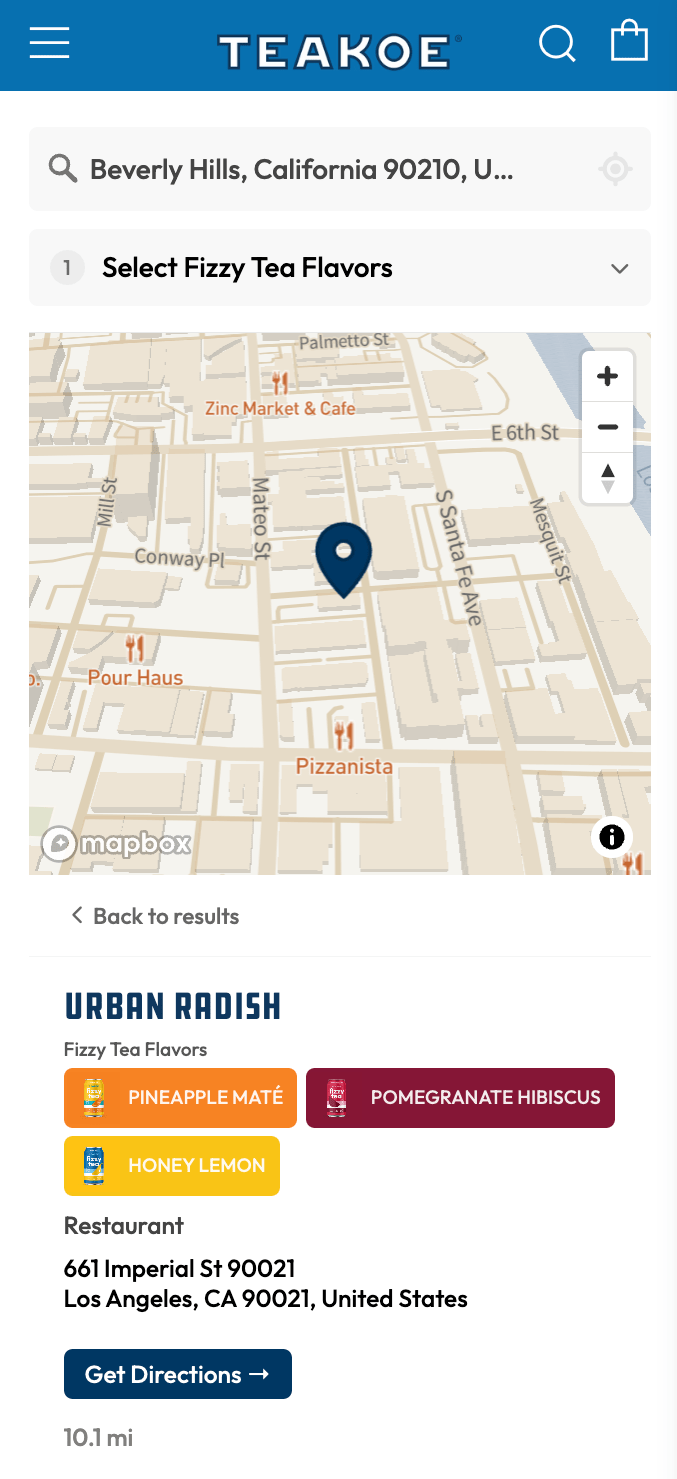
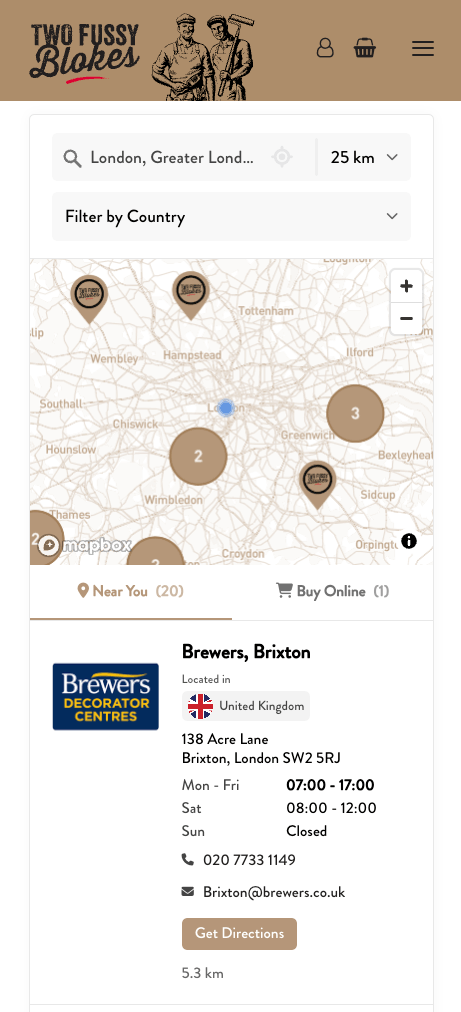

 Made In
 Tony’s Chocolonely
 Ooni
Ooni Kizik
Kizik SodaStream
 Marine Layer
 NARS
NARS Athletic Brewing
 Hedley & Bennett
 Drunk Elephant
 Kung Fu Tea
 Benchmade
 Dermalogica
 waterdrop
 Cult Gaia
 Happy Dad
 amika
amika Lemme
Lemme Krewe
Krewe Corkcicle