Webflow CMS integration

Create a store locator from Webflow CMS
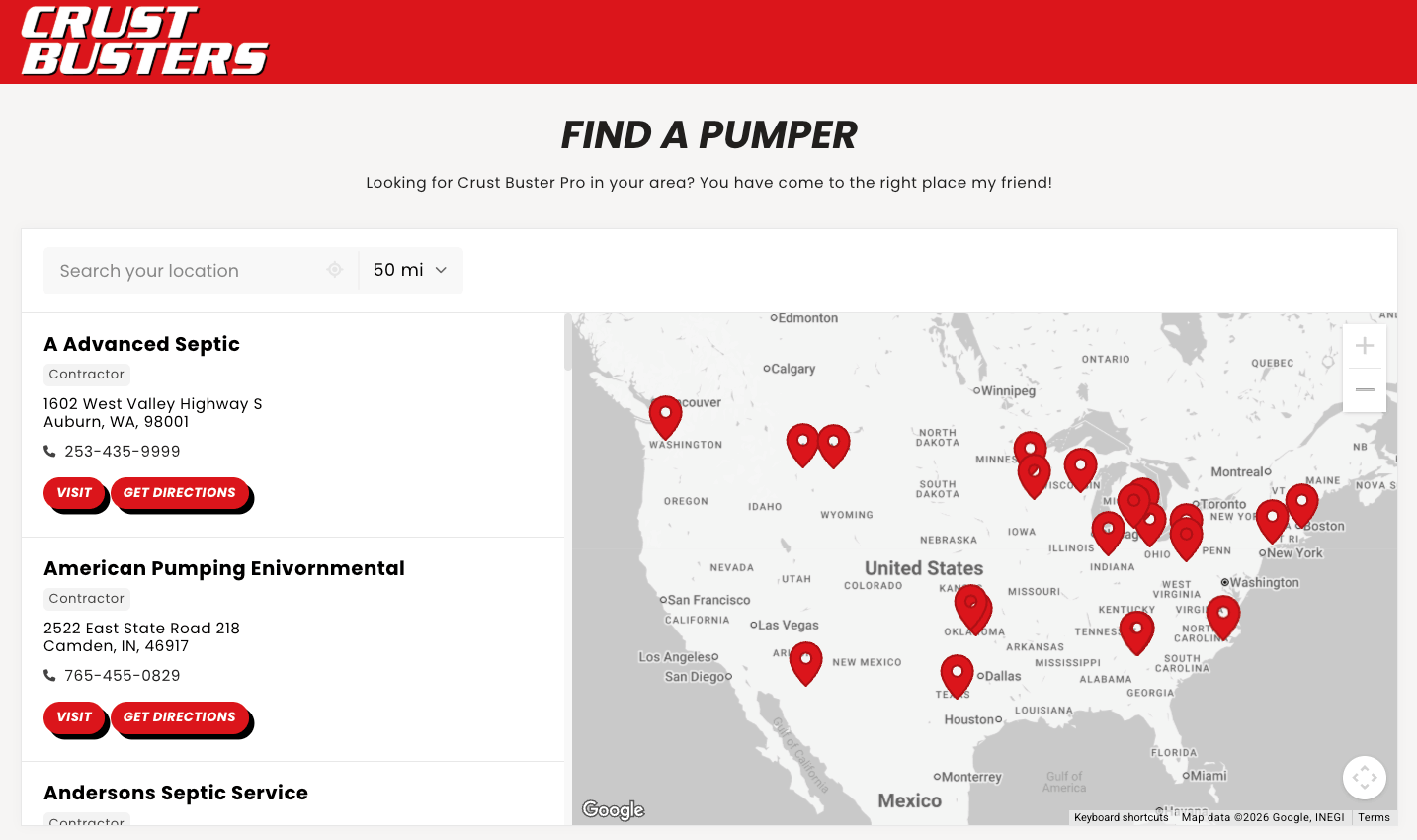
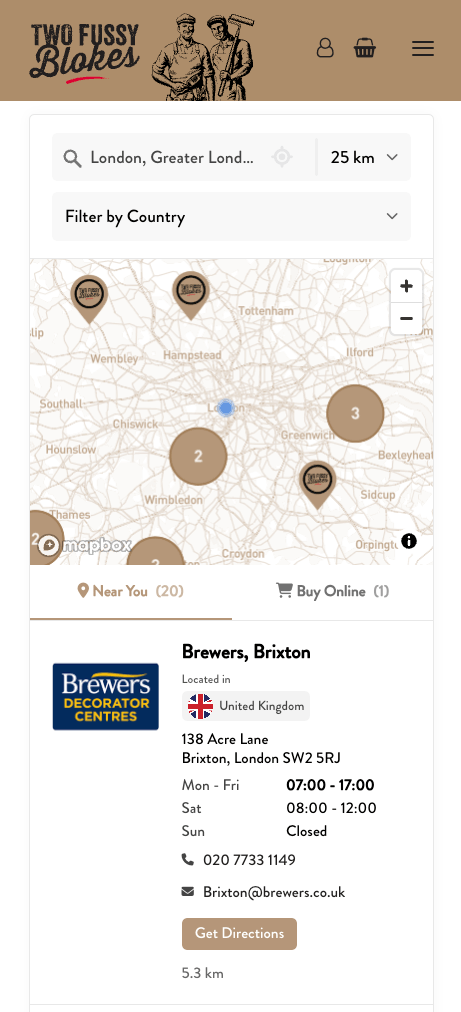
Turn the locations in your Webflow CMS collection into a searchable map for your website. Add filters and keep details up to date by editing your collection.
- 7-day free trial
- Works on any website
- Free design customization
Webflow CMS
Storepoint
A store locator built for your website
Storepoint is a store locator widget you can add to your website. Manage your locations in Webflow CMS and give visitors a searchable, filterable map of stores, dealers, branches, or other listings.
Questions about Webflow CMS and Storepoint
How can I create a searchable map from a Webflow CMS collection?
Connect Webflow to Storepoint, select your collection, and match its fields to location details. Storepoint imports the items and displays them in a map you can embed on your website. Visitors can search nearby, filter the results, and get directions.
Can I use Webflow CMS to build an events map or location directory?
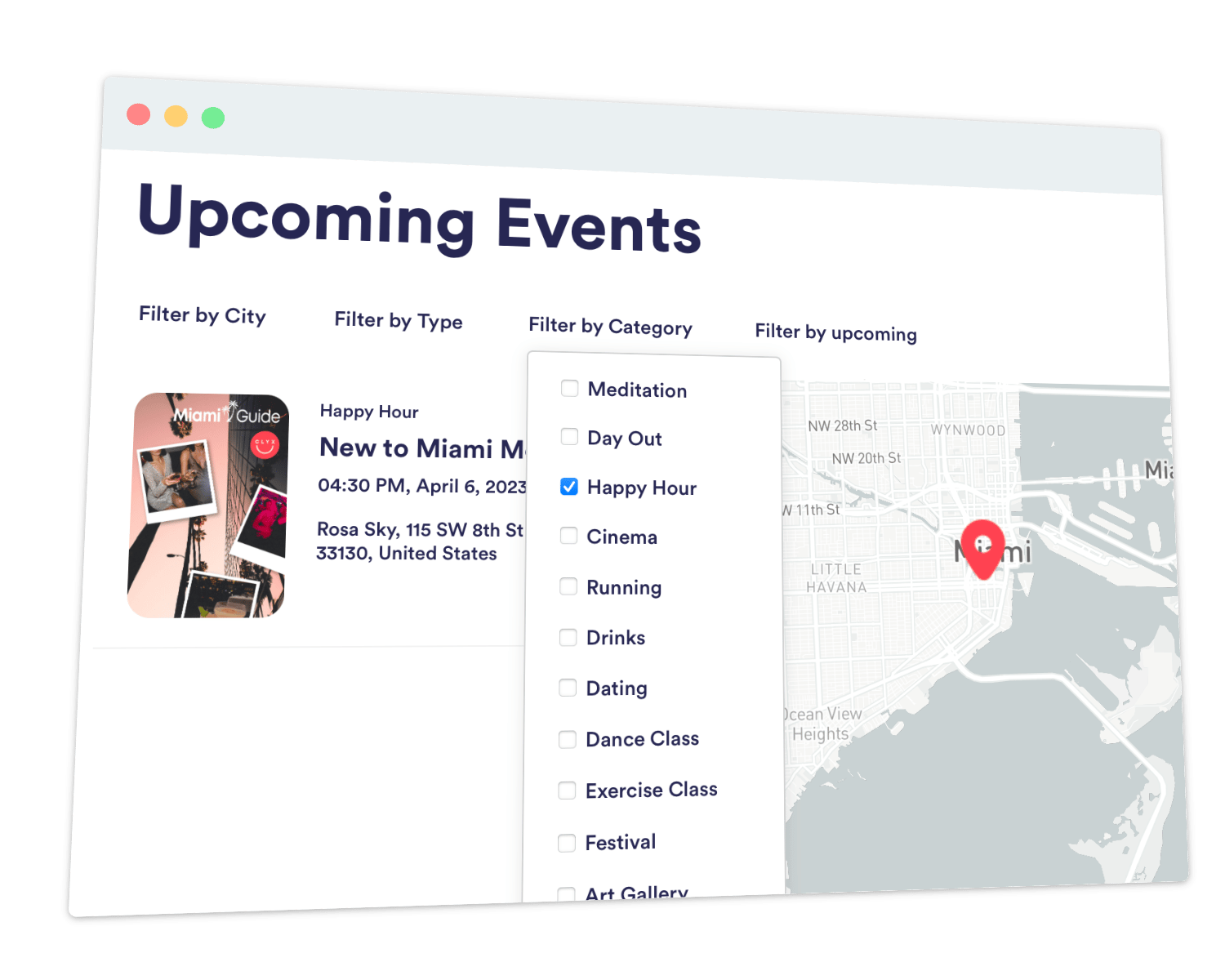
Yes. Your collection can contain stores, dealers, branches, event venues, or other listings with a physical location. Use each item’s name and address for its map listing, then add details such as descriptions, images, and links. Organize category tags into filters so visitors can find the right type of listing.
Which Webflow CMS fields can I show in my locator?
Start with a name and usable address. You can map the address as one field or combine street, city, state, postal code, and country fields. The connection also supports images, descriptions, email addresses, website links, and supported custom fields. Choose these in Collection Field Mapping.
Can visitors filter the map using my Webflow collection fields?
Yes. Map supported fields to Storepoint tags, then organize those tags into filters. Option fields can supply category labels, Switch fields can supply labels when turned on, and text fields can supply tags. For example, visitors could filter by a location’s service or an event’s category.
Will my map update when I change an item in Webflow CMS?
Yes. Storepoint imports your selected collection when you connect it. After that, Webflow item notifications let it add, update, or remove linked locations. Changes appear after they are received and processed; you do not need to replace the locator embed. Keep editing managed location details in Webflow CMS.
Is Webflow CMS sync different from adding a locator to a Webflow website?
Yes. CMS sync uses a Webflow collection as the source of your location data. Embedding places the locator on a website page. You can use both together, or use CMS data on a different website. If you only need to embed a locator, see the Webflow store locator page and embed guide.
Do I need Zapier or a developer to connect Webflow CMS?
No. Storepoint connects directly to Webflow. Authorize your account, choose the collection, and match your fields. Then copy and paste the locator into your website. The Webflow CMS setup guide explains how to prepare your collection and start syncing.