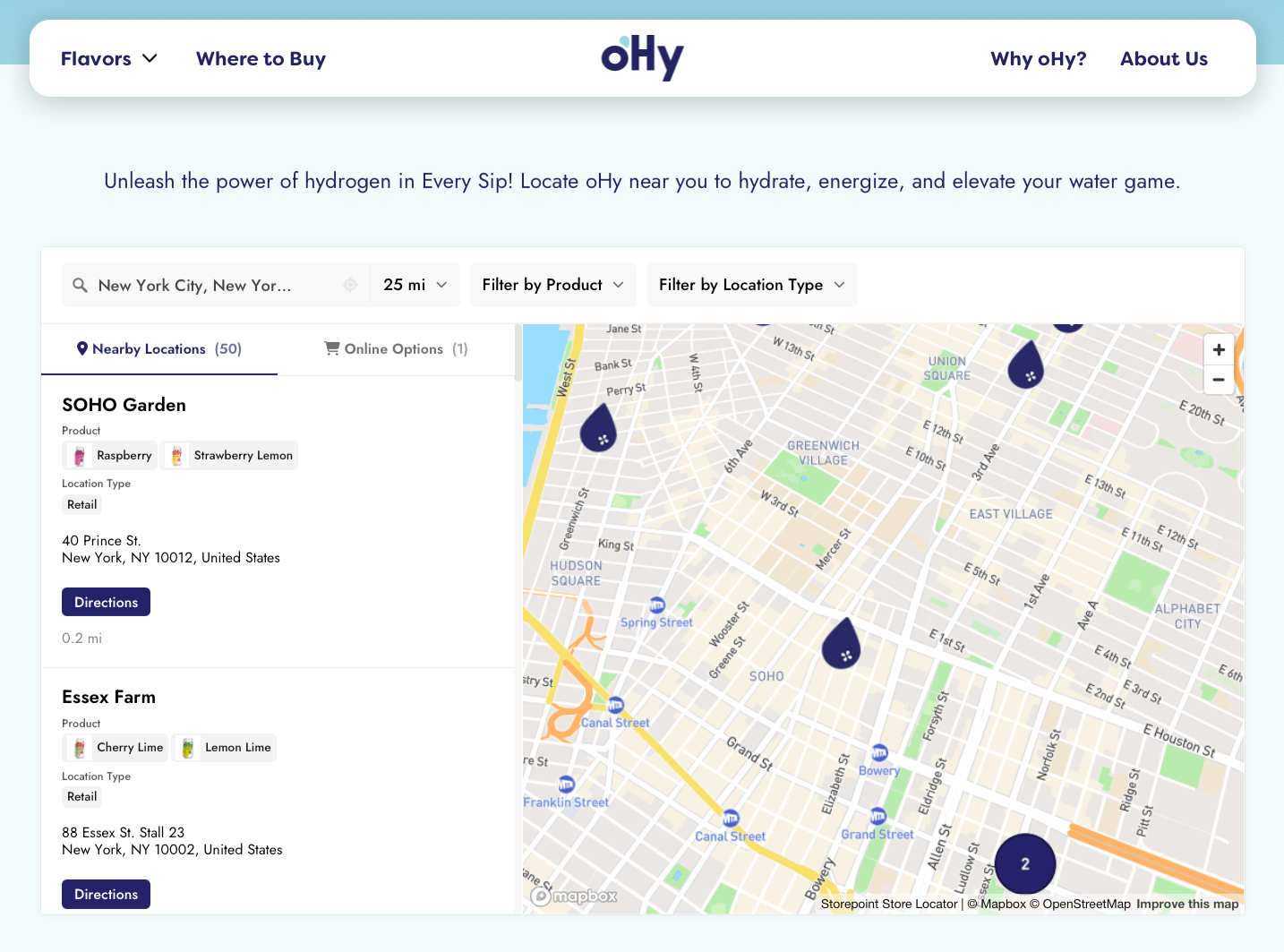
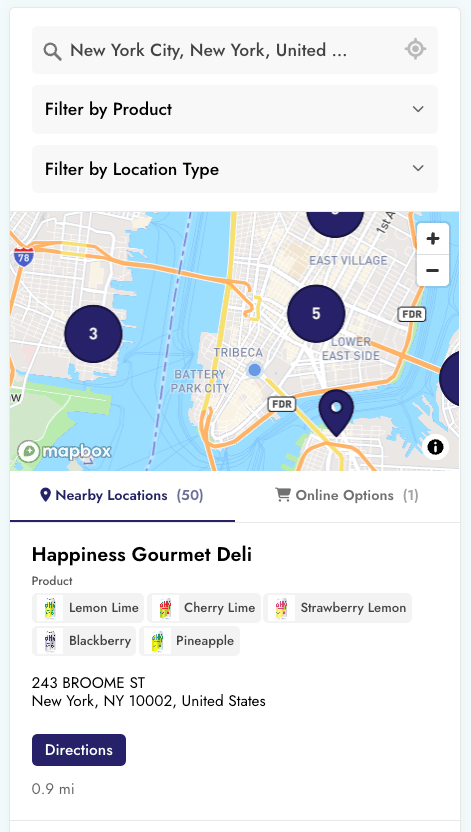
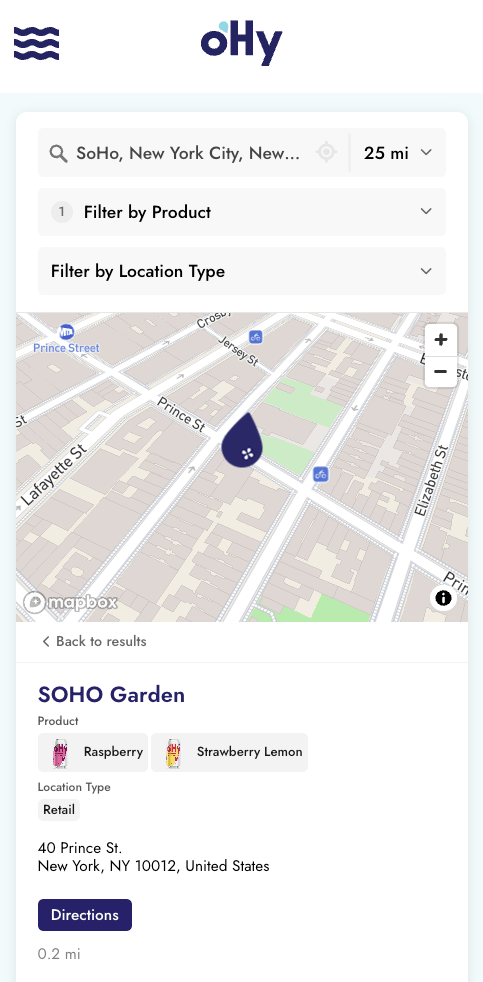



oHy’s where-to-buy page on its own website, with product and location type filters and New York stores on a colorful map
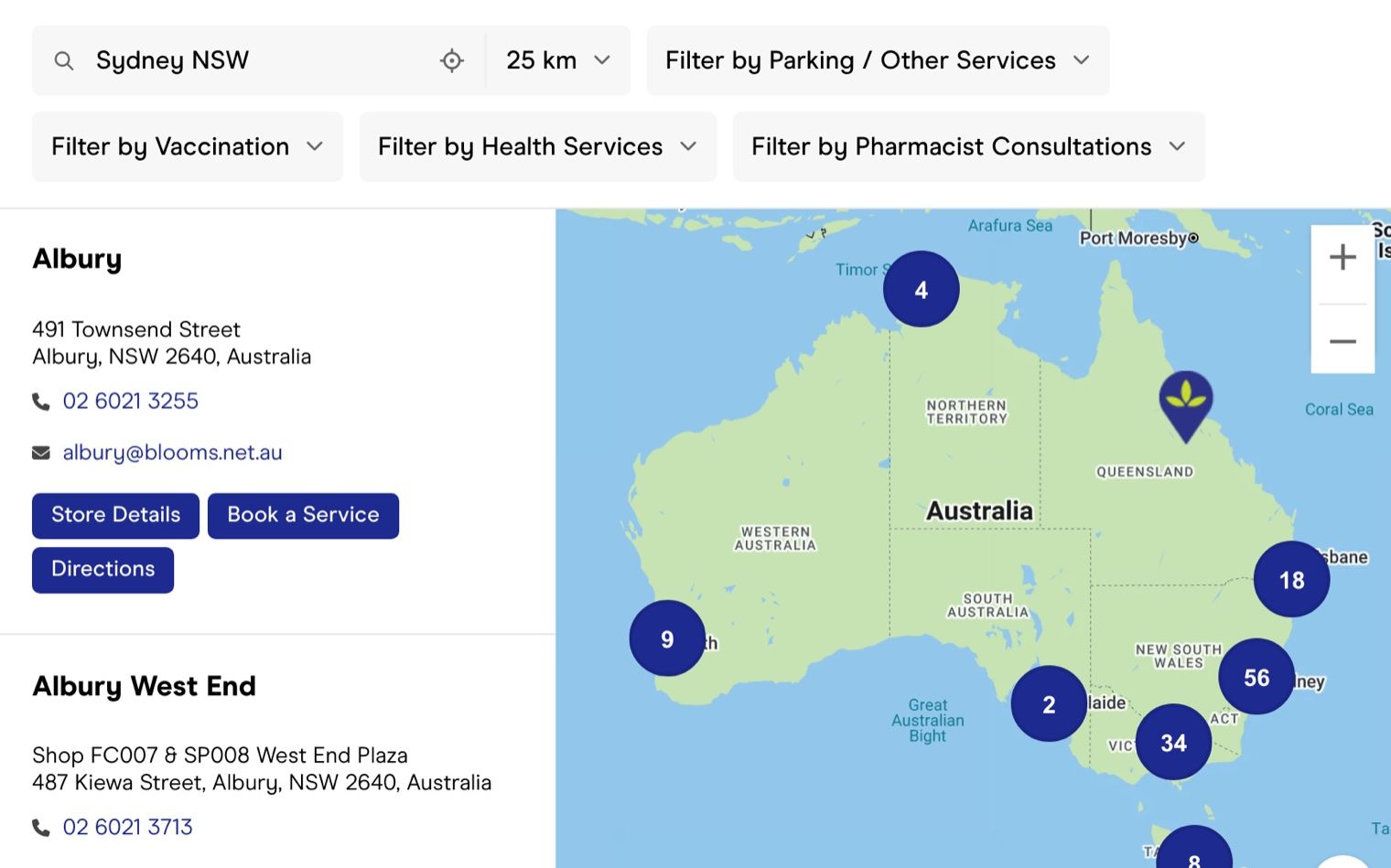
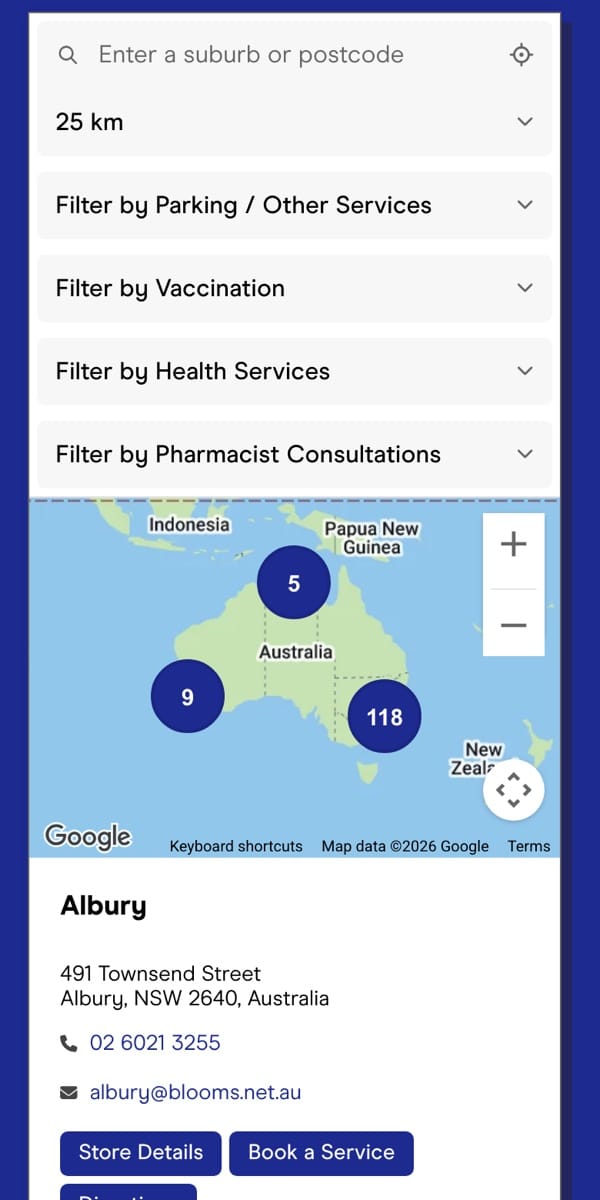
Blooms The Chemist’s pharmacy finder on BigCommerce, with filters for vaccinations and health services

Store locator for BigCommerce

A beautiful store locator
for BigCommerce

Create a store locator that looks like part of your BigCommerce theme. Set it up in minutes, with no coding.

Free design customizationTop-rated support

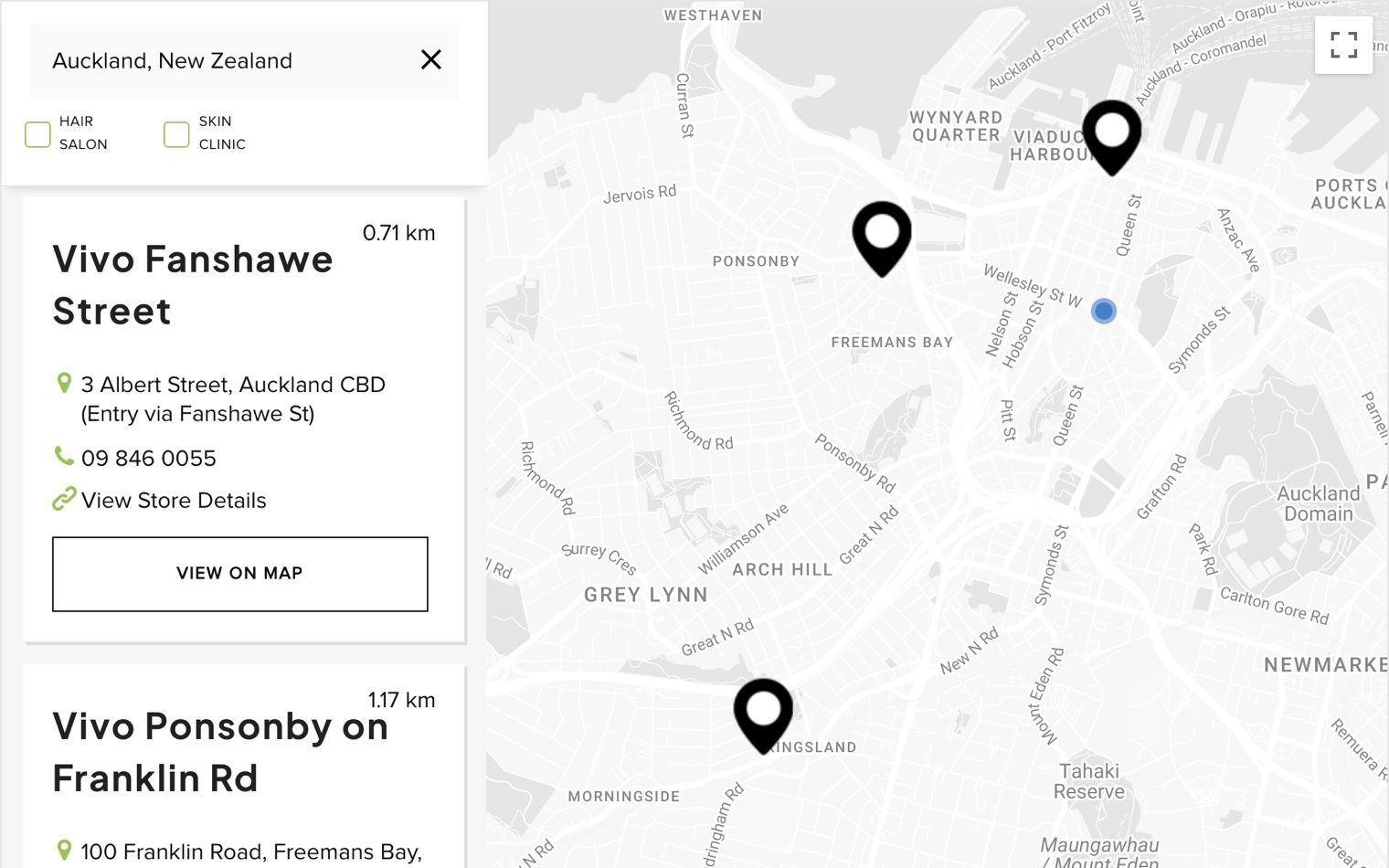
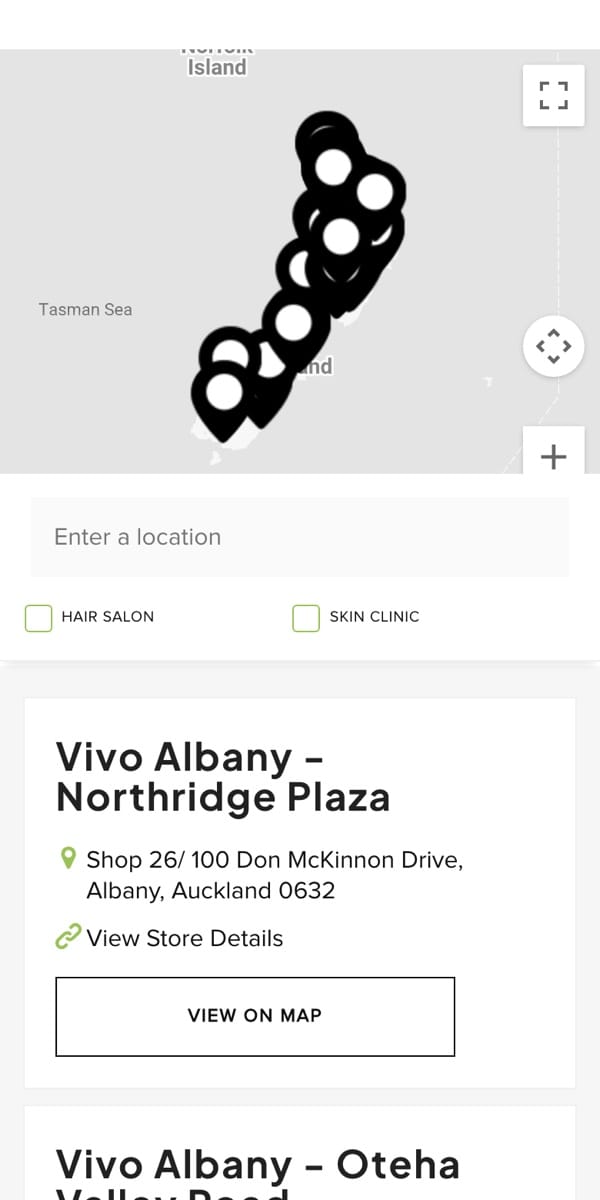
Vivo’s salon and skin clinic finder on its BigCommerce store in New Zealand, with black map pins
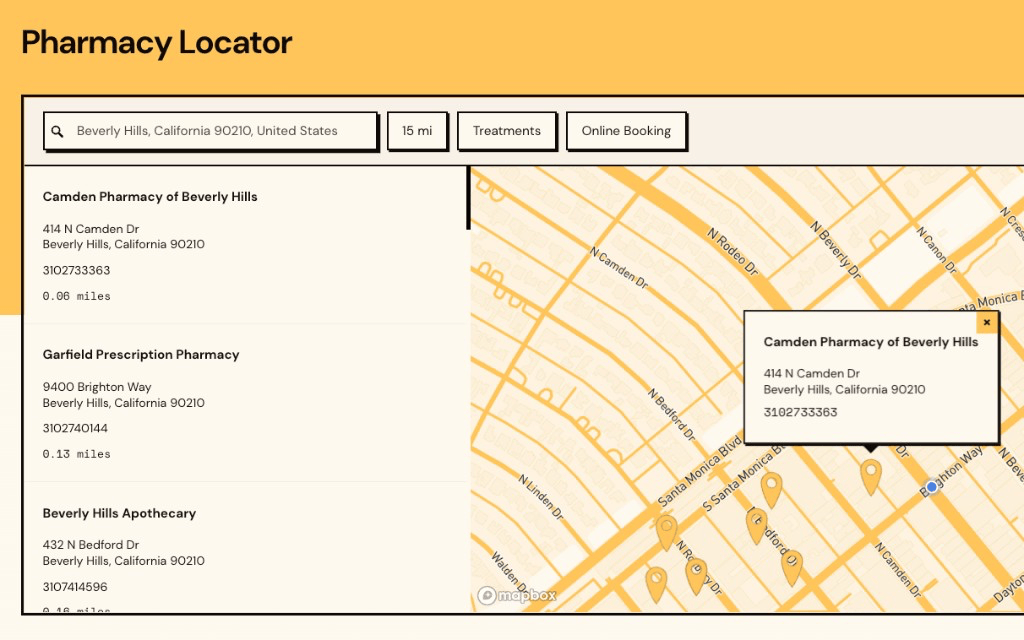
Scripted’s pharmacy locator in amber, a store locator widget with filters for treatments and online booking
The same oHy product locator on a phone. Our store locator works great on mobile
Blooms The Chemist’s pharmacy finder on a phone, with service filters
oHy’s locator on a phone, with flavor filters
Vivo’s salon finder on a phone
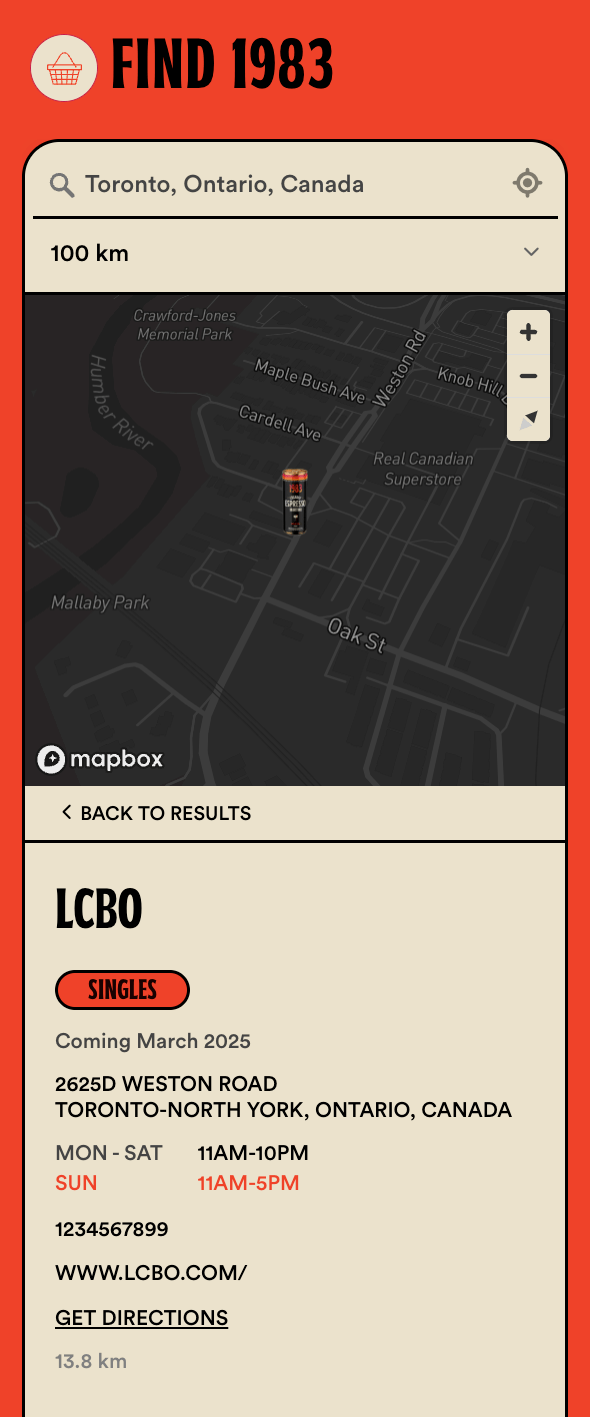
1983’s locator on a phone, in red with its can as the pin
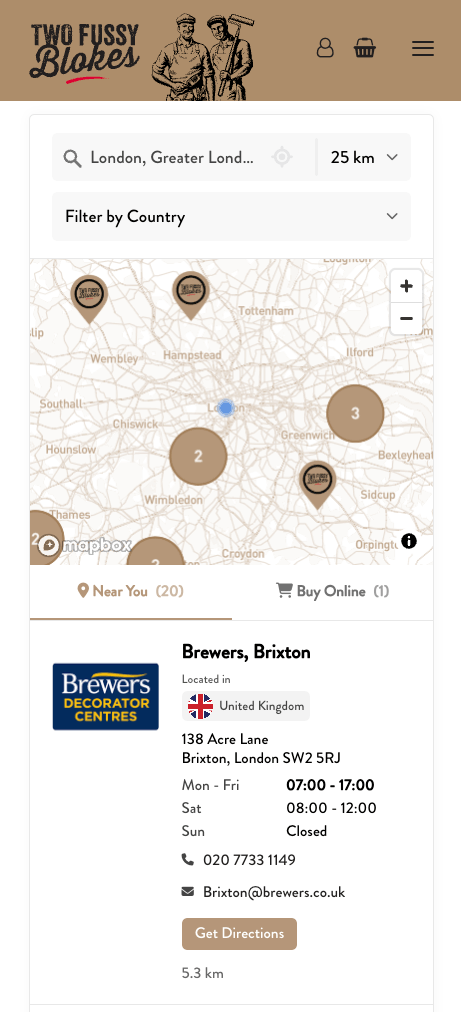
Two Fussy Blokes’ stockist locator on a phone, in tan with logo pins
“I am so thrilled to have found Storepoint because it makes my map beautiful and easy for me to update. Customers love the experience and so do I!”
Tom R.Business owner
via Capterra

Loved by 5,000+ small businesses, global brands and everyone in between.

Made In Tony’s Chocolonely Ooni Kizik SodaStream Marine Layer NARS Athletic Brewing Hedley & Bennett Drunk Elephant



Kung Fu Tea Benchmade Dermalogica waterdrop Cult Gaia Happy Dad amika Lemme Krewe Corkcicle

Add it to your BigCommerce store in minutes

  1. Add your locations

    Type them in, upload a spreadsheet, or sync from the tools you use.

  2. Make it yours

    Pick your fonts, colors, and map pins. Then choose your layout, filters, and buttons.

  3. Paste it in BigCommerce

    Add it to any page with Page Builder. Any updates after that are automatic.

What makes our store locator app unique?

Besides everything you can customize yourself in the dashboard, our team can customize every detail of your store locator to fit your website’s design and your brand – included free with all plans & no coding required whatsoever.

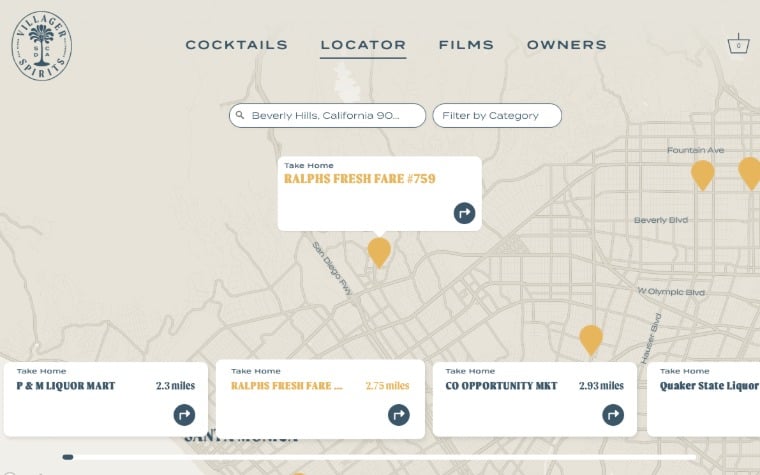
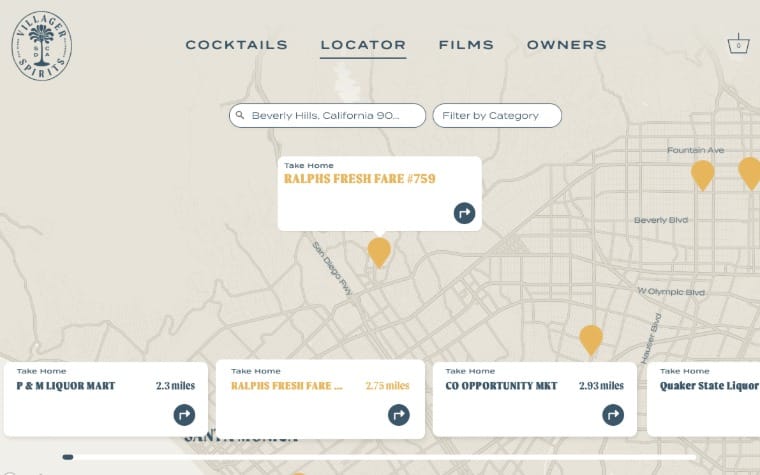
  • Villager Spirits’ store locator app as a full-screen map in sand and gold, with search on top and store cards along the bottom
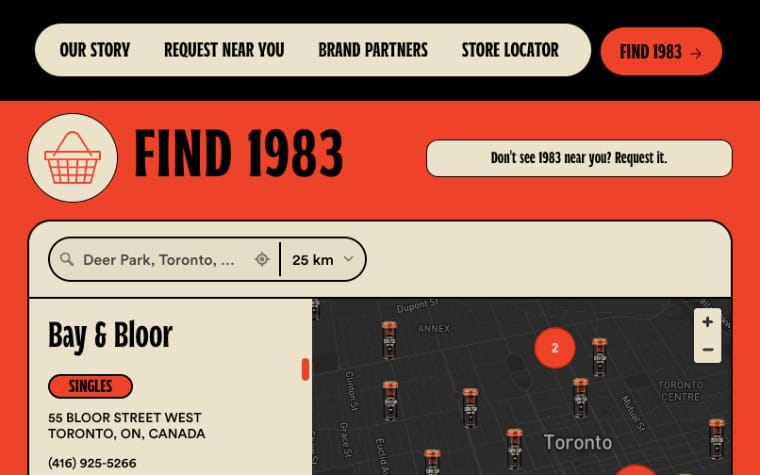
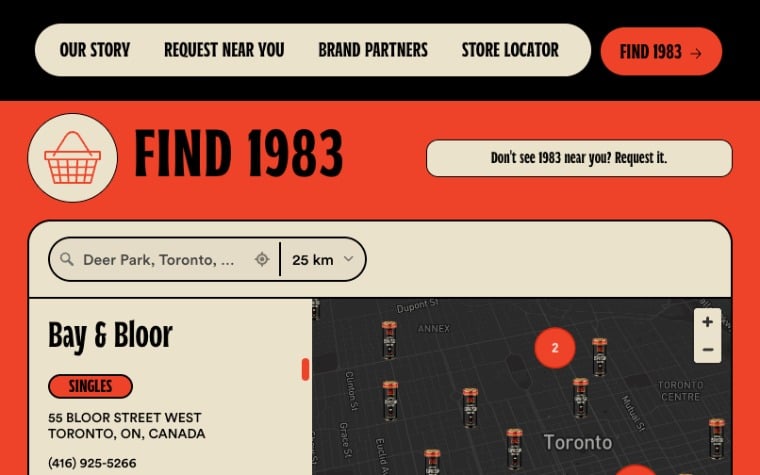
  • 1983’s store finder on its own website, headed “Find 1983”, with Toronto stores and its can as each map pin on a dark map
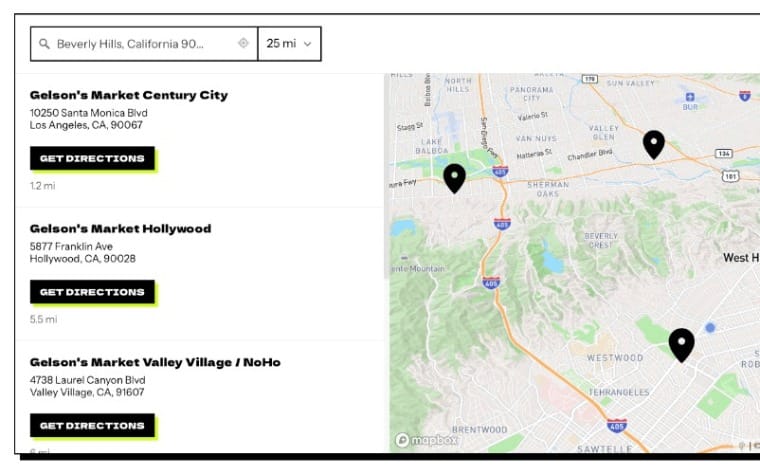
  • Dirty Is Better product locator showing Gelson’s markets carrying its greens, with addresses and directions
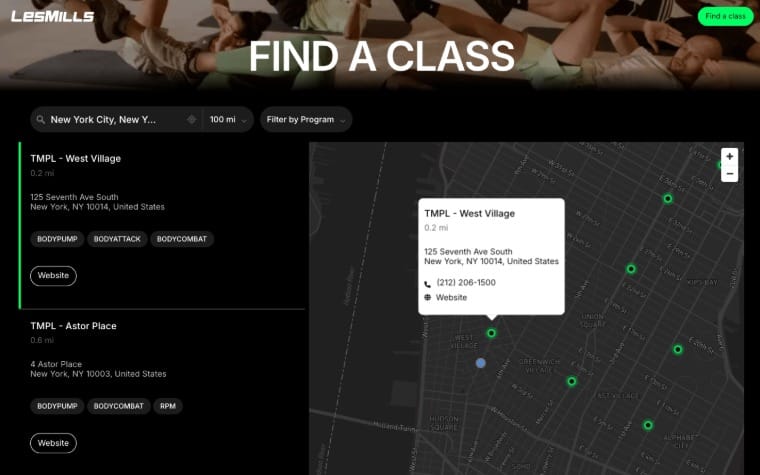
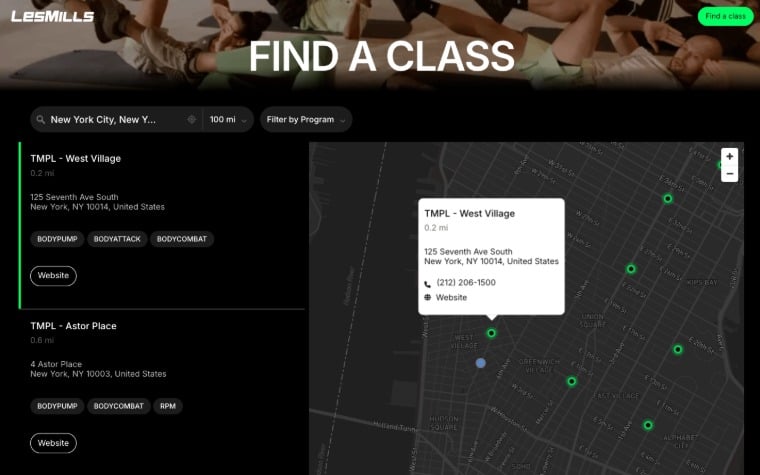
  • Les Mills’ class locator in black, with green pins on a dark map and filters for each class

Our customers love using Storepoint

From first click of purchase to final product was about 15 minutes of chatting with Jake. He created a beautifully customized map with basically no direction. I’m a stickler for design and the product is beautiful. Highly recommend.
M MaggieArticle One Eyewear
I love Storepoint! It’s the perfect solution for us with the flexibility to change and update locations quickly. The design is professional and clean and custom to our brand. It’s affordable and their customer service is exceptional! Love the sync to Google Sheets too.
K Katie W.Web Designer
Very easy to implement and to add multiple locations. Allowed us to implement within minutes. The filtering options made it easier for our customers to see which stores were carrying which products.
A AdamOwner, Health & Wellness
I was surfing between tabs on different store locator widgets and fumbling around aimlessly trying to customise them. Then I came across Storepoint which helped me get it to exactly what I wanted…
L LeeManaging Director, Wine & Spirits
Super easy to use, very intuitive, and works fantastically for our needs. We rely heavily on Storepoint to drive business to our clinics.
B Brendan R.Head of IT, Healthcare

Hi there!

We’re the team that builds Storepoint. Got a question before you start? Email us, or schedule a call. We love to help.
J Jake and the Storepoint team[email protected]

Simple pricing, flexible plans

7-day free trial. Cancel anytime.

Starter

$25/ month

Try it free
  • Includes

Business

$99/ month

Try it free
  • Everything in Pro, plus:
View full pricing details and compare plans Need a custom or enterprise plan? Contact us for custom options.

How do I add a store locator to BigCommerce?

It’s easy! First, add your locations in Storepoint. Then copy your store locator from the Embed page in your dashboard. In BigCommerce:

  1. Go to Storefront › Themes, and select Edit in Page Builder.
  2. Open your page, and drag an HTML widget onto it.
  3. Paste your store locator, then publish.

That’s it! It works with Cornerstone and every other Stencil theme. No coding required. See our step-by-step BigCommerce guide.

Do I need a BigCommerce app?

Nope! BigCommerce doesn’t come with a store locator for shoppers, but you don’t need an app to add one. You add Storepoint with one copy and paste. It never asks for access to your orders, customers or products.

How do I manage my locations?

You get a simple location management dashboard. Add and update your locations the way that works best for you:

  • Add and edit locations directly in your dashboard.
  • Upload a spreadsheet, like a CSV or Excel file.
  • Sync from Google Sheets, and your locator updates itself.
  • Connect Airtable, HubSpot, Zapier and other integrations.
  • Ask ChatGPT or Claude to make changes for you.

It’s easy, and every change shows on your store automatically.

Can I use it as a dealer locator or where-to-buy page?

Absolutely! Brands use Storepoint as a dealer locator, a stockist locator, or a where-to-buy product locator. Tag each location with the products it sells. Then add product images and filters, so shoppers find your products in stores near them. You can also show your top dealers first. See examples.

Can the store locator match my BigCommerce theme?

Yes! You can customize almost everything in the dashboard: fonts, colors, buttons, layout, map themes, map pins and a lot more. Designers, you can edit your own CSS as well, and we make it easy. We can also take the customization a step further. Included free with all plans, our team can make sure your store locator uses the exact fonts as the rest of your store, matches your theme and blends in with your branding. See examples.

Does Storepoint work in my country?

Yup! Storepoint works with locations all over the world. Visitors can search by address, city, zip code, postal code, postcode, pin code and much more. Distances show in miles or kilometers automatically, or you can choose one. You can even limit search suggestions to the countries you serve. Serve multiple markets? Create translated versions of your store locator.

Let’s set up your store locator on BigCommerce

Free design customization and support included.

  • 7-day free trial
  • Cancel anytime
  • Plans from $25 a month
“I’m a stickler for design and the product is beautiful.”
Maggie, Article One Eyewear
Blooms The Chemist’s pharmacy finder on BigCommerce Villager Spirits’ where-to-buy store locator, a full-screen map in sand and gold Vivo’s salon finder on BigCommerce

Enjoy the rest of your Tuesday!

Any questions? Contact us or schedule a call, and we’ll set it up with you.

Create your store locator