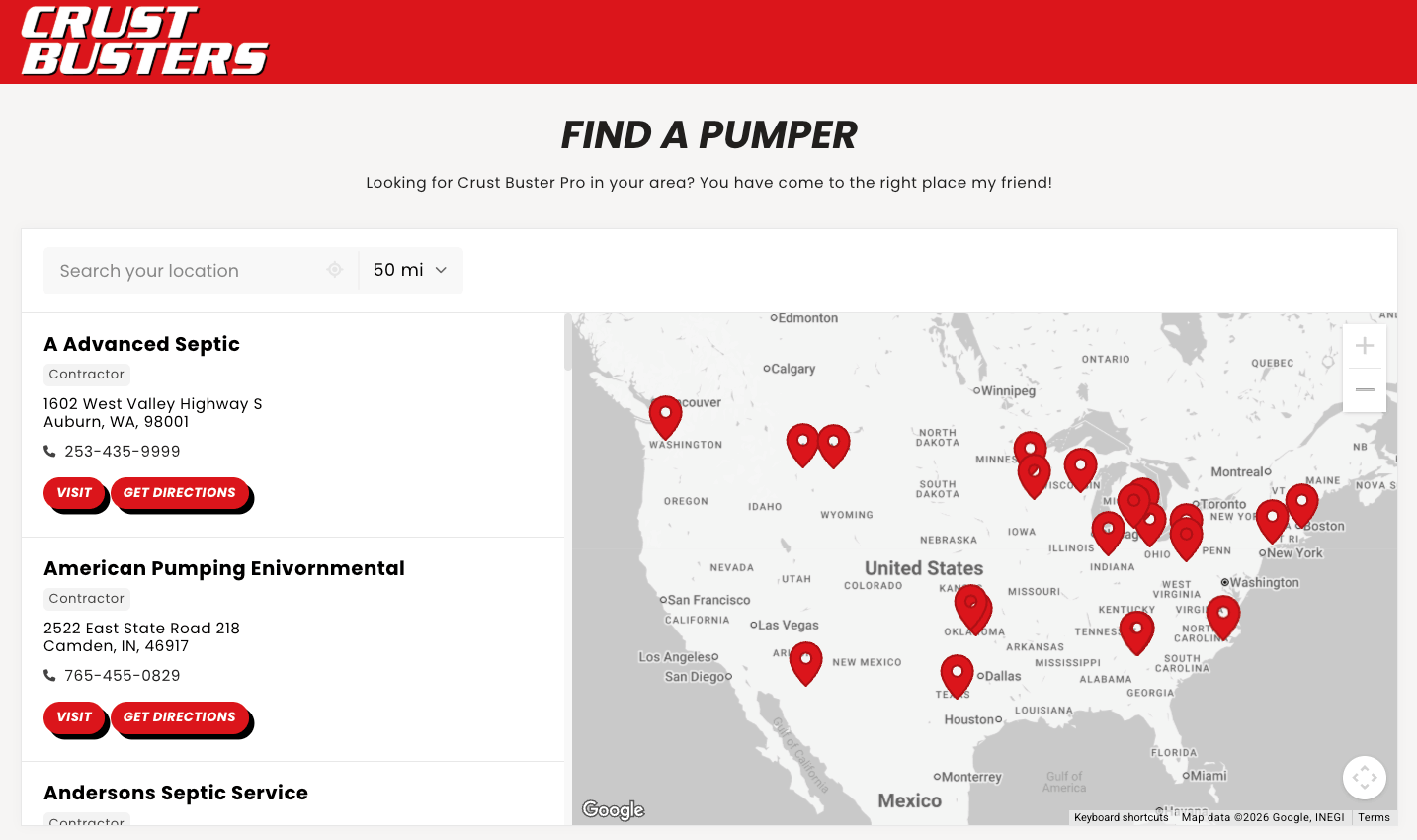
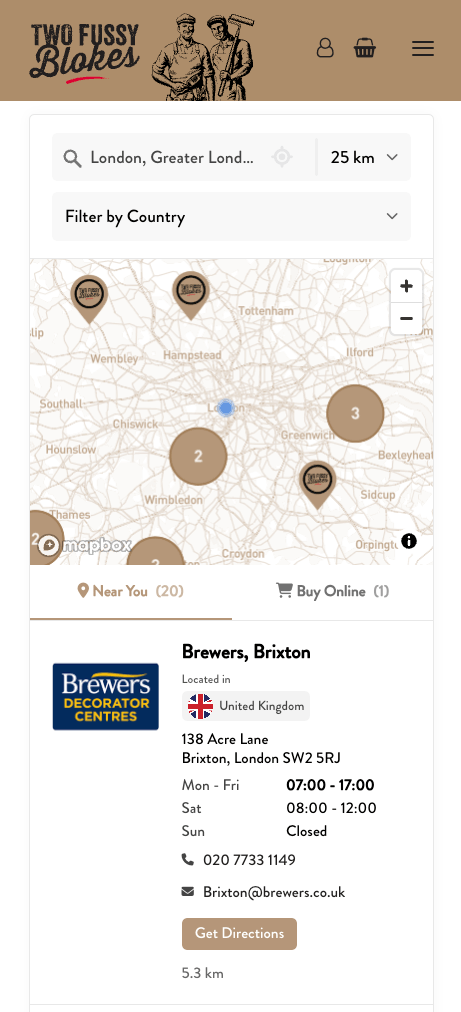
Add your locations
Add your shops, dealers or clinics. Type them into the dashboard, import a spreadsheet, sync a Google Sheet, or connect your own system.
Platforms
Storepoint works on every website platform. With a single copy-paste, you get a locator map wherever you need it.
Don't see your platform? Storepoint still works there: if the page takes an HTML block or a code snippet, it takes your locator, just copy-paste our snippet and you're good to go. If you're unsure, ask us and we'll check it for you.
Don't see your platform? Storepoint works anywhere you can add an HTML embed or a code block. Not sure? Send us your site and we'll tell you where the code goes.
How it works
Add your shops, dealers or clinics. Type them into the dashboard, import a spreadsheet, sync a Google Sheet, or connect your own system.
Set your filters, search, map style, markers, colors and more. Brand design matching is free on every plan, so we make it fit your brand's theme.
Copy-paste our snippet into your website and your locator is ready to go. Change anything later and it updates on your page by itself.
or see examples
Thousands of brands and organizations of every size, on every kind of site, love Storepoint.
I needed something smooth, professional, customizable and easy to use. We're not tech experts. It met all those expectations and the end result is something I'm proud to have on my website.
Very easy to implement and to add multiple locations. The filtering options made it easier for our customers to see which stores were carrying which products.
Oh wow, that was ridiculously easy. Thank you for creating a great app.
















Questions
Storepoint store locator app works on every website platform that lets you add custom content to a page. We have guides for all major platforms and for others, you can follow our general instructions to copy-paste our embed snippet into a HTML block in your page editor. It's the same as adding a youtube video or image, for example, and you only need to paste the code once. All updates to your locations or locator settings get updated automatically on your page.
Almost certainly, yes. The only thing your platform needs is a way to add custom content to a page, and nearly every platform has one. In your page editor, look for a block called "HTML", "custom HTML", "code" or "embed", usually in the same menu you'd use to add an image or a video. Paste our snippet in there and your locator shows up on the page.
Our general setup guide walks through it in a few steps. If you'd rather we check first, send us your site at [email protected] and we'll tell you exactly where the code goes on your platform.
Storepoint includes its own maps and search with reasonable usage limits, so you don't need to set up a third party service. However, if you'd like to use Mapbox Maps or Google Maps and their respective search & autocomplete services, you can easily link your Mapbox or Google account to Storepoint to use their maps and search suggestions on your locator widget.
No coding needed. Storepoint is built so anyone can create a powerful locator they're proud of. Drag and drop your spreadsheet or CSV, or sync a Google Sheet, and your locations are in. From there you can go as far as you like: add filters, custom buttons and your own details on each location, then style it with your map theme and pins to match your brand. It's all point and click.
However, if you'd like a developer involved, they can connect your own system or drive the locator from your own code with our API. That part is entirely optional, and nothing about your locator needs it.
Yes. Storepoint automatically uses your website's fonts, and you set your colors, buttons, map style and custom pins in the dashboard. So your store locator plugin looks like a real part of your site, instead of something sitting on top of it.
Brand matching is also free on every plan. Send us the page it is going on and we will match the locator to your brand for you.
Designers can take it further. Every part of the locator is straightforward to restyle in CSS, in the dashboard editor or in your own stylesheet.
Yes. See our examples which are all active on customer sites, across different platforms. Built on Shopify, WordPress, Webflow, Squarespace and Wix among others, so you can see how the locator sits inside a real design page.
Yes, and plenty of brands do. The same locator goes on your find-a-store page, on a product page showing only the shops that carry that item, and on a where-to-buy page. Filters decide what each one shows, and it is one account and one bill however many pages you use it on.
Yes. Sync a Google Sheet and your team keeps working in the sheet, or connect Webflow CMS so your locations stay in Webflow. Teams on HubSpot, a CRM or their own database use the API to push updates across.
Usually not. The same locator goes on as many sites and pages as you like, and tagging your locations lets you embed a filtered view instead, so one page shows a single product line while another shows every stockist.
A separate brand or company is where a second locator makes sense. It keeps its own locations, design and settings, both sit under one login so you can switch between them, and each carries its own plan.
No. Your page loads first and your locator loads alongside it, so nothing on your site is waiting on us. Speed is a big priority for us, because it's your visitors who feel it: searching, filtering and panning the map should feel instant on a phone as much as on a desktop.
Big locators stay fast too. Storepoint powers locators from a couple of locations to 100,000+, and we put a lot of work into keeping them quick to search and browse, however many locations you add.
Your locations, design and settings live with us rather than in your old site, so a rebuild does not touch them. Paste the same code into the new site and your locator carries over. Here is the walkthrough.
Get started with a free trial today. Includes free design matching and support from the team who built it.