CSVExcelSheets
Your locations
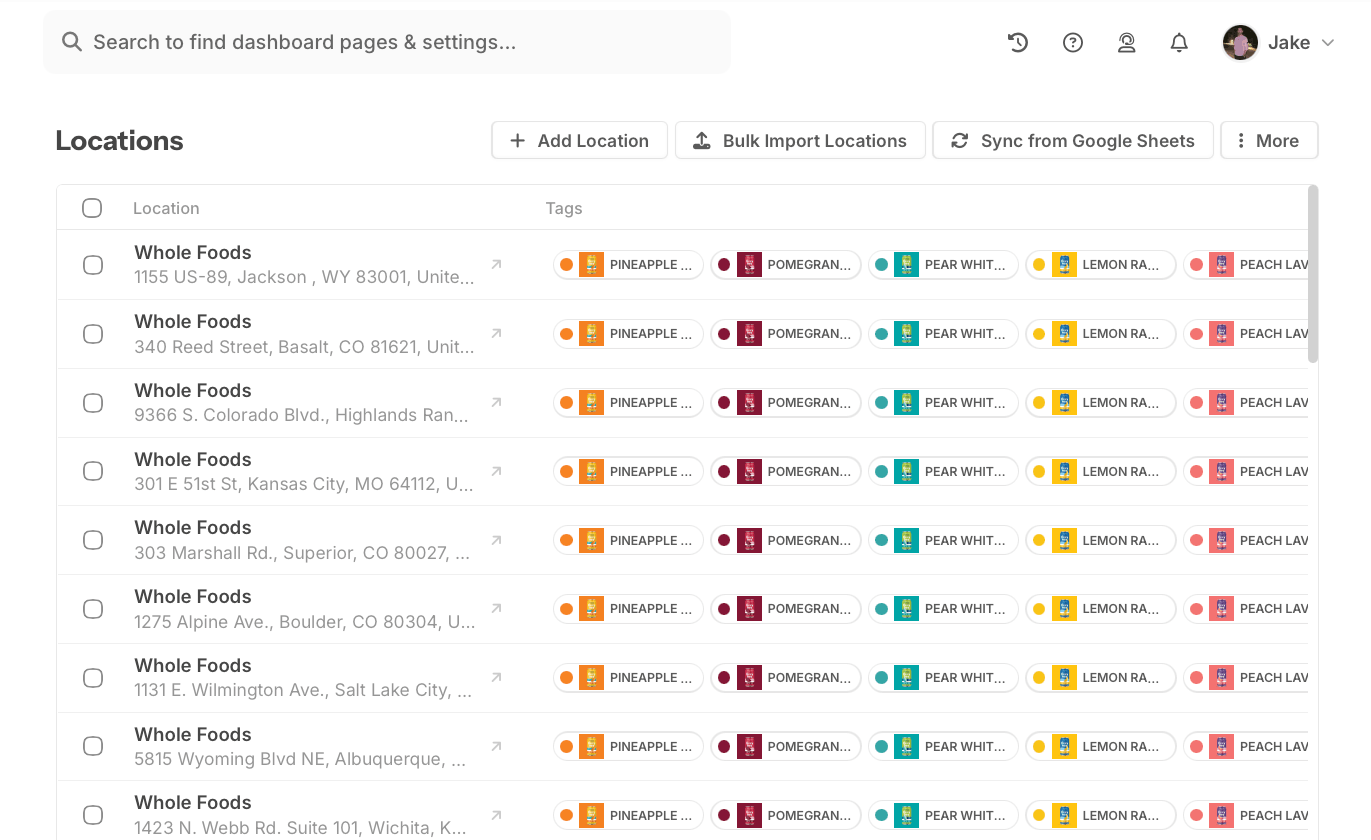
Add your locations.
Upload a spreadsheet, sync your data, or add locations one at a time.
Storepoint for Unbounce
Help visitors find a store, dealer, or service near them. Add a map that matches your page, with filters and buttons to call, book, or get directions.
Plans from $25/month. Free brand matching included.
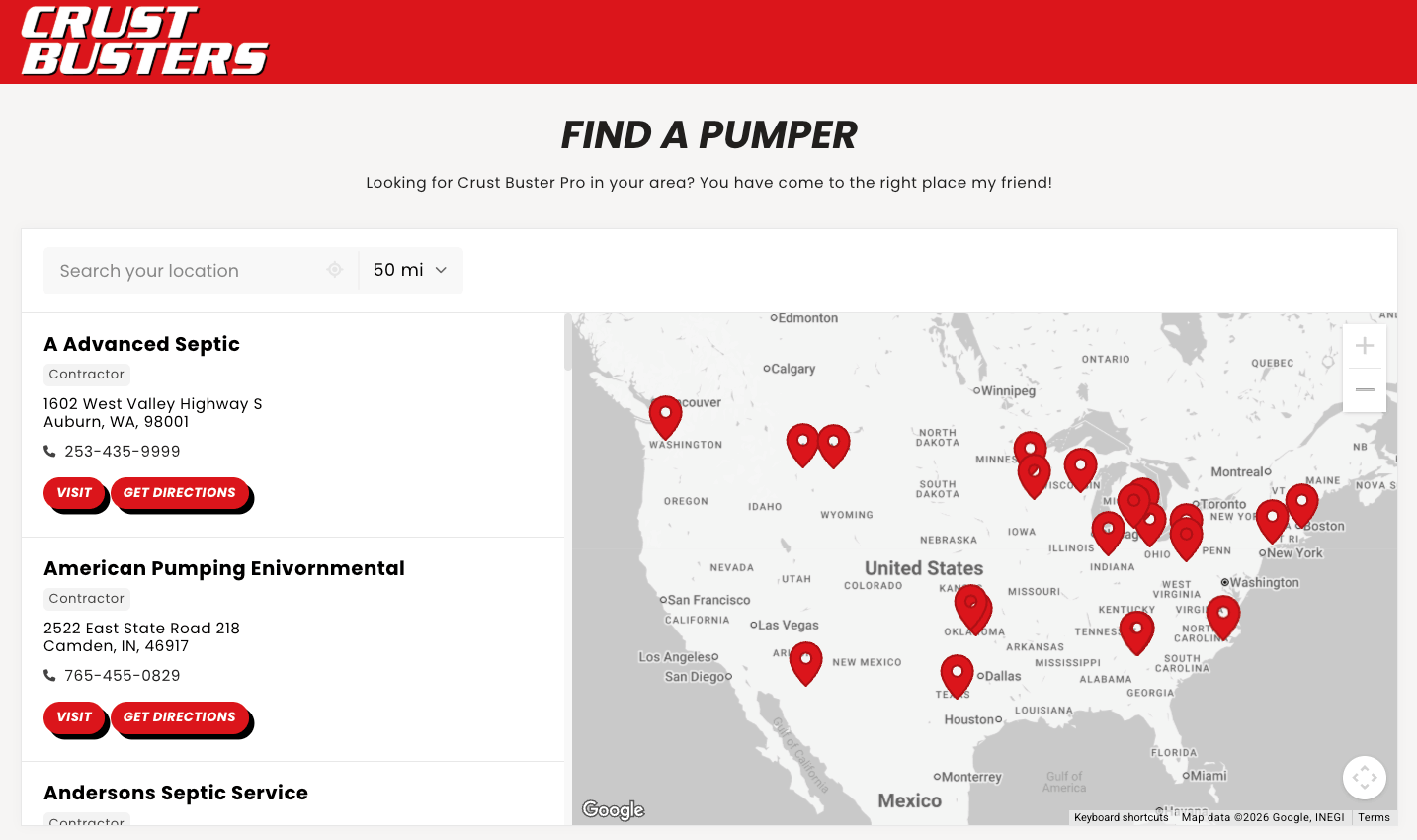
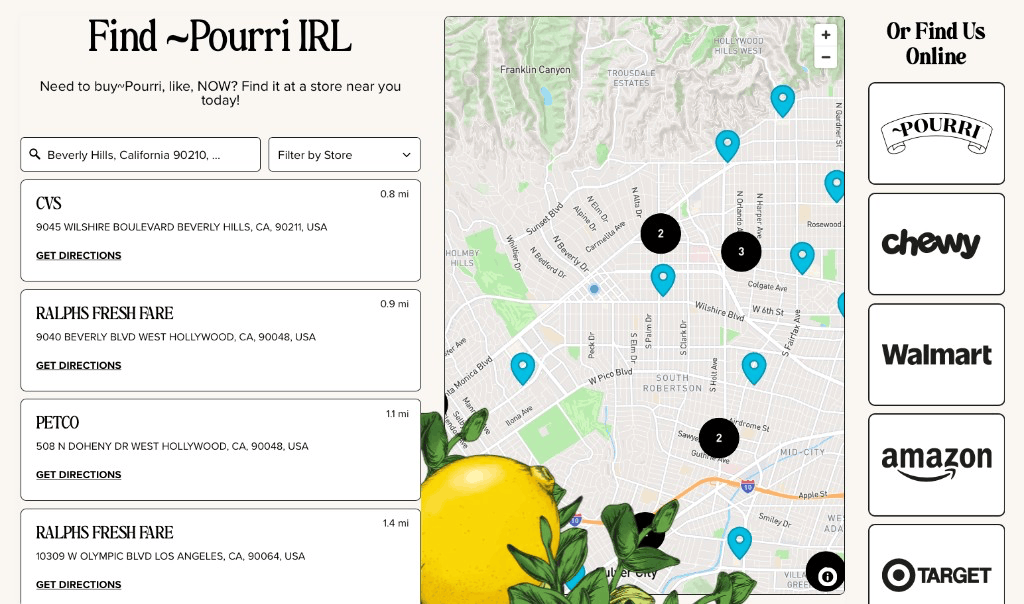
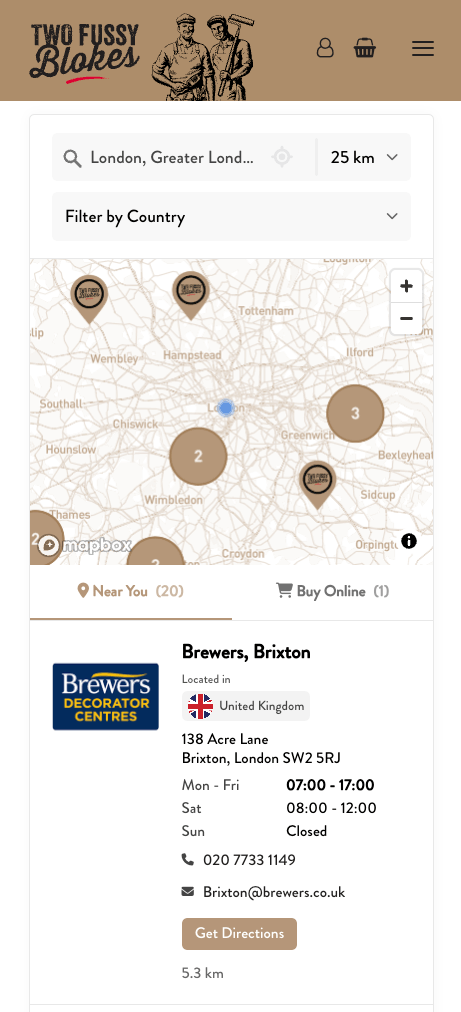
Show stores that carry your products, dealers, clinics, or service providers on a map. Let visitors search nearby and filter by the products or services they need.
Add hours, photos, and buttons to call, book, or get directions. It’s easy to find the next step, on a phone or a computer.
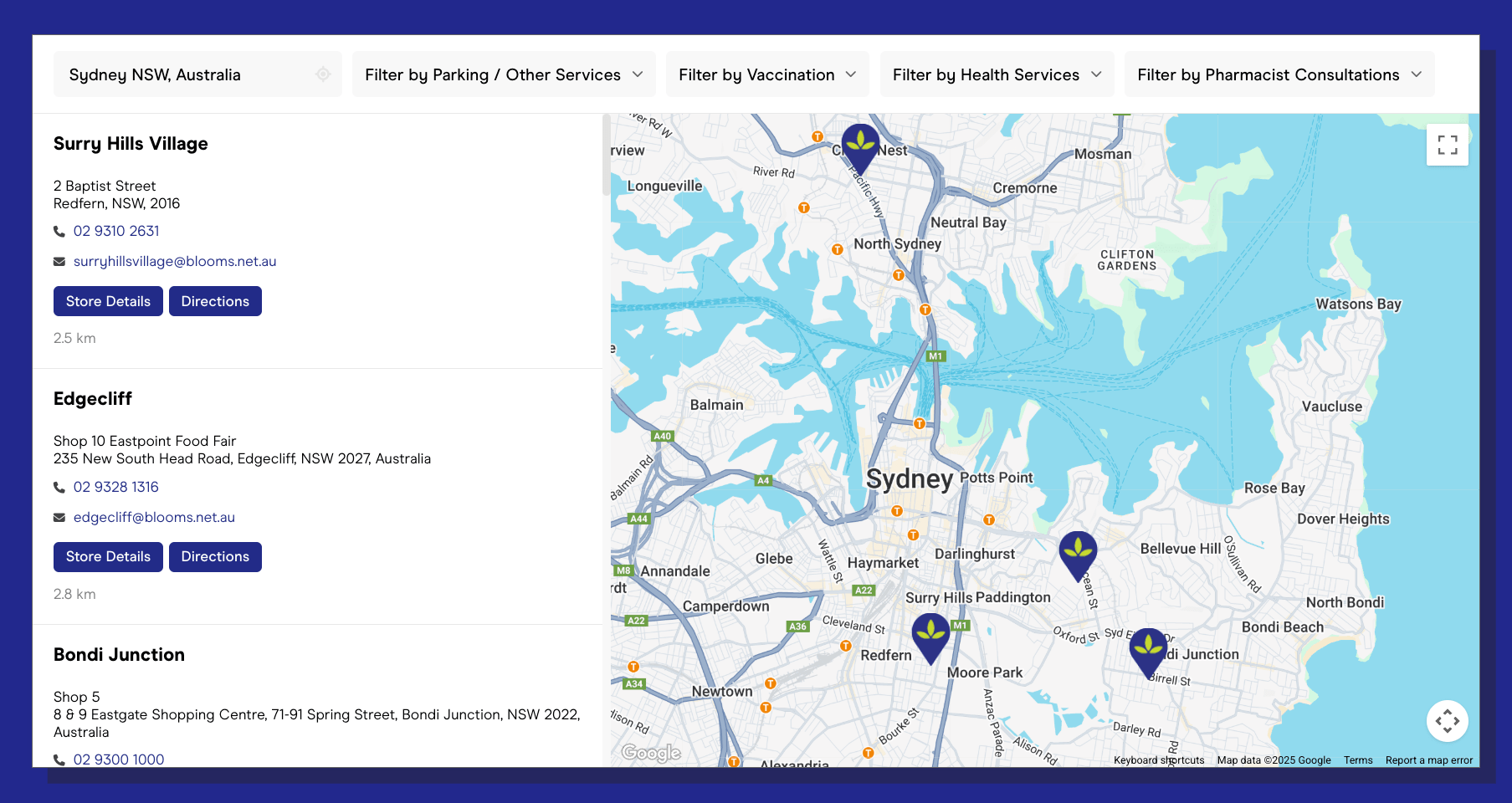
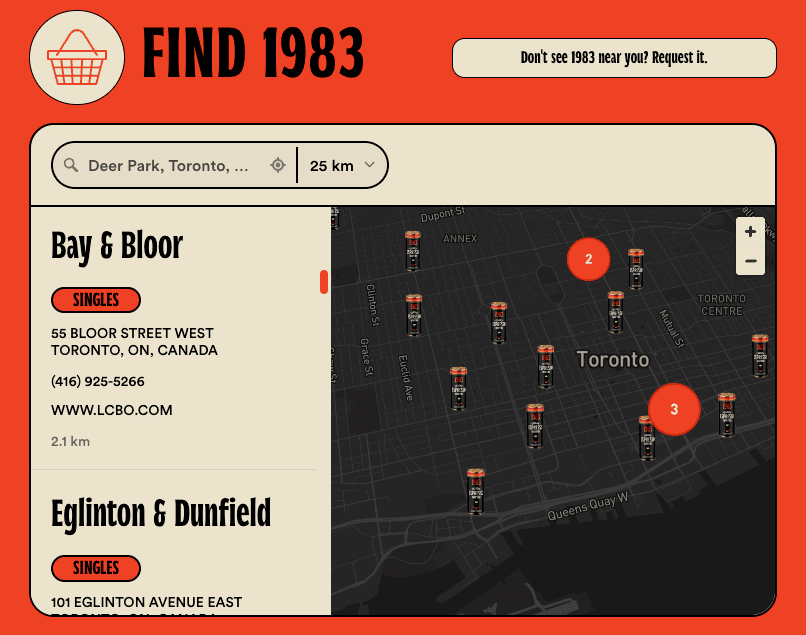
Use the same fonts and colors as your Unbounce landing page, with map pins and a layout to match. Your locator feels like part of your page.
Want us to do it? Send us your page. We’ll match your design for free, on every plan.
Changes auto-update on Unbounce. Edit a location or update a whole list in Storepoint, and every landing page using your locator stays up to date.
Search by city, address, or postcode. Show the closest results first.
Help visitors find the right service, specialty, product, or type of location.
Add phone numbers, booking links, menus, photos, and opening hours.
Discover popular locations, common search areas, and gaps in location coverage.
List locations around the world and use the languages your visitors speak.
Use your locator across campaigns. Keep all your location details in one place.
No coding needed. Add your locations, choose your style, and copy-paste.
Upload a spreadsheet, sync your data, or add locations one at a time.
Choose your style, or let our team match your page design for free.
One-time copy-paste setup. Add your embed code to Unbounce, and later location and design updates appear automatically.
I love Storepoint! It’s the perfect solution for us with the flexibility to change and update locations quickly. The design is professional and clean and custom to our brand. It’s affordable and their customer service is exceptional! Love the sync to Google Sheets too.
From first click of purchase to final product was about 15 minutes of chatting with Jake. He created a beautifully customized map with basically no direction. I’m a stickler for design and the product is beautiful. Highly recommend.
I adapted this model to improve my provider listings worldwide. I needed something smooth, professional, customizable and easy to use (we are not tech experts). It met all those expectations and the end result is something I am proud to have on my website.
Talk directly with the people who build Storepoint. We take the time to understand your questions and give you answers that fit your business. No cookie-cutter replies.
Storepoint makes it easy to add a searchable, filterable multi-location map to an Unbounce landing page. Use it as a store locator, dealer finder, or provider directory. Set it up in three steps, with no coding:
1. Create your locator. Add your locations to Storepoint and choose your fonts, colors, and map style.
2. Add it to Unbounce. Copy your Storepoint embed code. In Unbounce’s Classic Builder, drag a Custom HTML widget onto your page, paste the code, and click Save Code.
3. Preview and publish. Adjust the widget size for desktop and mobile, preview your page, and publish. Later location edits in Storepoint appear automatically.
See Unbounce’s guide to adding Custom HTML for the editor steps.
No. We built a store locator for Unbounce landing pages that is easy to set up and simple to manage. Copy-paste your Storepoint embed code into a Custom HTML widget in Unbounce’s Classic Builder. Then manage locations and change the design in Storepoint without writing code.
Yes. Storepoint adjusts to the space you give it. In Unbounce, check the HTML box width and height in both desktop and mobile views. Preview the page to make sure the full locator fits before you publish.
Yes. Paste the same Storepoint embed code into each page or page variant where you want it. Later changes to that locator appear in every copy. You can use it on new campaigns and A/B test variants, too.
Yes. Tag your locations by product, service, specialty, or type. Turn those tags into filters so visitors can find the right match. See how filters work.
No. Once you’ve embedded the locator, edits you save in Storepoint appear automatically. If you use Google Sheets sync or another integration, your locator updates automatically when that data syncs. Republish in Unbounce when you change the page itself, such as moving or resizing the embed.
Yes. Pro and Business include locator analytics for searches and location actions, plus support for Google Analytics events. Discover popular locations, common search areas, and gaps in location coverage. Explore analytics or ask us about your setup.
Yes. Send us your page or brand design after you sign up. Our team can match the fonts, colors, and locator styling for free, on every plan. You can also style it yourself in Storepoint.
Build a locator for stores, dealers, or service providers. Make it yours and add it to your landing page in minutes.