Google Sheets integration

Create a store locator from Google Sheets
Turn the locations in your Google Sheet into a searchable map for your website. Add filters and keep details up to date by editing your spreadsheet.
- 7-day free trial
- Works on any website
- Free design customization
Google Sheets
Storepoint
A store locator built for your website
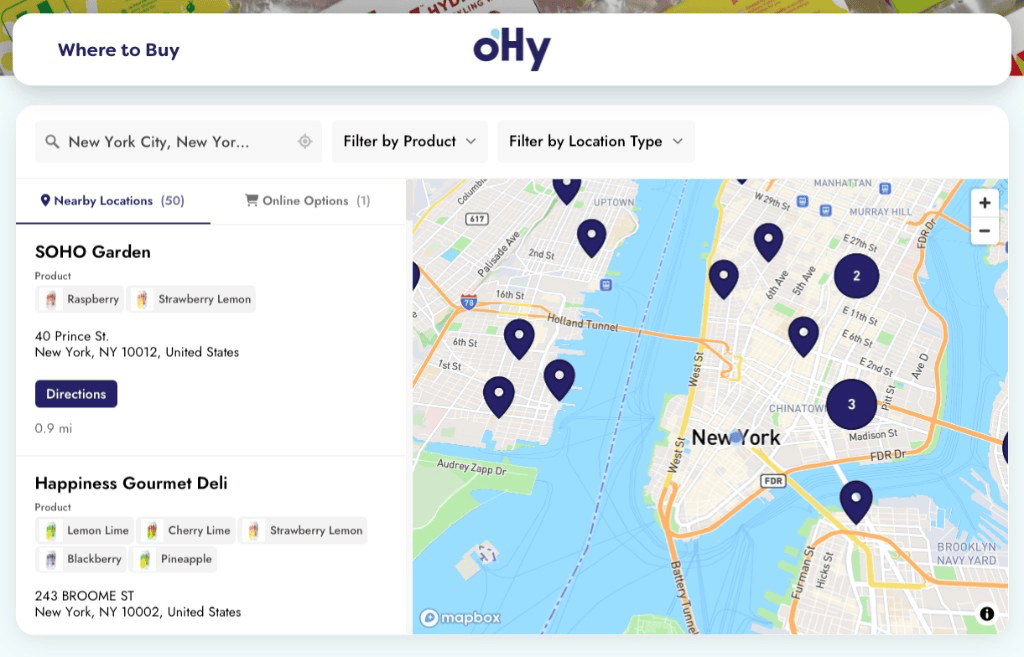
Storepoint is store locator software that turns your location spreadsheet into a map for your website. Keep managing locations in Google Sheets while visitors search, filter, and find the details they need.
Questions about Google Sheets and Storepoint
How can I turn Google Sheets data into a searchable website map?
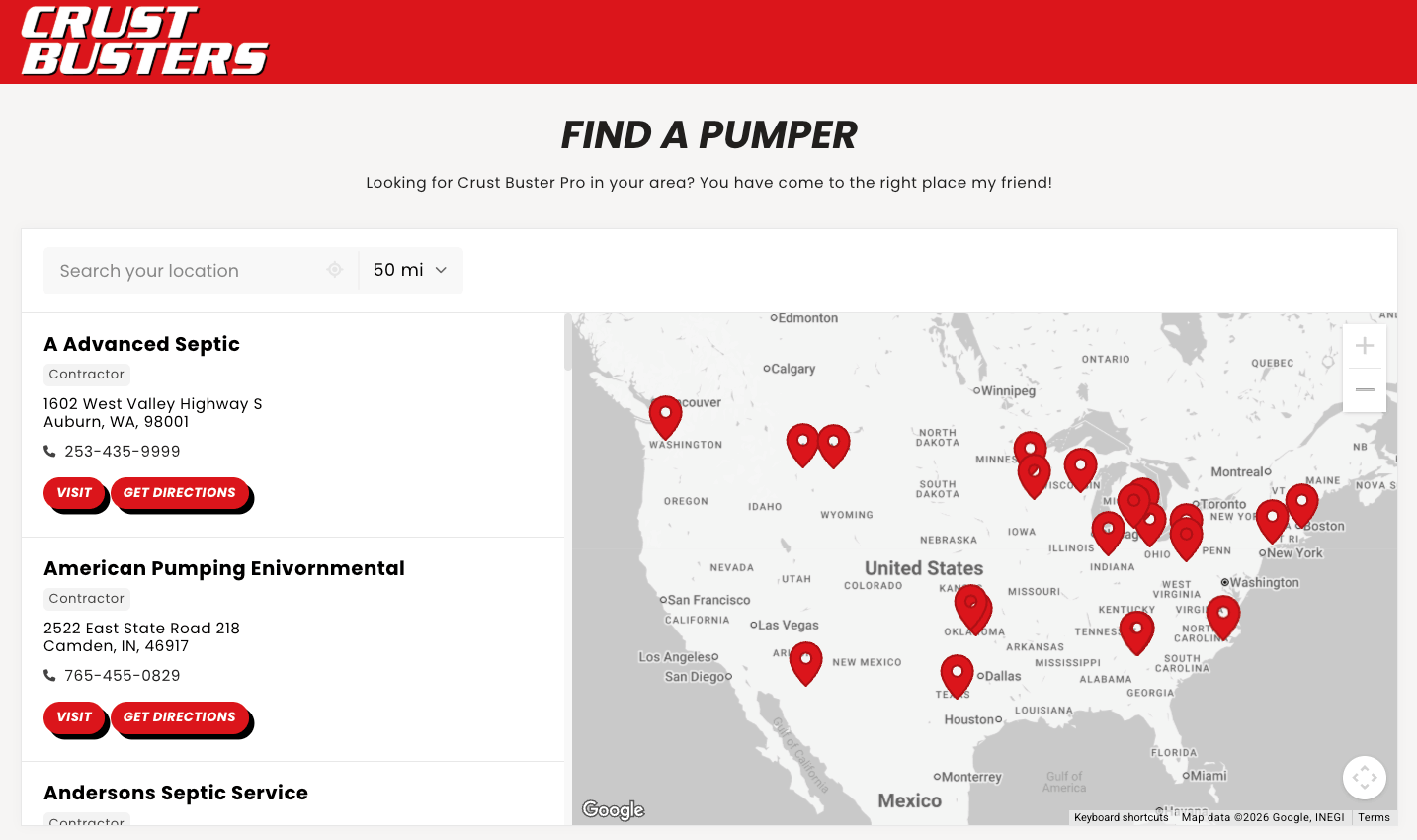
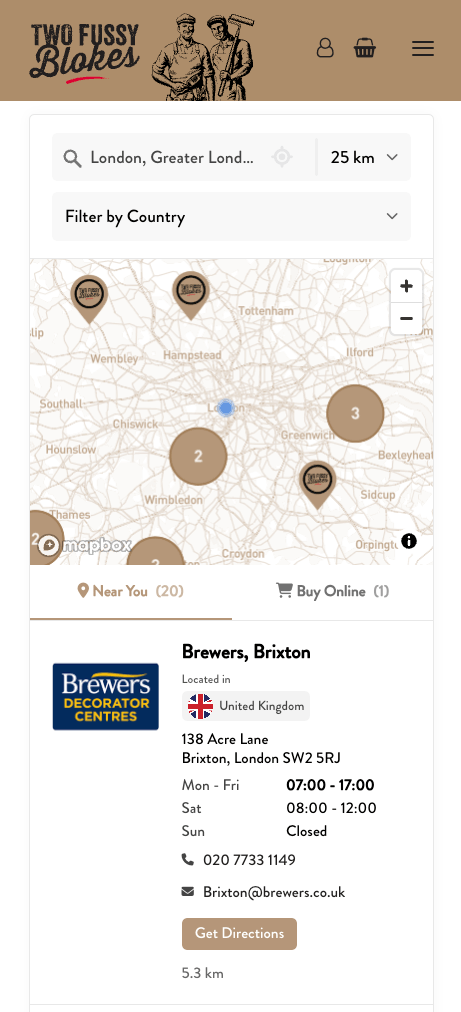
Storepoint reads the locations in your Google Sheet and displays them in a map you can embed on your website. Visitors can search nearby, use filters, and get directions. Your team keeps managing the spreadsheet. Use it for stores, dealers, branches, or other locations.
What columns do I need in my location spreadsheet?
Use one row per location, with a name and usable address. Keep your existing column headings and match them to Storepoint fields during setup. You can also map phone numbers, website links, hours, tags, and supported custom fields. Internal columns can stay unmapped.
Will my map update when I edit my Google Sheet?
Yes. Changes appear after a successful sync. Pro supports daily checks; Business also offers hourly, 15-minute, and 5-minute checks. You can request Sync now or choose manual checks. The locator embed on your website stays the same.
Can visitors filter locations by products or services from my sheet?
Yes. Put comma-separated tags, such as Coffee, Tea, or Parking, in a column and map it to Tags. Organize those tags into filters in Storepoint. Product tags describe what a location carries; they are not a live inventory feed.
Does my Google Sheet have to be public?
No. Storepoint needs Viewer access, but you can share the sheet directly with the sync service account instead of opening general link access. Contact our team for the service-account address. An Anyone with the link / Viewer share link also works.
What happens when I add, rename, or remove a location in the sheet?
A successful sync adds new rows, updates matching locations, and removes locations whose rows were deleted. The Sheets connection matches by name and address, so changing either replaces that location with a new one. Locations managed outside the sheet stay separate. See the sync behavior guide.
Do I need Zapier or code to connect Google Sheets to my website?
No. Storepoint connects directly to Google Sheets. Give it read access, paste your sheet link, and match the columns. Then add the locator to Shopify, WordPress, Webflow, or another website with a copy-and-paste embed. The Google Sheets setup guide explains each step.