
Store Locator for Shopify

Add a beautiful store locator to your Shopify store in minutes. No coding needed. From $25/month.

Designed to match your Shopify theme. Style it yourself, with complimentary design help.

  • 7-day free trial
  • No coding needed
  • Free theme matching
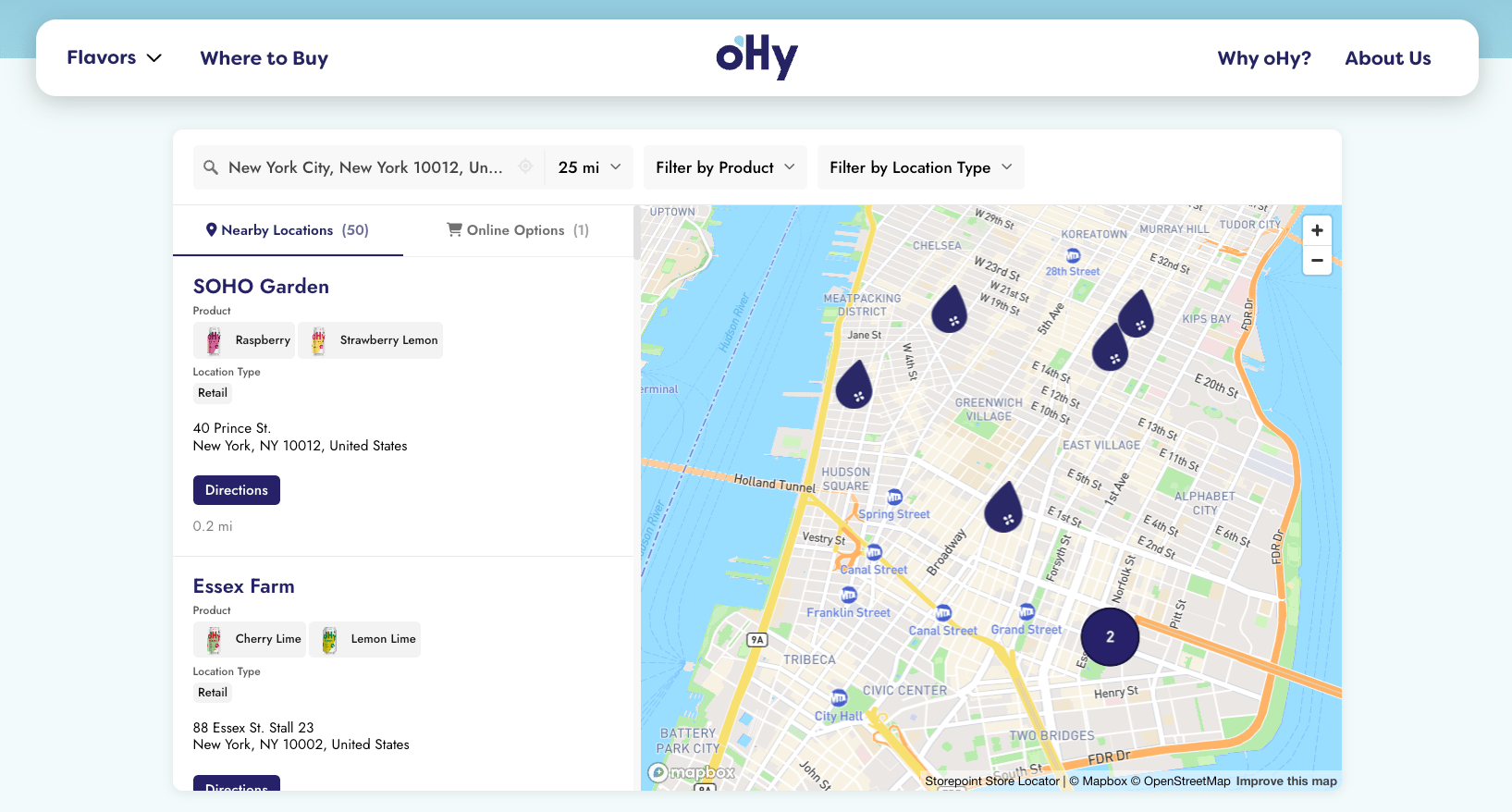
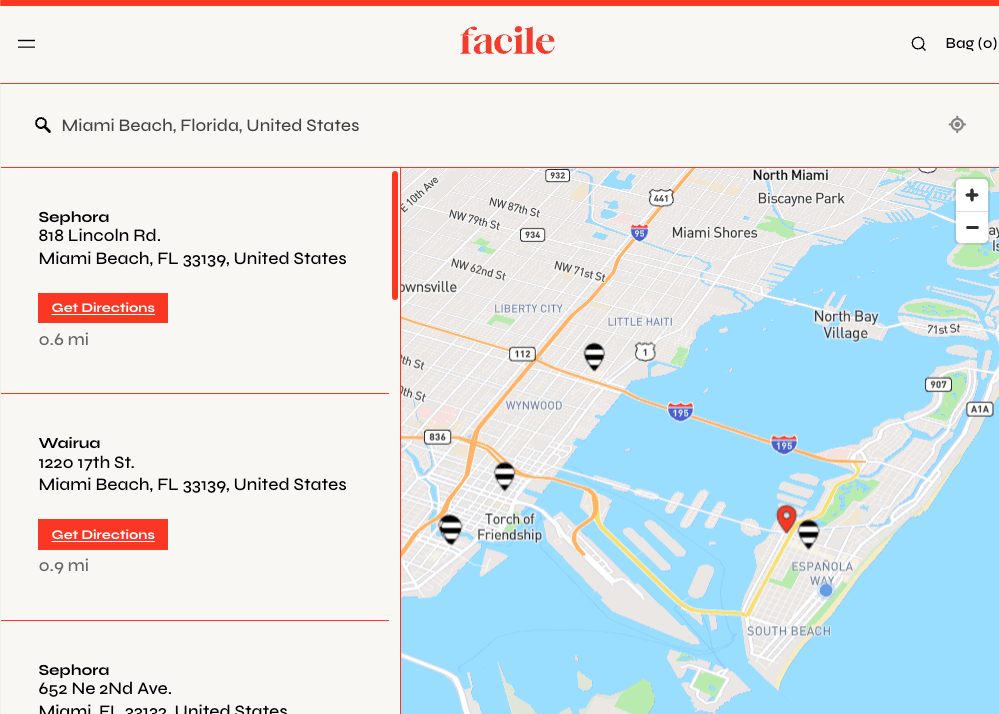
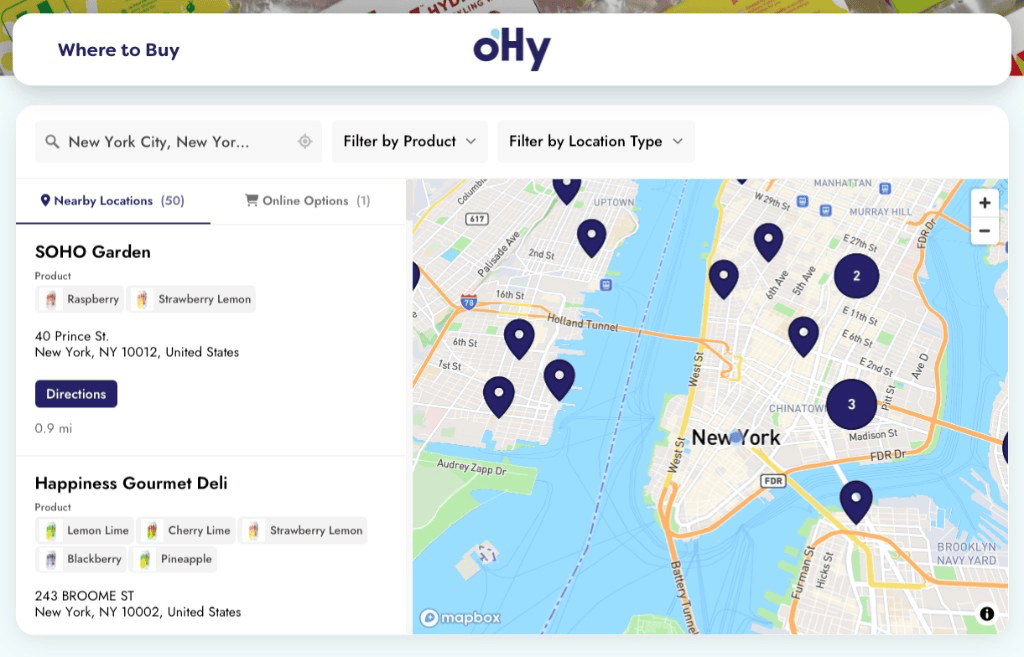
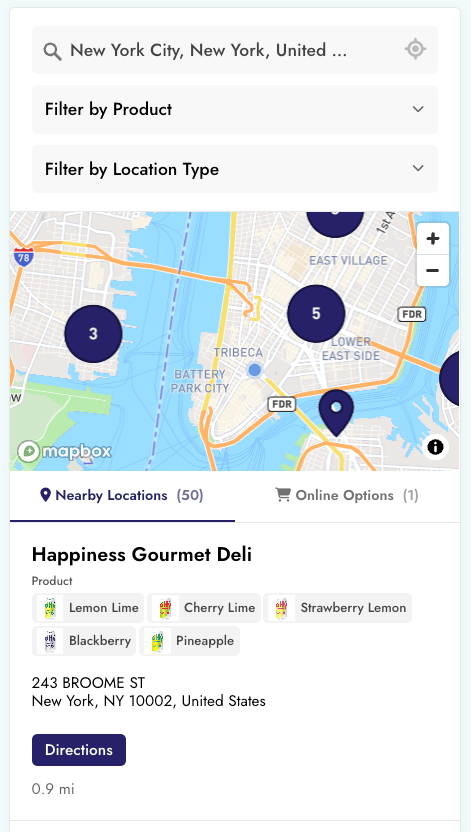
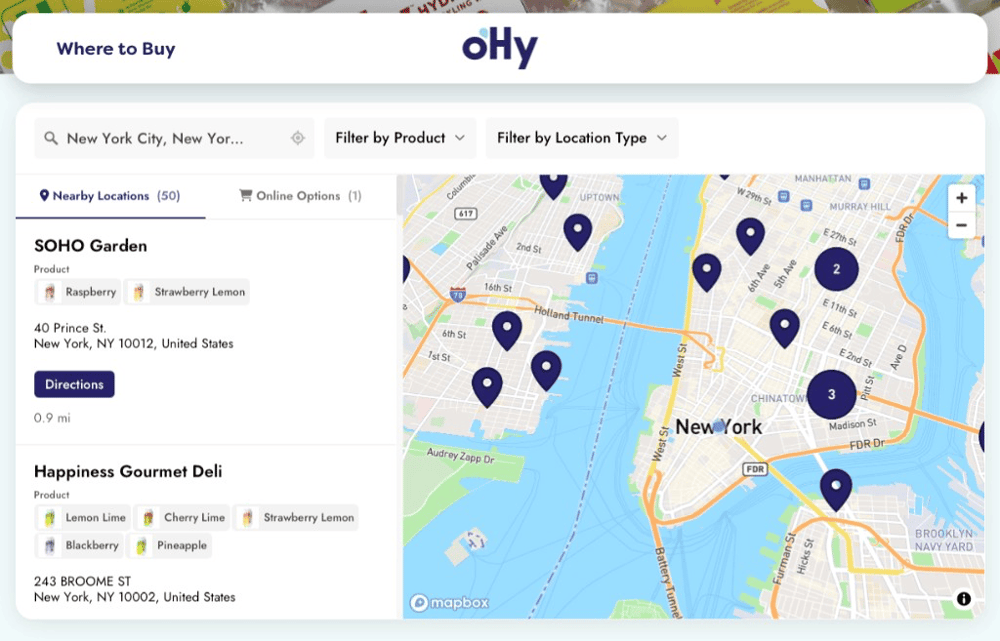
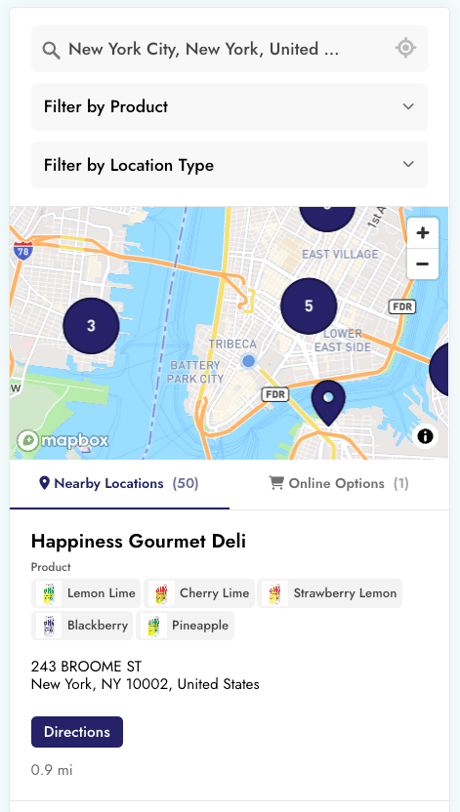
oHy’s Shopify locator on desktop, showing product filters, nearby stockists, and online options oHy’s Shopify store locator on mobile, with search, filters, a map, and stockist details

Join thousands of brands using Storepoint on Shopify.

SodaStream Benchmade Lemme Cult Gaia Athletic Brewing Dermalogica Stetson CORKCICLE Pair Eyewear WÜSTHOF waterdrop Fig.1 Beauty Spindrift

Drop in a spreadsheet, sync Google Sheets, or use our other integrations. Copy-paste one snippet into Shopify. Your locator matches your theme and helps visitors find the right location.

Get visitors to the right locations.

Make it easy to find a location, see what it offers, and take the next step.

  • Show the nearest locationsShow nearby results automatically, or let visitors search by postcode, ZIP code, city, or address.
  • Filters for anythingFilter by product, service, specialty, or any category you choose. Add photos or colors to make the choices easy to scan.
  • Your fields. Your buttons.Show hours, photos, and useful details. Add buttons to call, book, request a quote, or get directions.
  • Show where to buy onlineAdd links to your Shopify store and online retail partners alongside nearby stockists.
  • Locators for a product, service, or regionShow a filtered view on each page: one product’s stockists, a type of service, or locations in a region. Manage them all from one location list.
oHy’s Shopify where-to-buy page with product filters, nearby stockists and an Online Options tab
“Very easy to implement. The filtering options made it easier for our customers to see which stores were carrying which products.
Adam · Owner, Health & Wellness
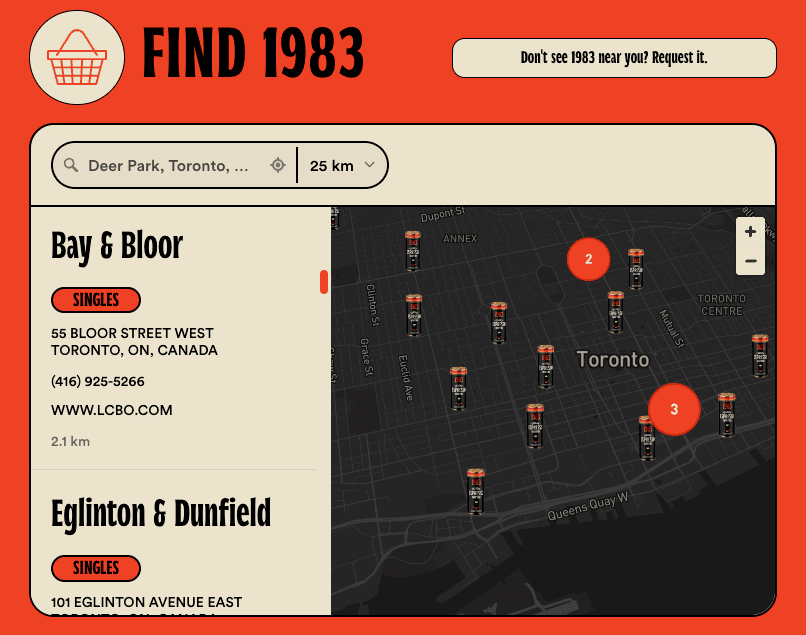
Custom locator design example for Shopify: 1983’s bold fonts, orange and cream colors, and can-shaped map pins
“They created a beautifully customized map with basically no direction. I’m a stickler for design and the product is beautiful.
Maggie · Article One Eyewear

Your Shopify theme. A beautifully matched locator.

Give customers a consistent experience from your Shopify store to your locator. Customize it yourself, or have our team match your Shopify theme for free.

  • Easy to make your ownChoose your fonts, colors, buttons and layout. Works with Dawn, Craft, Sense and custom Shopify themes.
  • Map details that matchPick a map style, use your brand colors or upload your own marker images.
  • Free theme matchingOur developers can customize the details to match your theme. Included with every plan.

Designers can add their own CSS, too.

Add and update locations.
Any way you want.

Keep one location list for your Shopify locator. Update it in Storepoint or sync the tools you already use.

  • Make a quick edit

    Add a location or change its details in the dashboard. Saved edits appear on your Shopify page automatically.

  • Upload a spreadsheet

    Add or update locations with a CSV or Excel file.

  • Keep your list in sync

    Connect Google Sheets or another tool. Your locator updates when the data syncs. See integrations.
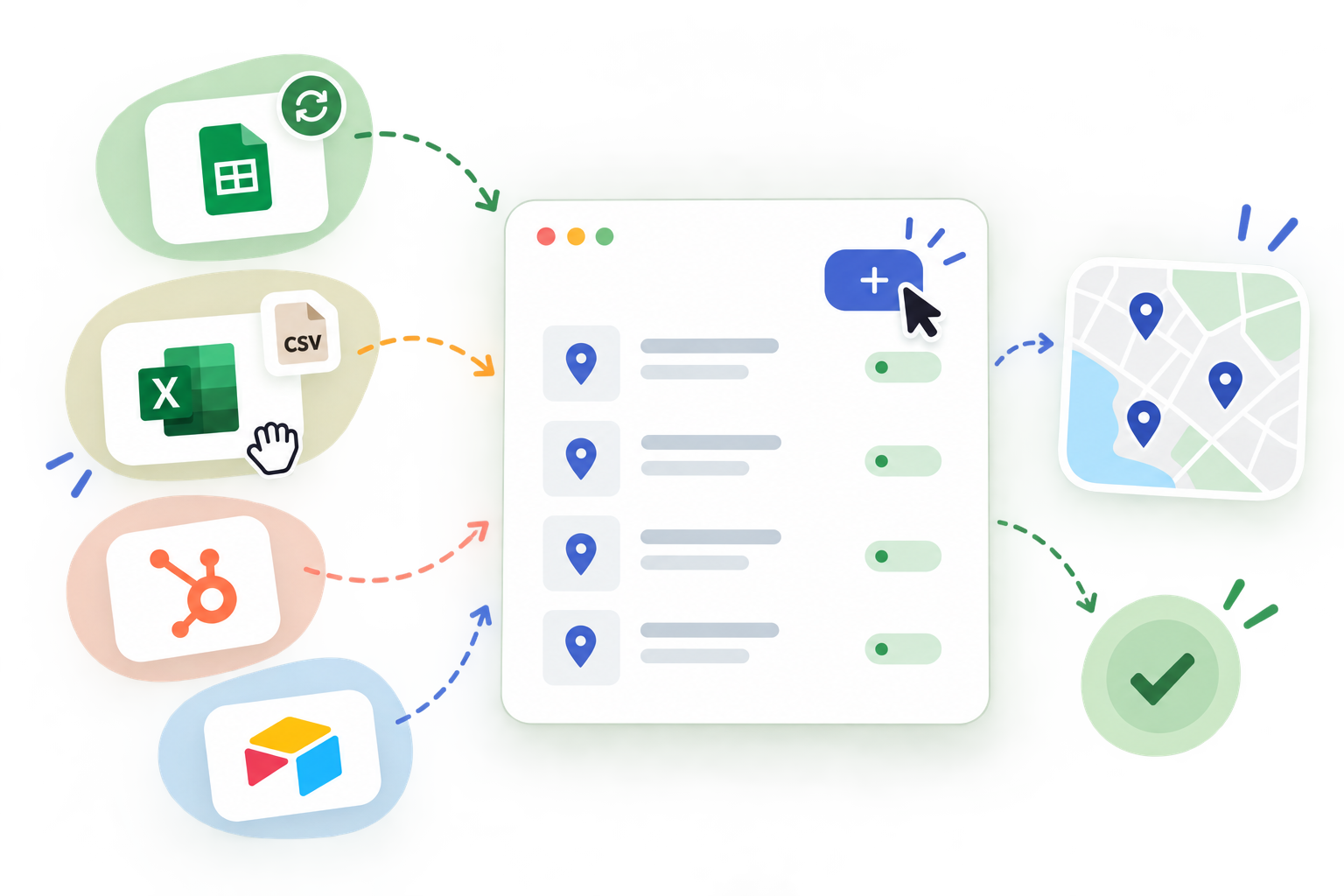
Illustration of importing and syncing locations from connected tools to a store locator map.
“Adding new locations takes seconds and you can review updates super quick.”

Tom R. Capterra

Add your Shopify locator in three steps.

Set up and manage your locator yourself, with no coding. Our team is here to help with your locations, design, or Shopify embed.

  1. Step 1

    Import your location list.

    Import a CSV or Excel file, add locations one by one, or use one of our integrations.

  2. Step 2

    Match your Shopify theme.

    Choose your fonts, colors, and map pins. Our team can match the details to your Shopify theme for free, on every plan.

  3. Step 3

    Embed once. Update anytime.

    Paste your locator code into a Shopify page where you’d like your locator to appear. You only need to do this once. Later edits appear automatically.

  • 7-day free trial
  • Free theme matching
  • Support from our team

Easy to set up.
A pleasure to use.

Read Storepoint reviews on Capterra

Building beautiful store locators since 2015.

I needed something smooth, professional, customizable and easy to use. We’re not tech experts. It met all those expectations and the end result is something I’m proud to have on my website.
Krysta · Service Provider Directory
I love Storepoint! It’s the perfect solution for us with the flexibility to change and update locations quickly. The design is professional and clean and custom to our brand. It’s affordable and their customer service is exceptional! Love the sync to Google Sheets too.
Katie W. · Web Designer
I like the flexibility of the tool. It’s quick and easy to install and work with. The analytics are amazing, and the fact that you can connect them with Google Tag Manager is wonderful. I recommend the tool.
Christopher · Digital Marketing Consultant, Consumer Goods

Talk to the team that built Storepoint.

Ask us about Shopify setup, theme styling, or your location list. We’re here to help.

Talk to us

Questions about Storepoint on Shopify

Get answers about adding a store locator to Shopify, matching your theme, and updating your locations.

Setup and design

Can our marketing team manage the locator without a developer?

Yes. Your team can add stockists, update opening hours, organize product and service filters, and adjust the design in Storepoint’s dashboard. Once the locator is embedded, those changes appear on Shopify automatically. Everyday updates do not require code or edits to your theme.

How does Storepoint fit into our Shopify store?

We built a store locator for Shopify that is made to work smoothly with your theme and multilingual storefront. We’ve refined the integration over the years, so setup, language selection, and everyday updates work together smoothly.

Copy-paste your embed into a Shopify page or Custom Liquid section, with search, filters, and directions ready to use. It works with free, paid, and custom themes, including Online Store 2.0. Add your translations in Storepoint, and the same embed follows your storefront’s language across Shopify Markets. Location and design updates appear automatically. Follow the Shopify setup guide.

Can you match the locator to our Shopify theme?

Yes. Our team can match your theme’s fonts, colors, and styling for free, so your locator looks like a considered part of your store on desktop and mobile. You can also choose the layout, map style, buttons, and custom map pins yourself in the dashboard. Designers can add custom CSS for finer details. See the design options.

Products, stockists, and services

Can we list stockists, dealers, installers, and service providers?

Yes. Use Storepoint as a stockist map, dealer locator, product locator, or service finder. Create filters for products, SKUs, brands, services, specialties, or your own categories. Add contact details, opening hours, images, and links to booking pages or quote forms. You choose which products and services each location is listed as offering. Explore filters.

Can we add “Find in store” to Shopify product pages?

Yes. Tag your stockists with the products they carry, then add a “Find in store” link that opens the locator with that product selected. You can also embed a filtered locator directly on a product page. Manage the location list centrally in Storepoint. See the product page setup.

Can customers buy online if there is no nearby stockist?

Yes. Show online buying options when no local result matches, or alongside nearby locations. Link to your Shopify store, online retail partners, or delivery services so customers still have a way to buy. Explore online buying options.

Updates, integrations, and support

Can we keep our location list updated from spreadsheets and other tools?

Yes. Import CSV or Excel files, connect a Google Sheet with a sync schedule, or edit locations directly in Storepoint. Distributor files can use different columns; Storepoint helps map them, merge duplicates, and combine product tags. Connected tools can also manage your location data. Updates flow through to the locator already embedded on Shopify. Explore integrations or read the Google Sheets guide.

Does it work with Shopify Markets and multiple languages?

Yes. Storepoint works with Shopify Markets and automatically follows your storefront’s language. Add your translations in Storepoint’s Phrases settings, and the same embed shows French on your French storefront, German on your German storefront, and so on. You can translate supported location details too, while managing everything in one locator. See the Shopify Markets setup guide.

Can our team see how customers use the locator?

Yes. See where customers search, which filters they use, and actions such as directions, calls, website visits, and other locator button clicks. Searches without nearby results can help identify areas to investigate for new stockists. Export reports or connect locator events to Google Analytics through Google Tag Manager. Explore locator analytics.

Can you help us set up or move from another locator?

Yes. You can talk directly to the team that builds Storepoint for help with Shopify setup, your location list, integrations, or theme matching. If you are switching tools, import your existing locations from CSV, review the data and design, then replace the old embed when you are ready. Tell us what you need help with.

Add a beautiful locator to your Shopify store.

Match your theme. Help customers find the right location. Try it free for 7 days.

  • Free theme matching on every plan
  • Support from the team that built it