Features

Store locator filters and tags

Tag your locations once. Customers filter by product, service or dealer tier — and every tag shows on the result, in your colors.

  • As many filters as you need
  • On every plan
  • No coding required

How it works

Tag it once, use it twice.

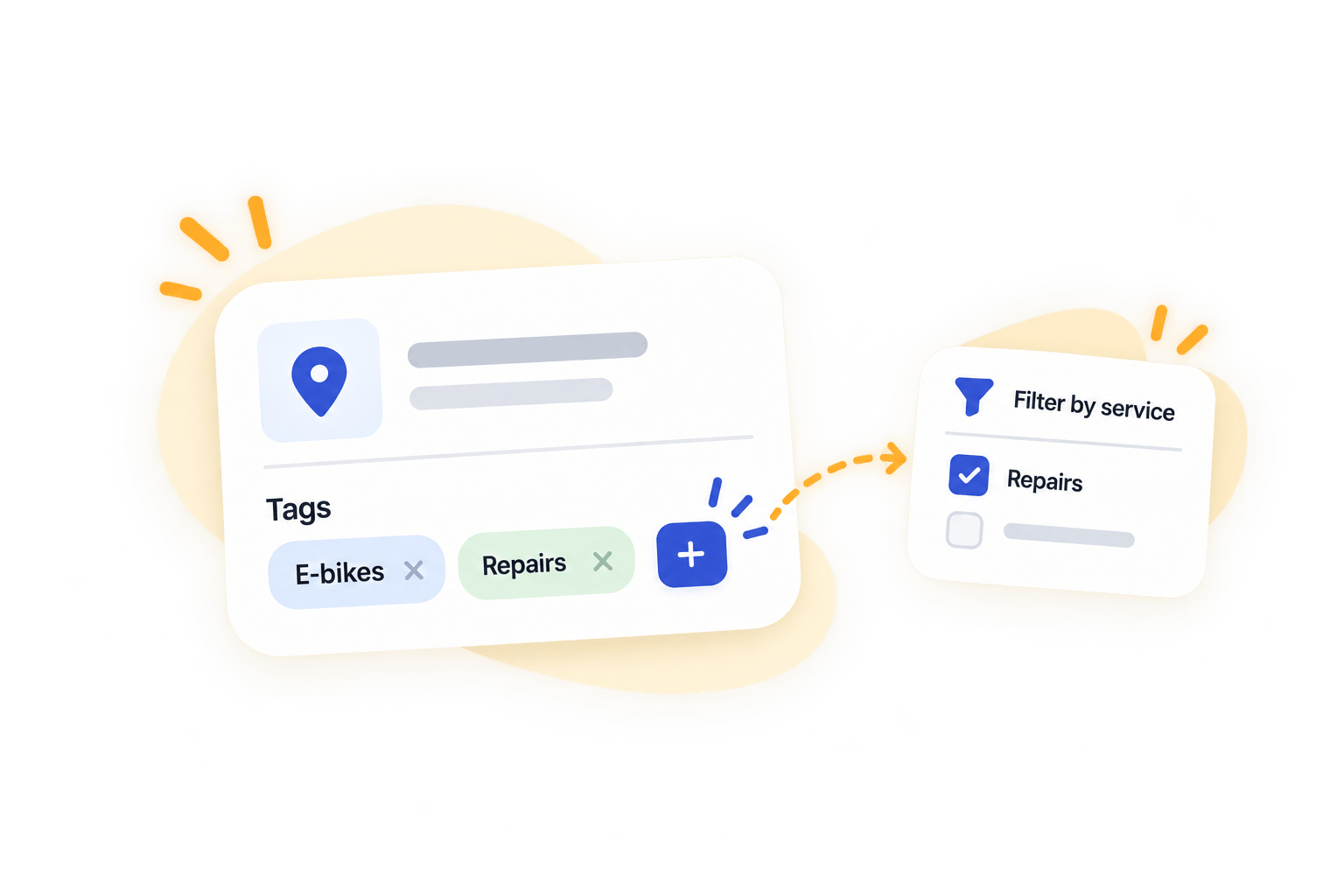
A tag is just a label you put on a location. It becomes a filter customers can pick, and a badge they see on every result.

Tag your locationsAdd as many tags per location as you like.
Group them into filtersProducts in one filter, services in another.
Customers pick, and see whyThe map narrows, and each result shows its tags.
A clothing brand's store locator with a Filter by product dropdown open beside the map, listing apparel, boots, denim, eyewear and hats

What people filter by

Filter by anything you can name.

Four of the most common setups. Yours can be any of them, or all four at once.

A caravan brand's store locator with a row of model filters above the map, so owners see only the dealers that service their model

Product filters for your store locator

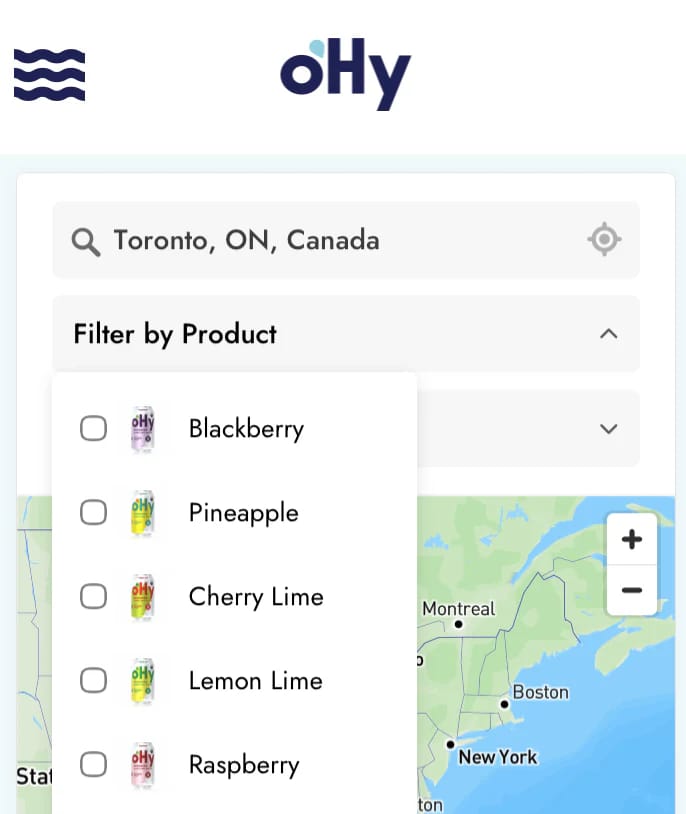
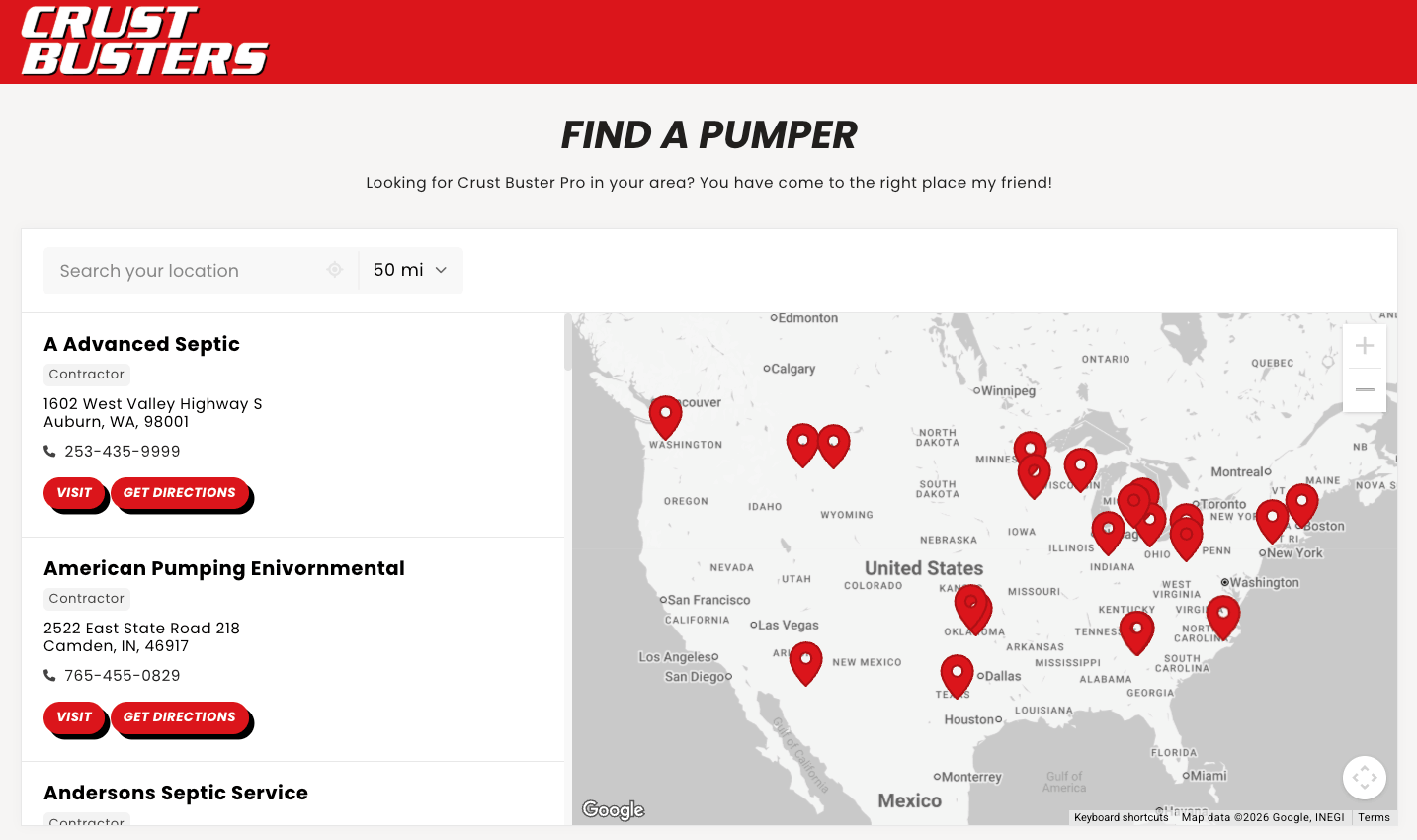
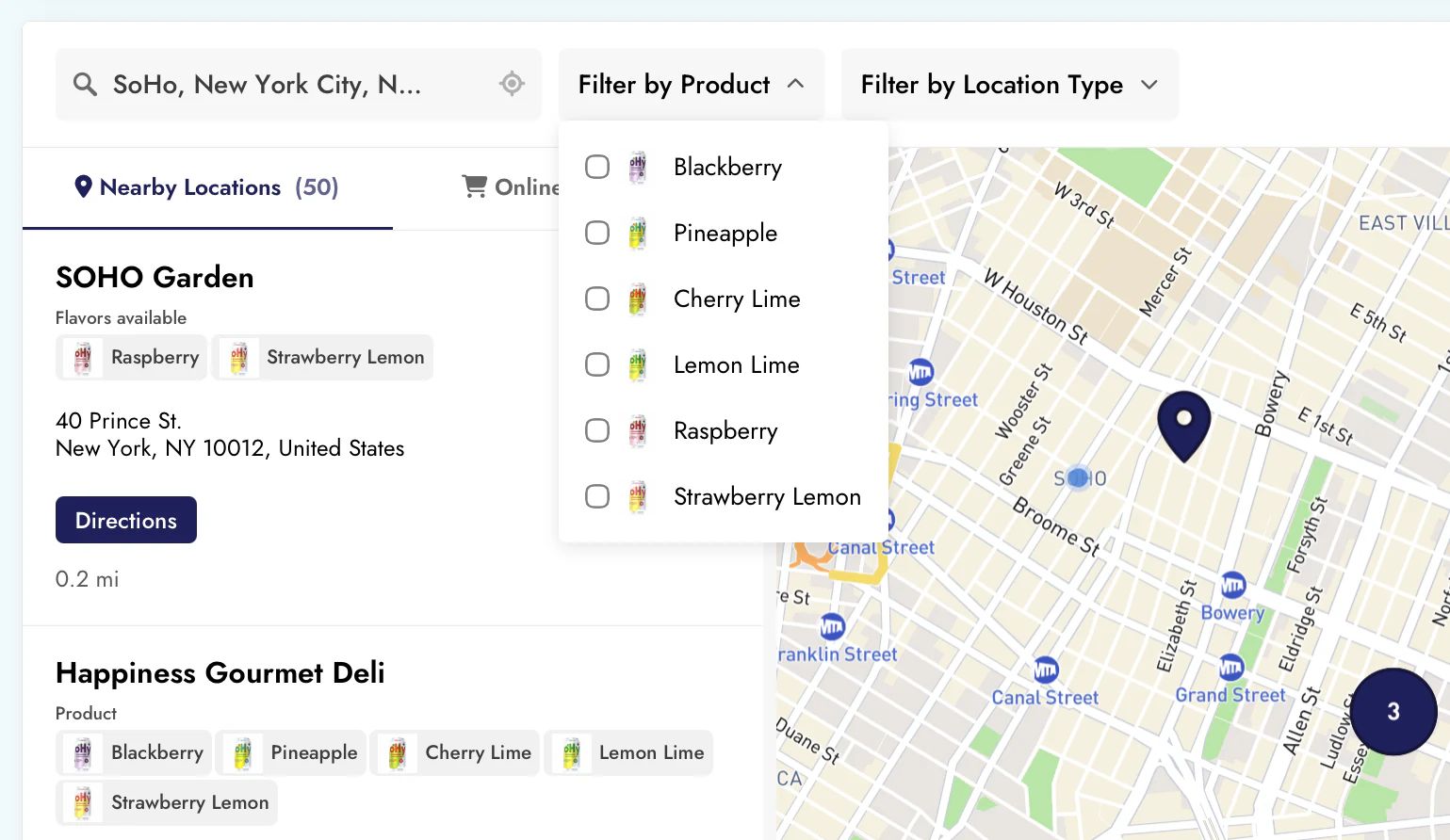
Tag each stockist with the products it carries, then let shoppers filter by the one they want. A hot sauce brand tags shops by flavor. A bike brand tags dealers by model line. Shoppers see only the shops that carry their pick, sorted by distance.

See how tags work
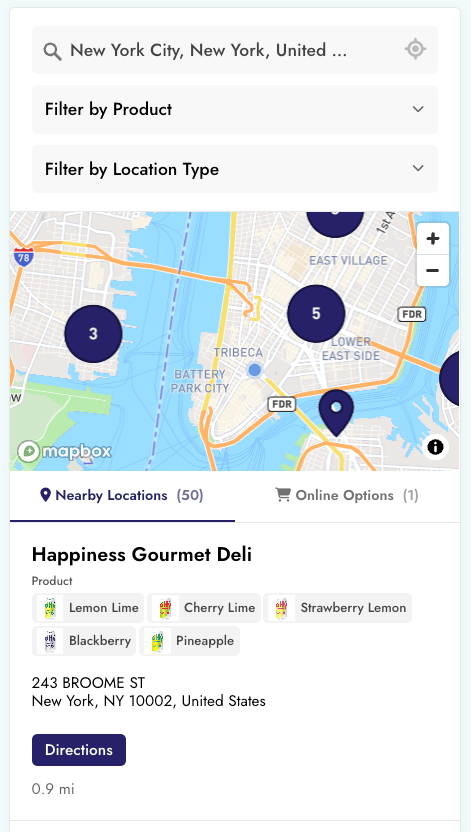
A coffee roaster's locator: the open stockist card is tagged hot coffee, cold brew and beans, with map pins behind it colored by category

On every result

Show the tier, the products, the services.

Give each tag a color or a small image, and it shows in the filter, on the map and on every location card. Customers see what a place offers before they call it.

A color per tagGold for Premium, silver for Authorized.
An image per tagThe jar of hot sauce, or a certified-dealer badge.
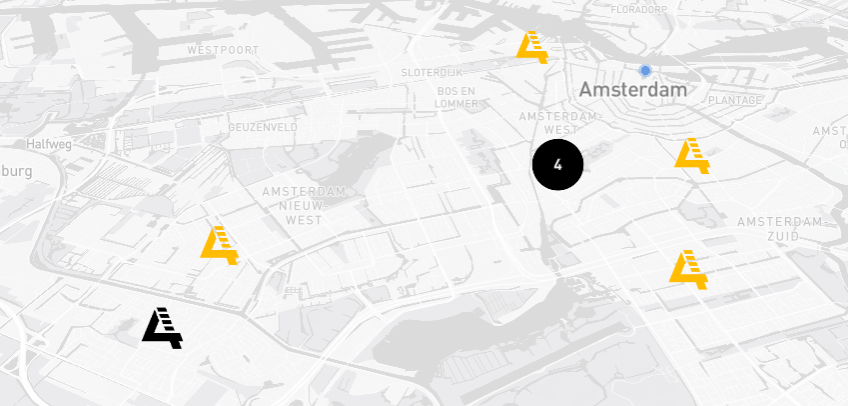
Map pins to matchA different pin per tier, type or product line.
Grouped by your nameTags sit under the filter group they came from.

Setup

Your first filter takes about a minute.

  1. Tag your locations
  2. Name the filter customers see
  3. Save. It's live on your site.
Create my locator

Rather read first? The filters guide walks through it.

The details

What else filters do

All of it is on every plan.

As many filters as you need Group your tags into separate filters, in any order.
Open now filter Show only the places open right now.
Pick one or pick many Single choice, or several tags at once.
One map per page A product page shows only its stockists. Filter from a link Share a link that opens with a filter already on.
Filter analytics What people look for, and what came up empty.
Your own filter labels Call it "Find by flavor" if that's your word.
Tags are searchable Typing a tag name in the search box finds it.
Filter by API Query by tag with AND or OR logic.

Questions

Questions about filters

How many filters and tags can I have?

As many as you need. There's no cap on tags, on filter groups, or on how many tags one location carries. It's all on every plan.

Can customers filter by product?

Yes. Tag each location with the products it carries, and shoppers can filter the map down to the shops that carry theirs. Tag images let you show the actual product in the filter, which works well for brands with several lines or flavors.

Can I show a badge or icon on each location?

Yes. Every tag takes a color and a small image, and both show on the location card as well as in the filter. Manufacturers use it for dealer tiers — gold for Premium, silver for Authorized — and brands use it to show which products a shop carries.

Does it show whether a product is in stock?

No, and it's worth being clear about it. Filters run on tags you set, so the locator knows which shops carry a product, not how many are on the shelf today.

If you do have live stock data, you can push tag changes to us with the location management API as often as you like, or build your own front end on the location query API. Talk to us if that's the setup you need.

Can I use more than one filter at a time?

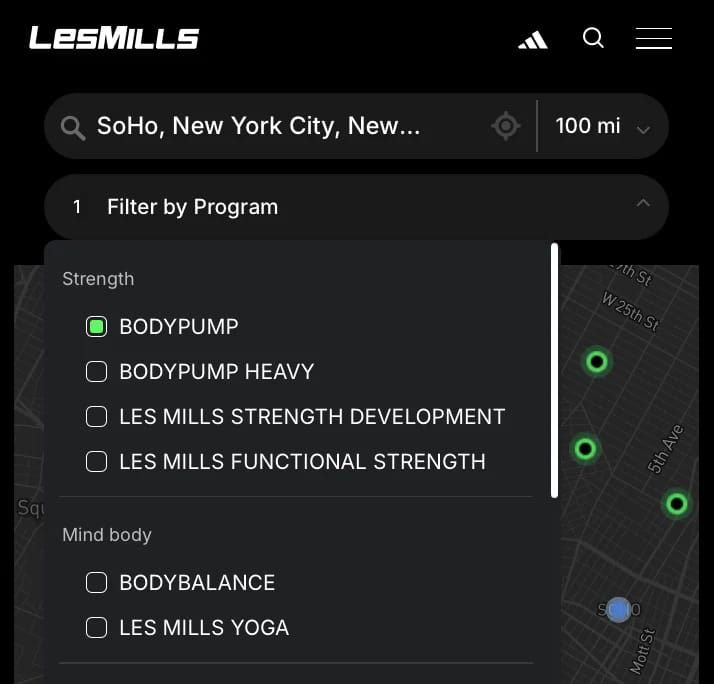
Yes. Each filter group is separate, so a customer can pick a product in one and a service in another. You choose whether a group takes one answer or several, and whether several tags mean "any of these" or "all of these".

Can a single page show only some of my locations?

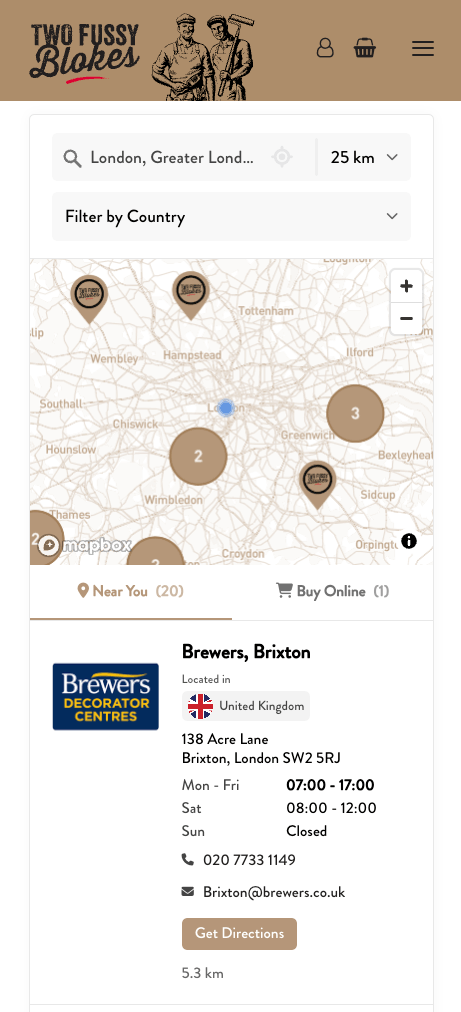
Yes. The embed code takes a filter, so a product page can show only that product's stockists and a regional page only that region, all from one account. Embed options covers the code.

Do I need a developer to set filters up?

No. Tags and filters are built in the dashboard, and the embed code on your site never changes when you add one. If you'd rather we did the first setup, send us your list and we'll do it.

Let customers filter your map.

Tag your locations once. Every tag becomes a filter customers can pick, and a badge they see on the result. Free brand matching is included.

  • Set up in minutes
  • As many filters as you need
  • Works on any website