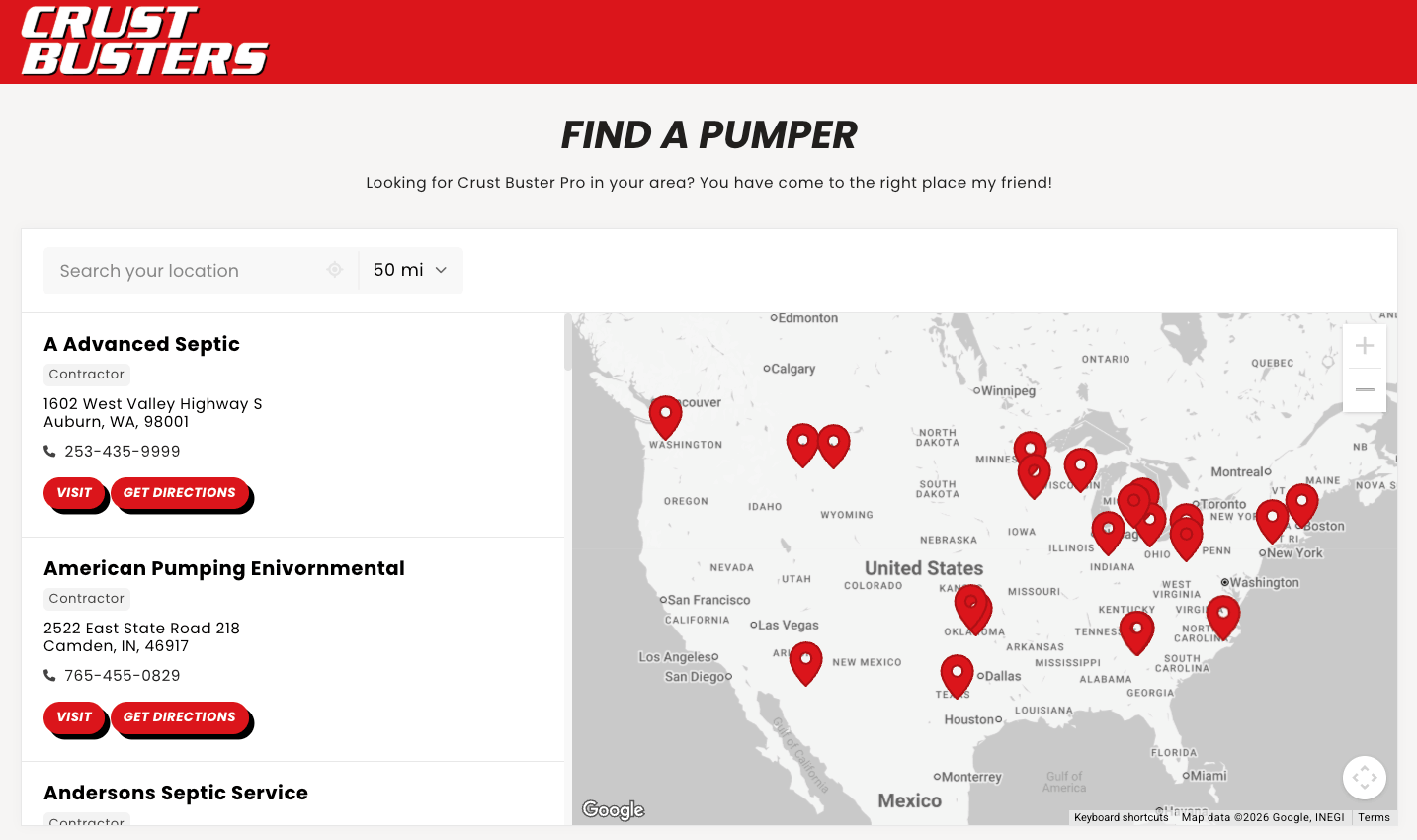
City or ZIP code
Dealer type Services
Dealers that fit the job
Find the right type of dealer.
Let people filter by product line, service, or dealer type. Show who sells, installs, or repairs what they need.
Help customers find a dealer, installer, or service partner.
7 days free. Plans from $25/month.
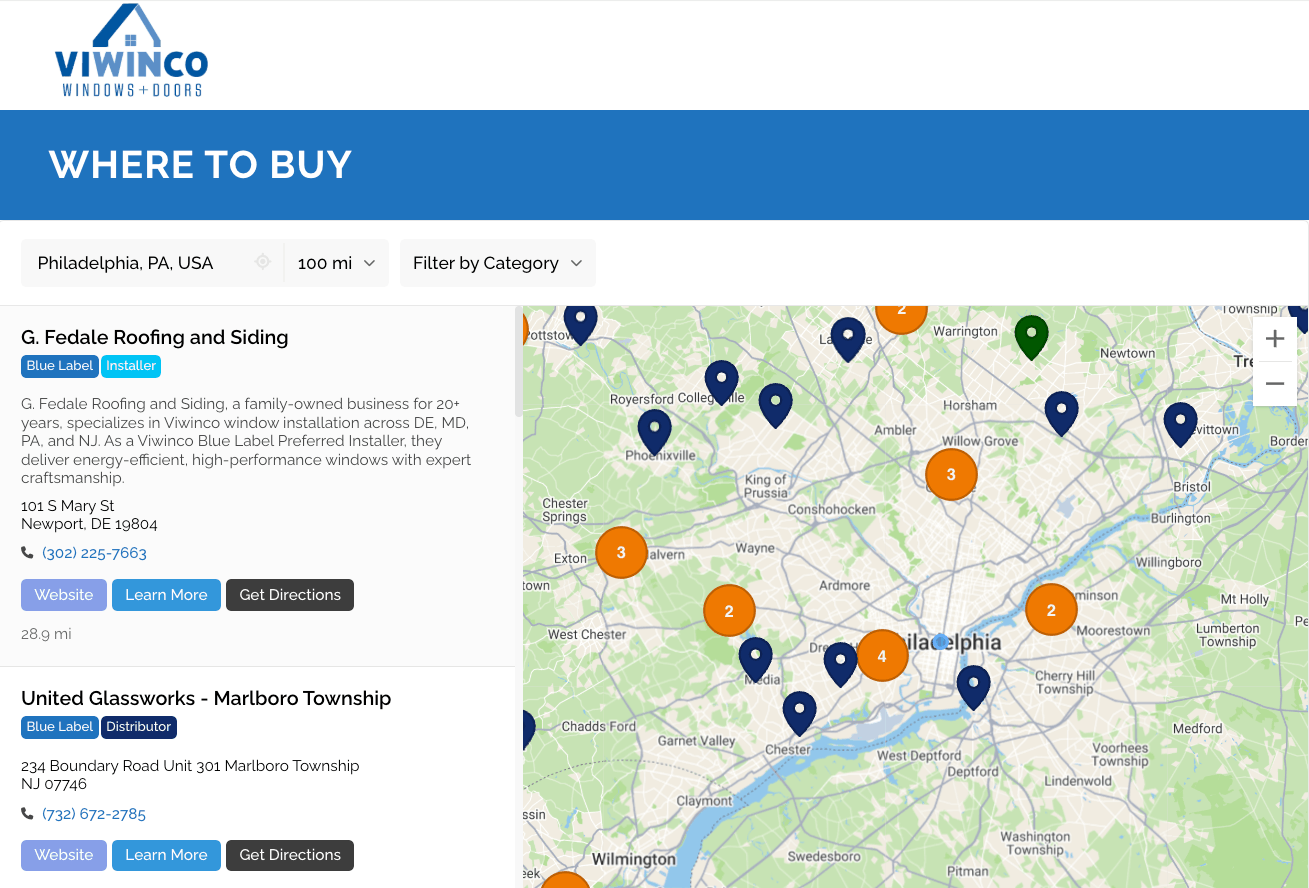




Help customers find nearby dealers by address or ZIP code, see what they offer, and get in touch.
Let people filter by product line, service, or dealer type. Show who sells, installs, or repairs what they need.
Tag dealers as Premium, Certified, or any tier you use. Put chosen tiers first within a distance you set.
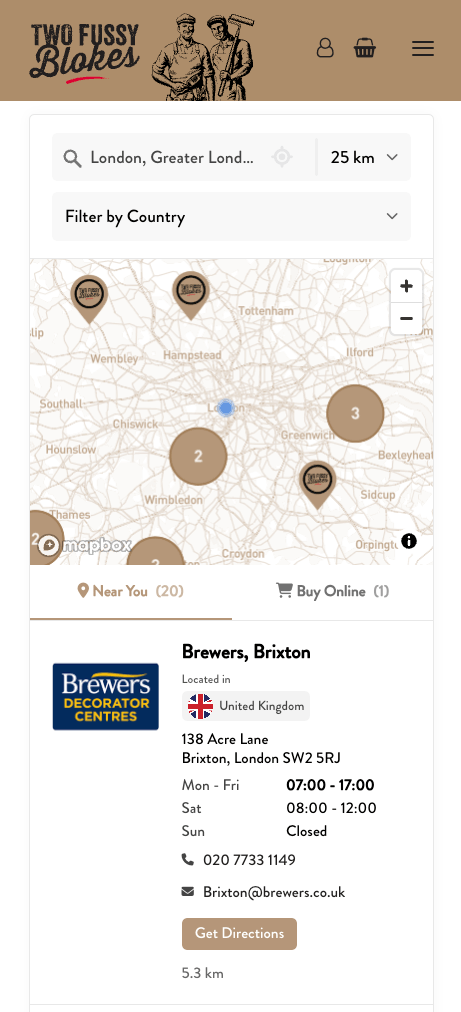
Show each dealer’s hours and phone number. Add links to their website, booking page, or quote form.
Have assigned regions? Set rules to show only the dealers that serve each area, or put them first in results.
Add the locator to your website with a simple copy and paste. Update your dealers in Storepoint, and the changes appear on your website automatically.
Have a custom website? Add the same embed code. We can help you set it up.
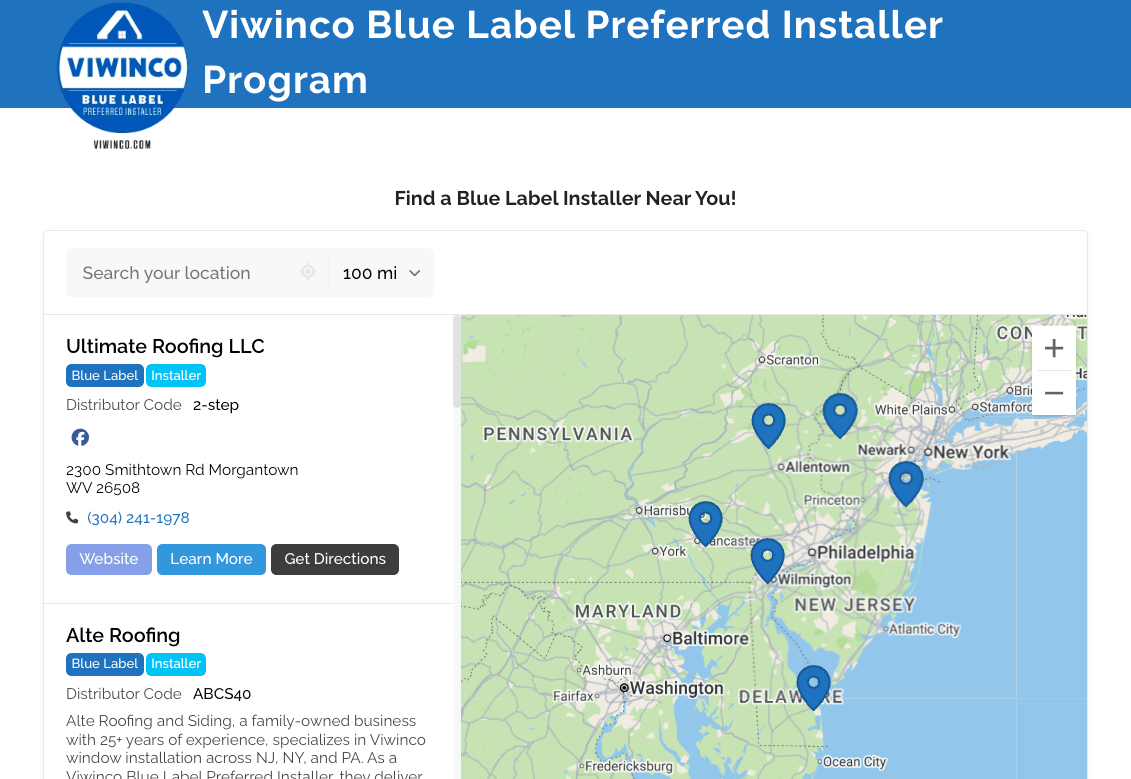
Show all your dealers on one map, or add a filtered map to a product or service page. Help customers find the right stockists, installers, or repair partners. Every map uses the same dealer list, so one update keeps them all current.
Upload your dealer spreadsheet. Add each branch, what it sells, and the services it offers. Make updates in Storepoint without editing your website.
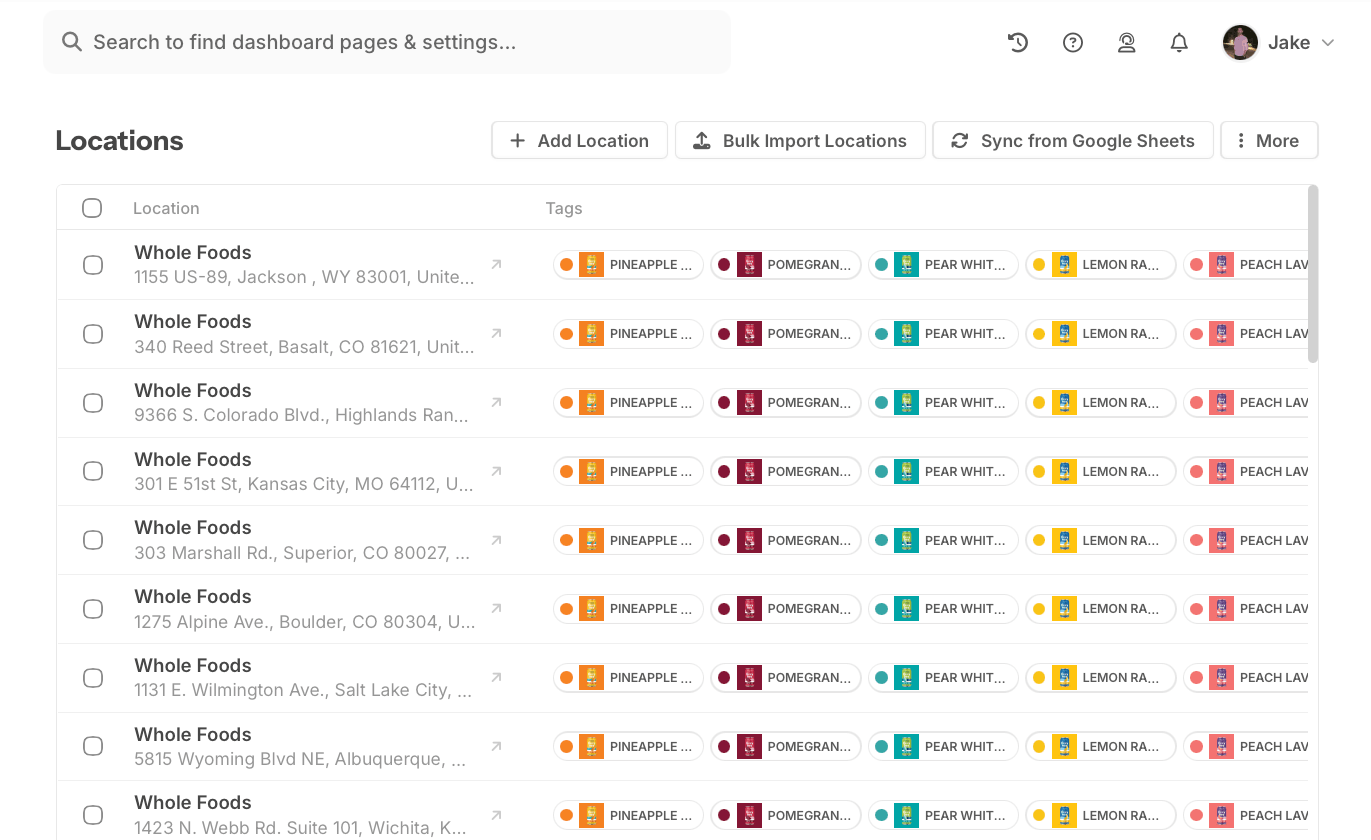
Upload a CSV or Excel file with dealer names, addresses, and contact details. Add the products and services each dealer offers.
Let customers filter by product, service, or dealer type. Choose your colors and fonts, or let us match your website for free.
Copy your embed code into a page on your website. Customers can now search for dealers and call, visit, or ask for a quote.
Need a hand? Setup help is included.
From just $25/mo. Simple pricing. Flexible plans.
Launch your locator.
Grow your dealer network.
Manage sales territories.
Dealer locator software helps customers find dealers, distributors, installers, or service partners on your website. Customers search by address or ZIP code, filter by product or service, and see matching locations with contact details and directions. Storepoint uses the dealer list you provide to build the map.
Import your dealer list into Storepoint, add product and service filters, and choose a design that matches your site. Then paste the embed code into a “Find a dealer” page. You can update dealer details in Storepoint without editing your website code. Follow the dealer locator setup guide.
Yes. Tag each dealer with the products they sell, services they offer, and any types or certifications you use. Turn those tags into filters so customers can choose an authorized dealer, distributor, installer, or repair center. Results show only locations that match their choices. Explore dealer filters.
Yes. Storepoint’s priority sorting puts dealers with a chosen tag at the top of search results. Set a distance limit and choose the order, such as preferred dealers first, then certified installers. Other matching dealers stay in the results below them. See priority sorting.
Yes. Storepoint lets you draw a sales territory on a map and assign dealers or distributors to it. Choose “Show Only Specific Locations” so searches within that area return only your assigned partners. For example, a customer can see the dealer responsible for their region instead of a closer dealer that does not serve them. See how to set up exclusive dealer territories.
Yes. Storepoint territory rules can move selected dealers to the top while keeping other matching dealers in the results. You can also include a regional dealer that would fall outside the normal search distance. This lets you feature a preferred partner or show a dealer that serves a wide area. See dealer priority and coverage rules.
Yes. Storepoint supports overlapping dealer territories, and the same dealer can be assigned to more than one region. This works for shared sales areas and dealers that serve both sides of a border. If a search matches several rules, Storepoint applies them in the order you set, so the order matters when rules change which dealers appear. See how territory rules work together.
Outside your defined territories, Storepoint normally shows dealers by distance, subject to the search filters and any other rules you have set. If a search returns no dealers, you can set a rule to show a helpful message or send the visitor to a contact page. This gives customers a next step when there is no matching dealer nearby. See options for searches with no dealers.
Yes. Each dealer listing can show a phone number, opening hours, directions, and links to a website, booking page, or quote form. Customers can choose their next step right from the listing. Booking and quote links open the form you provide for that dealer. See contact fields and buttons.
Yes. Add a filtered dealer map to each page to show only a chosen product line, service, dealer type, or certification. All the maps use the same dealer list. Update a dealer once and the change appears in every view that includes them. See filtered dealer maps.
Import a CSV or Excel file, add dealers by hand, or connect a Google Sheet. Include each dealer’s name, address, contact details, products, and services. Edit records in Storepoint, or update your connected sheet and let it sync. Your website’s dealer locator reflects those changes.
Manufacturers, brands, and service businesses use dealer locator software to help customers find local partners. It works for building supplies, vehicles, equipment, home goods, electronics, and more. Your map can list dealers, distributors, stockists, showrooms, installers, or repair centers, with filters that fit your business.
Storepoint works with Shopify, WordPress, Webflow, Squarespace, Wix, and other websites that accept an HTML embed. The dealer locator adjusts to phones, tablets, and computers, so customers can search and get directions on the go. Our team can help with setup and match the design to your website for free. Find your website setup guide.
Put your dealers, services, and contact details within reach. Start your free trial and we’ll match your locator to your website.