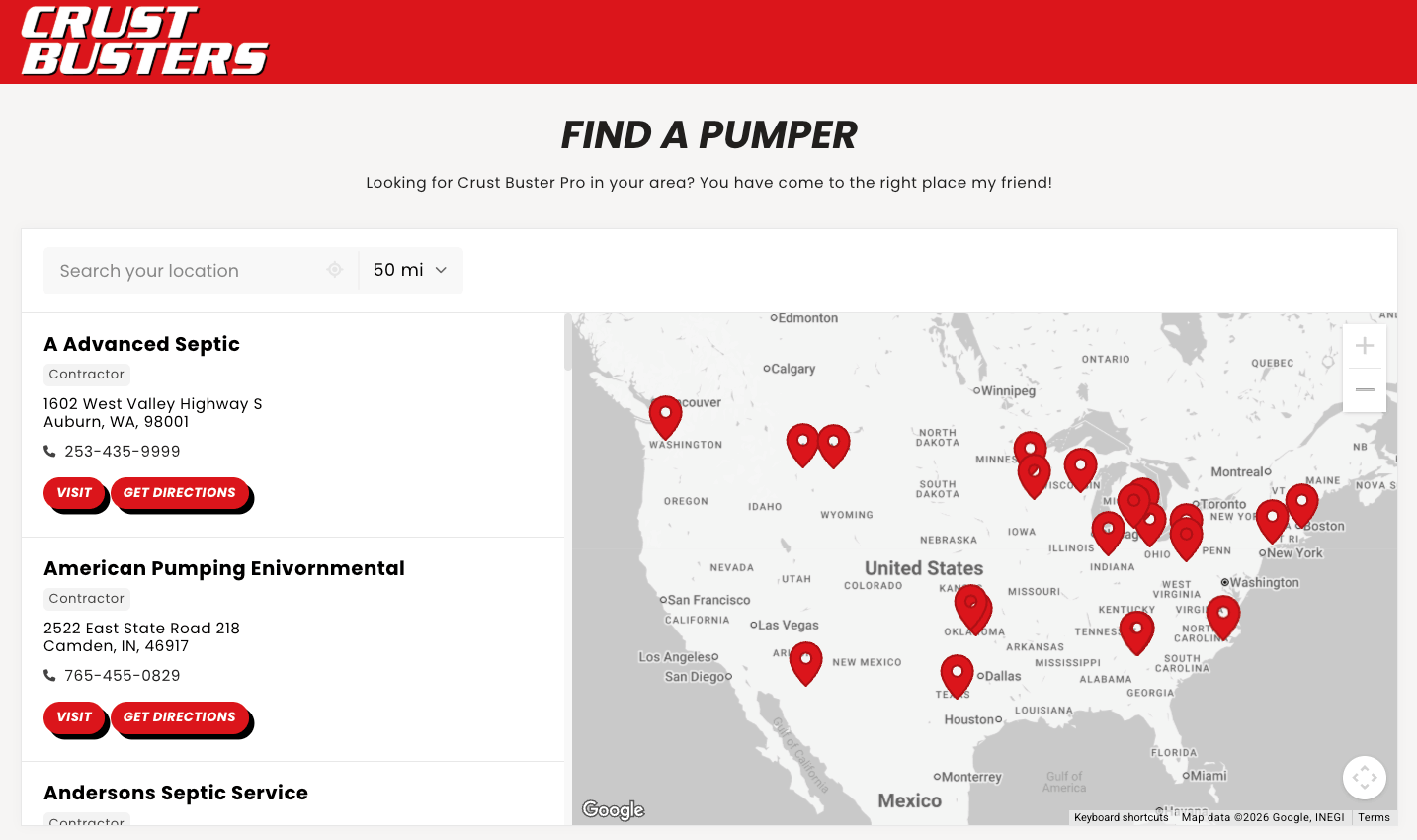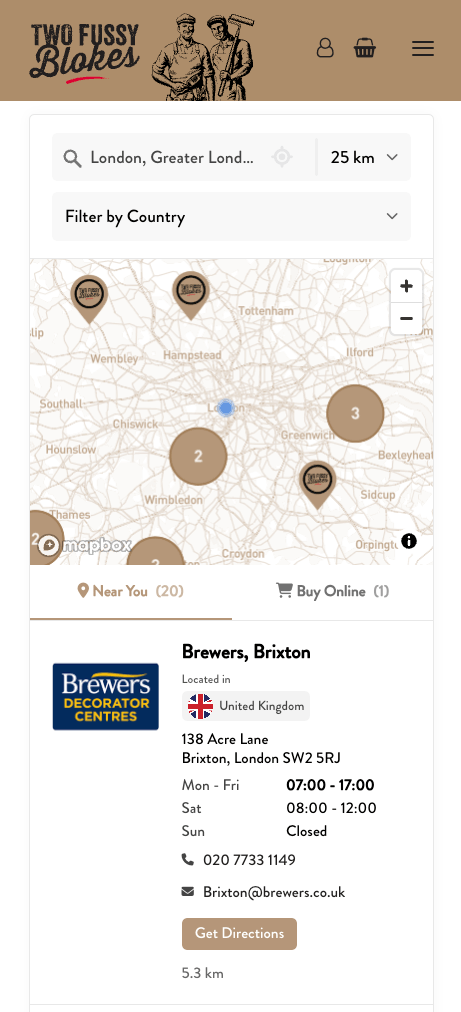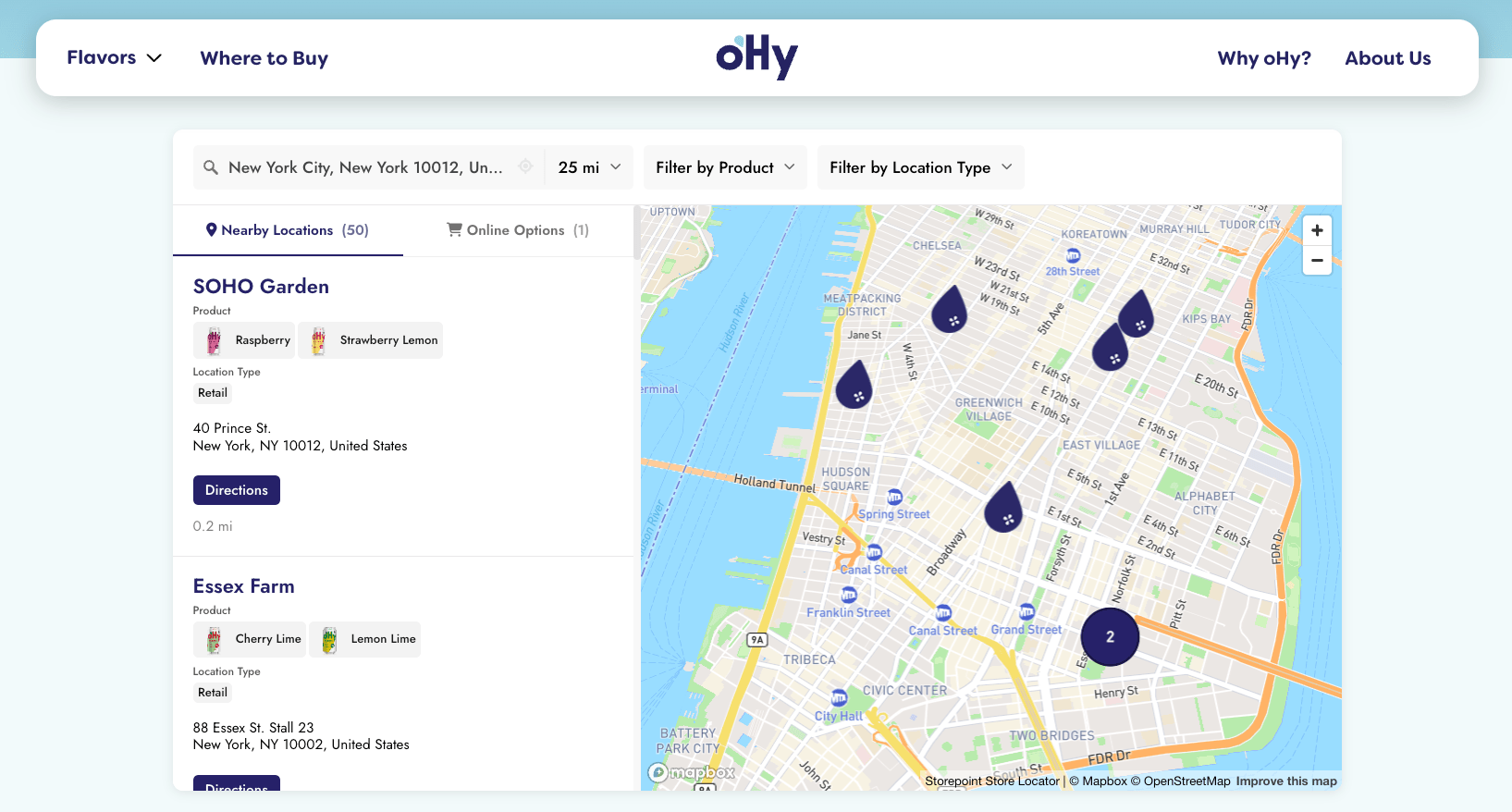
Add a searchable map of your locations to any Framer page in a single paste. Your Storepoint locator updates straight from your dashboard whenever your locations change, so the design you built stays exactly as you built it.
Use it as a multi-location map, dealer finder, provider directory, restaurant locator, or stockist page. Drops into Framer's Embed component and adapts to your desktop, tablet, and phone breakpoints.
Start your free trial See examples
- Create a Storepoint account and follow the prompts (you'll pick a map provider and a few basics), or log in if you already have one
- Add your locations: type them in, import a spreadsheet, or sync from Google Sheets
- Open Embed in the dashboard sidebar and copy your snippet
- Open your Framer project, navigate to your locator page (or create a new one called "Locations" or "Find Us")
- Press I (or click Insert in the top toolbar)
- Search Embed and drag it onto the page
- With the Embed selected, paste your Storepoint snippet into the HTML field in the right sidebar
- Set Width to Fill (or 100%)
- Set Height to a fixed value, around 600px to start (or Fill if it's inside a sized container)
The locator inside the Embed adapts to whatever width you give it. Height is the one thing you control. Most desktop locators feel right at 600-800px tall; mobile breakpoints can shrink to 500px.
- In the breakpoint selector, switch to Tablet and Phone
- Confirm the Embed is sized right at each breakpoint (resize if not)
- Click Publish in the top right
- Open the live page and try a search
That's the full setup. Every location update flows through your Storepoint dashboard. Your Framer design stays exactly as you built it.
Style it yourself from the dashboard: map style, marker pins, colors, button shapes, layout. Full CSS access is open on every plan.
Send us your Framer site link and we'll match the locator to your design system. Fonts, colors, layout, button shapes. Free with every plan. See examples →
Email us at [email protected]. We answer ourselves, no canned replies.
- Filters and tags for narrowing by service or category
- Map styles and custom pins from the dashboard
- Custom CSS for total control
- Embed options for filtered or multilingual locators