Features
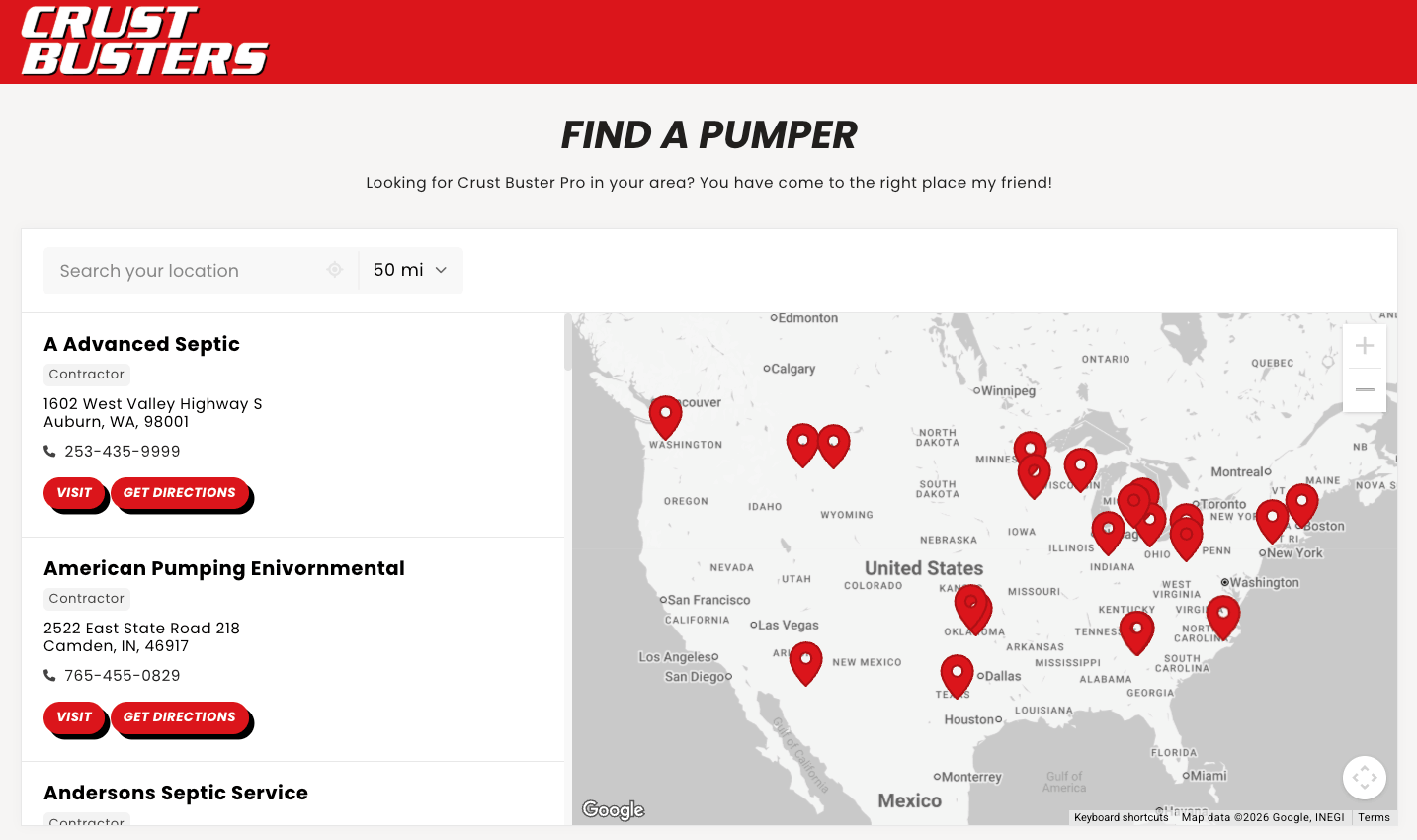
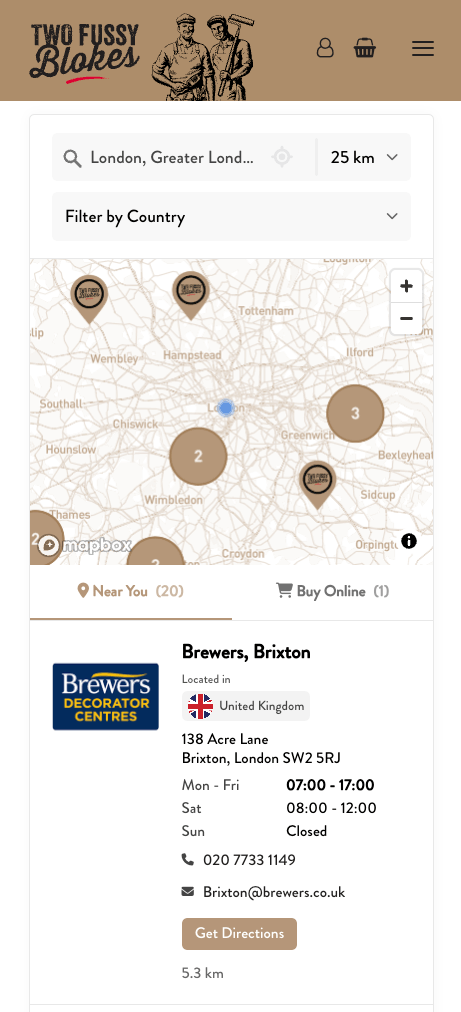
Search, filters, map pins, opening hours, and the other tools your visitors use.
- Search Help customers search by place or store name. Choose search distances, filters, and the results they see.
- Filters & Tags Learn how to tag locations and add filters to your store locator. Group and style tags, show them on location cards, and use them for map icons and sorting.
- Custom Map Icons Customize your store locator map icons and markers with brand colors, custom uploaded images, and conditional icons that change based on location tags.
- Priority Sorting Boost specific locations to the top of search results based on tags, so your most important locations appear first.
- Update List as Map Moves Update the location list as visitors pan and zoom the map. Prioritize or filter results to match what's visible, similar to "search as you move the map.
- Custom Fields Add custom buttons, social media icons, extra text info, and additional contact details to your store locator locations.
- Google Sheets Sync Connect your Google Sheet, choose when Storepoint checks for changes, and verify your location updates.
- Opening Hours Display opening hours on your store locator, show "Open Now" status, and let customers filter to find stores that are currently open.
- Auto-Detect Location Automatically detect customer locations to show nearby stores first. Configure IP-based location detection and GPS location requests.
- Online Stores Add links to online stores, delivery services, your own ecommerce site, or virtual options so customers always have a way to shop or connect when no physical location is nearby.
- Spotlight Define service areas, assign dealers to territories, and customize your store locator results based on where customers search.
- Location Images Add images to your store locator locations. Upload directly in the dashboard or include image URLs when importing from spreadsheets.