Stores that carry itFiltered to Table lamp
Filter stores by product.
Add product names, photos, and groups to your filters. Shoppers pick an item and see the stores that carry it.
Show shoppers which stores carry the product they want.
7 days free. Plans from $25/month.
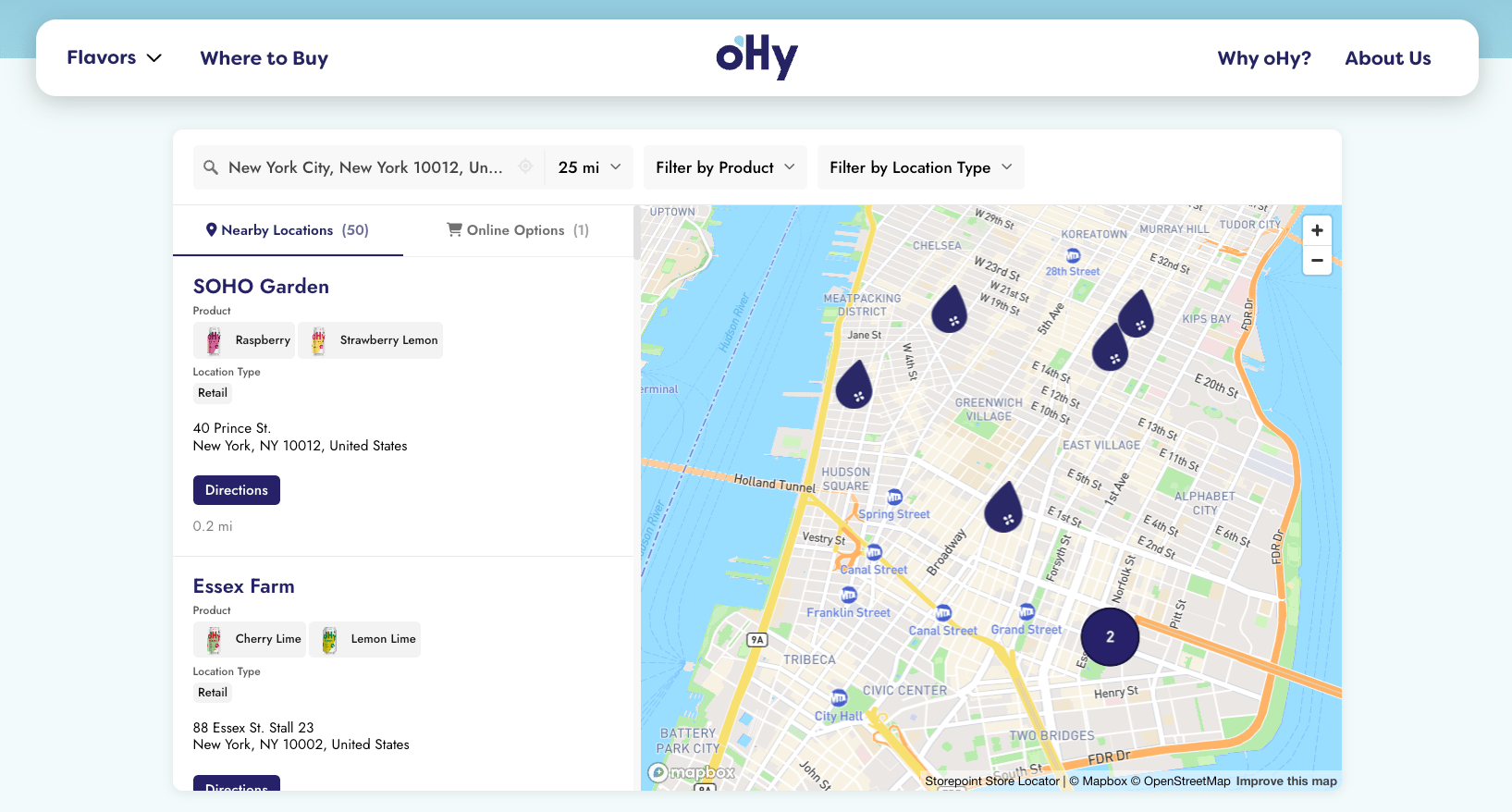
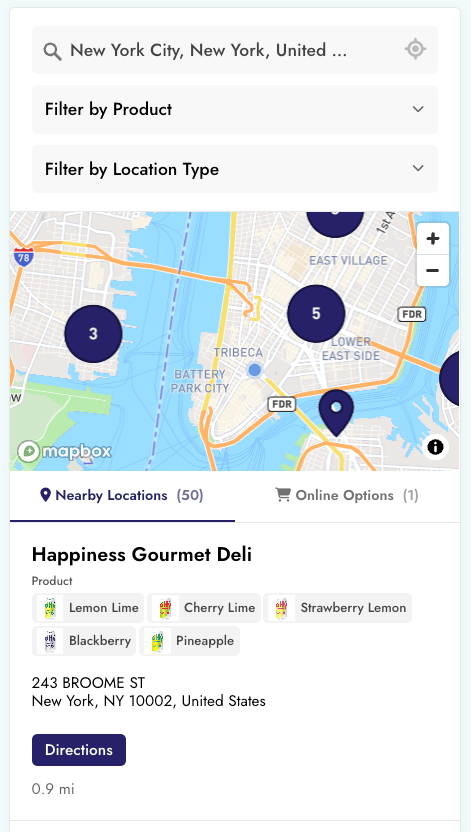
Turn your list of stockists into a map shoppers can search by address, ZIP code, or product.
Add product names, photos, and groups to your filters. Shoppers pick an item and see the stores that carry it.
Link each product page to a map with that item selected. Or embed its filtered map right on the page.
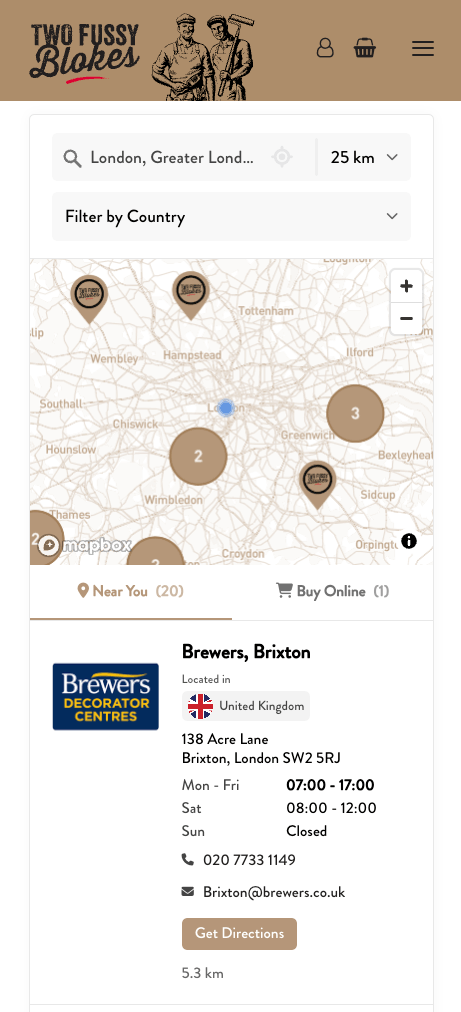
Add your shop or online retailers next to nearby stores. They can also appear when no store is nearby.
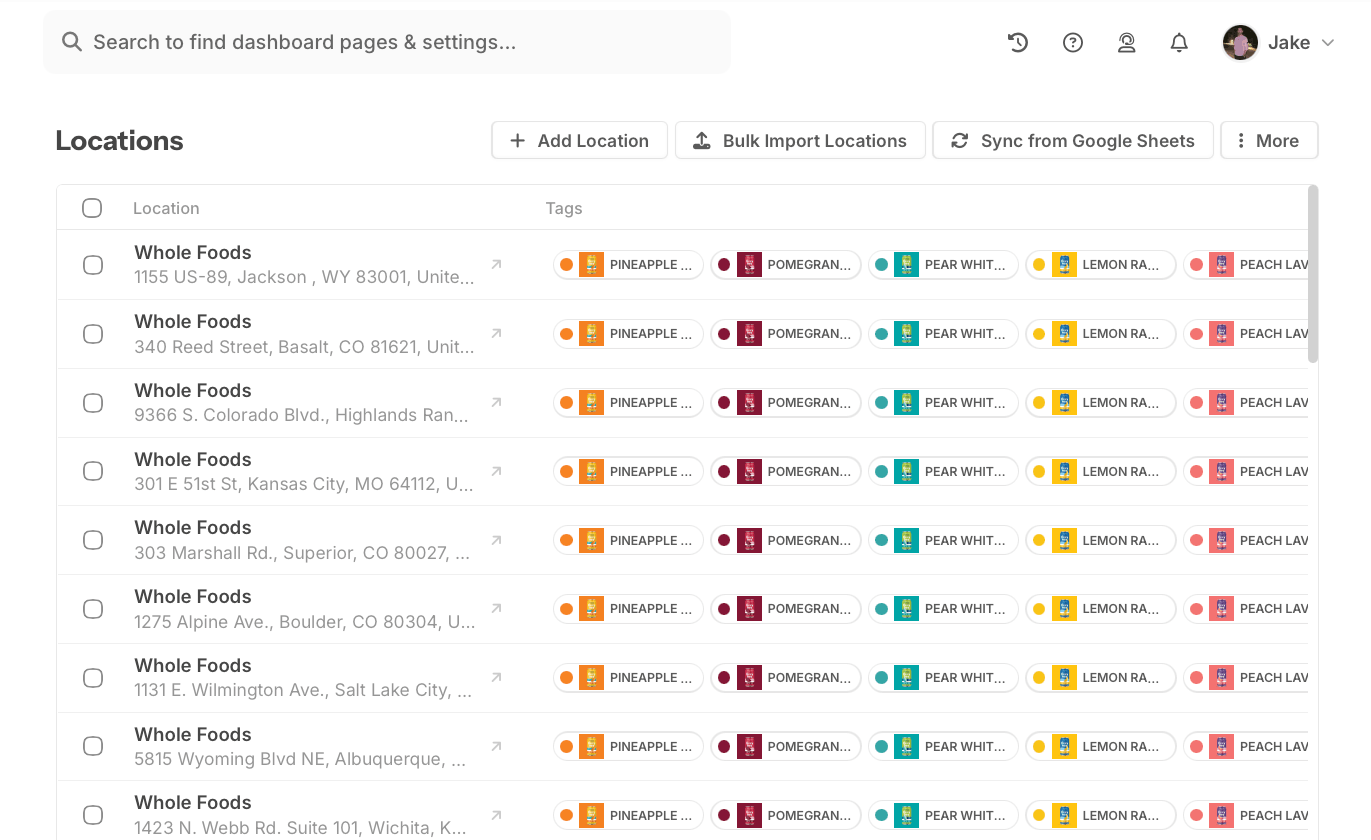
Import a CSV or Excel file. Edit which products each store carries in Storepoint, or sync a Google Sheet.
Add the locator to your website with a simple copy and paste. Update your stores and products in Storepoint, and the changes appear on your website automatically.
Have a custom website? Add the same embed code. We can help you set it up.
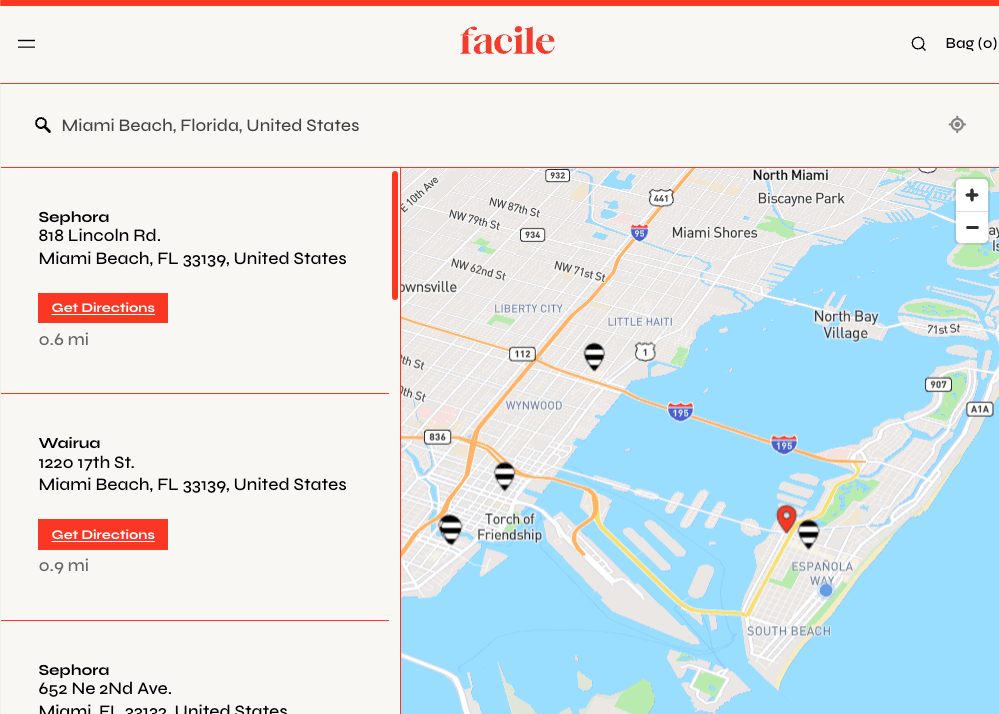
Match your product locator to your website’s colors, fonts, and map pins. Give shoppers a clear view of nearby stockists, store details, and directions. Our team will match the design for free.
Upload a CSV or Excel file with store names, addresses, and the products each store carries. Or add stores one at a time.
Let shoppers filter by product, size, or range. Choose your colors and fonts, or let us match your website for free.
Copy your embed code into a page on your website. Shoppers can now find nearby stores that carry what they want.
Need a hand? Setup help is included.
From just $25/mo. Simple pricing. Flexible plans.
Launch your locator.
Reach more shoppers.
Manage more retailers.
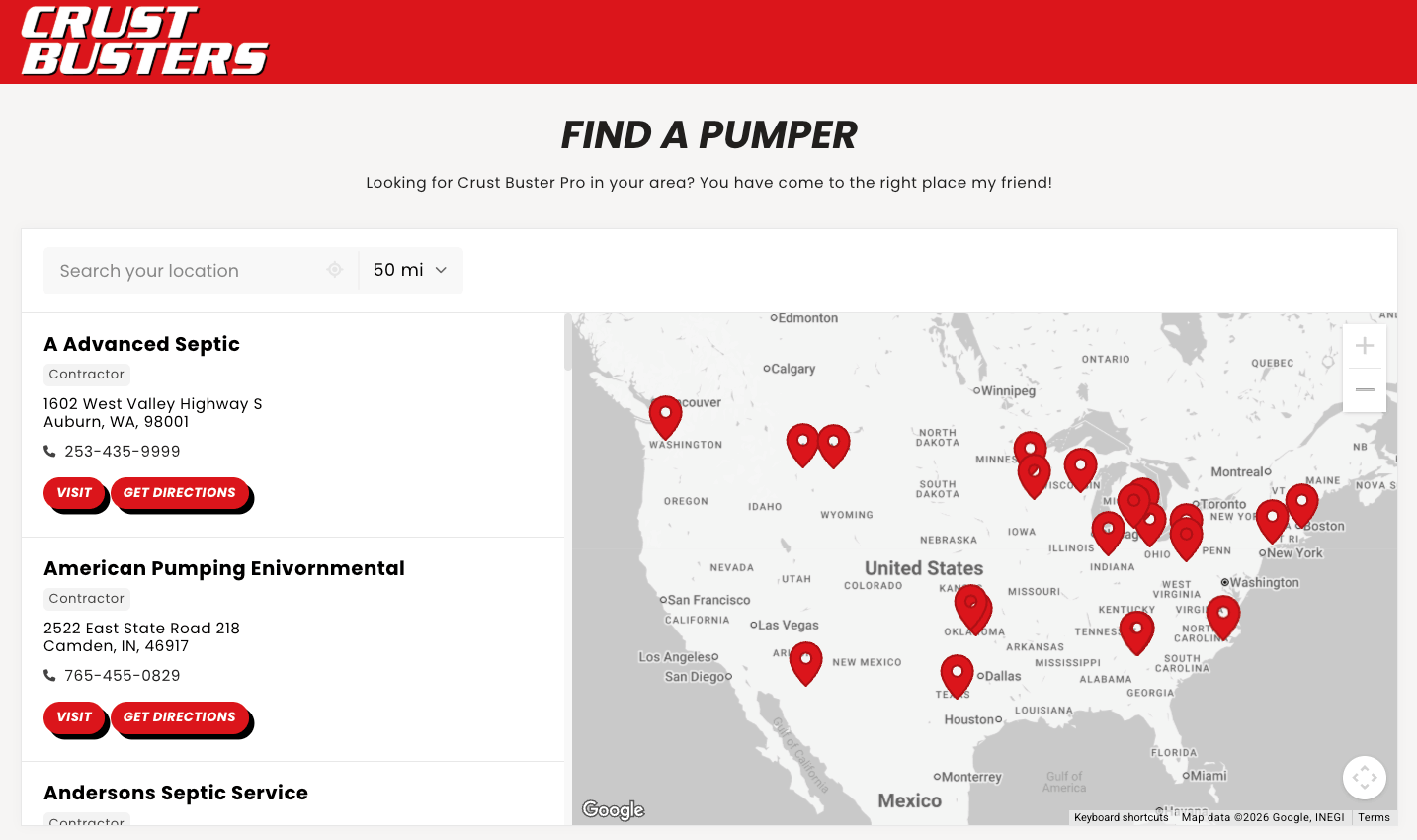
A product locator app helps shoppers find stores that carry a specific product. On your website, shoppers enter an address or ZIP code, choose a product, and see nearby stockists with store details and directions. Storepoint builds this searchable map from the retailer and product data you add.
Create a page called “Where to buy” or “Find in store.” Add your retailers and the products they carry to Storepoint, choose your filters, then paste the embed code into that page. Updates to your store list appear in the locator without changing your website code. Follow the product locator setup guide.
Yes. Storepoint lets shoppers filter stores by product, range, size, color, or SKU. Add those details as tags on each store, then group them into filters. Results show stores with the matching tags, so shoppers can find the item they want. Explore product filters.
Yes. A Find in Store button can open your product locator with that item already selected. You can also place a map showing only that product’s stockists right on its product page. Both options use the same retailer list, so you only need to update it in one place. See product page setup.
Your product locator can show links to your own online shop or online retailers when no store is nearby. You can also show an online stores tab beside local results. Filter online options by product or region to help shoppers find another place to buy. See online store options.
Add your own list of stockists and the products each store carries. Import a CSV or Excel file, add stores by hand, or connect a Google Sheet. Edit stores in Storepoint, or update your connected sheet and let it sync. Storepoint uses those details for your map, store listings, and product filters.
Yes. Storepoint can turn retailer reports from UNFI, KeHE, DOT Foods, McLane, and other distributors into a searchable product locator. Upload a CSV or Excel export, choose the columns for store names, addresses, and products, and skip fields you do not need. Product names or SKUs become tags you can use as filters. See how to import distributor reports.
Storepoint merges rows with the same store name and address into one location and combines their product tags. For example, three rows for one store carrying three products become one map pin showing all three products. This lets you use reports with a separate row for each product at each store. See how duplicate stores are combined.
Yes. Create a separate import in Storepoint for each distributor, broker, or sales team. Stores with matching names and addresses are combined into one listing with product tags from all those reports. Each import keeps its own column settings, so you can update one report without rebuilding the full retailer list. See how to combine distributor lists.
Upload the new file to the same saved import in Storepoint. It reuses your choices for the store name, address, and product columns, so you do not need to set them up again when the file format stays the same. Once the import finishes, your website locator reflects the updated data. For scheduled updates from a spreadsheet, you can connect Google Sheets. See how to refresh distributor data.
Any business that sells products through physical stores can use a product locator. This includes beauty, clothing, home goods, tools, electronics, food, and drink brands. Use it to list stockists, retail partners, or your own stores. Choose filters for your products, or leave them off if every store carries the same range.
Yes. Storepoint works with Shopify, WooCommerce, WordPress, Webflow, Squarespace, Wix, and custom websites that accept an HTML embed. Add it to a where-to-buy page or a product page. The locator works on phones and computers, and shoppers do not need to download an app. Find your website setup guide.
Help shoppers find the right product at a nearby store. Start your free trial and we’ll match your locator to your website.