CSVExcelSheets
Your locations
Add your locations.
Drop in a spreadsheet, connect an integration, or add locations one by one.
Storepoint for GoDaddy
Help visitors find stores that carry your products, local dealers, or the right service provider. Add a map they can search and filter, styled to match your website.
From $25/month. Cancel anytime.
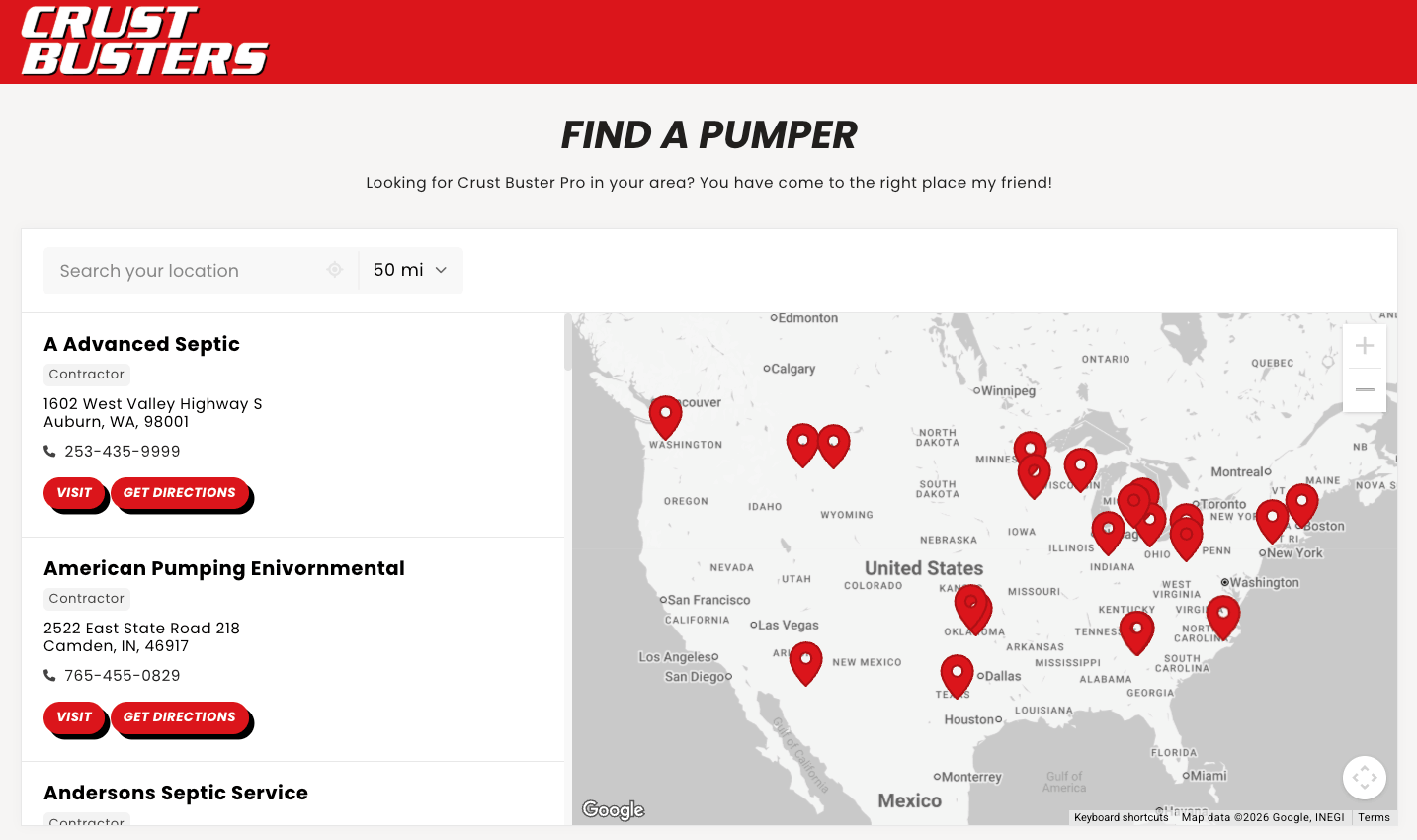
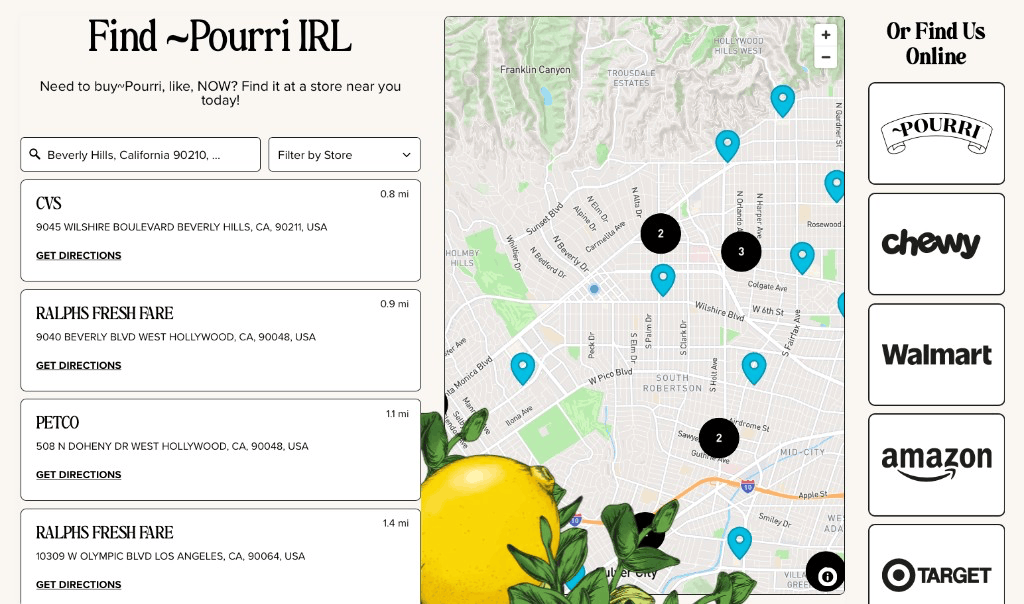
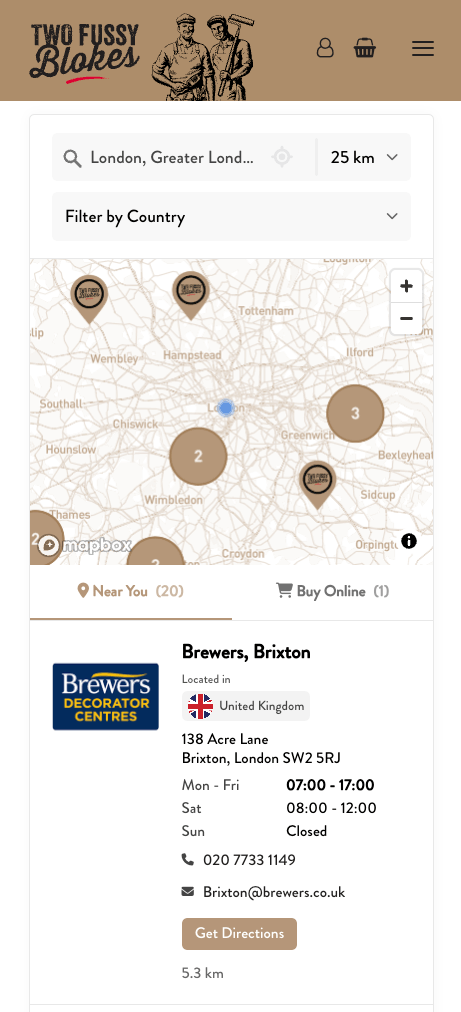
Show the closest locations. Search by city, address, ZIP code, or postcode.
Products, services, specialties, or location types. Choose the filters that matter to your visitors.
Give each listing its own details and buttons. Link to a booking page, menu, or quote form.
Choose your fonts, colors, and map pins. Complimentary brand matching is included with every plan.
Edit in Storepoint, drop in a spreadsheet, or sync Google Sheets and other integrations.
Let visitors search, filter, and find the right location on a phone, tablet, or computer.
Build your locator in Storepoint, then add it to your GoDaddy page.
Drop in a spreadsheet, connect an integration, or add locations one by one.
Pick your design, filters, and buttons. Style it yourself, with complimentary design help.
Add your embed to the page, preview, and publish. Your locator is ready to use.
I love Storepoint! It’s the perfect solution for us with the flexibility to change and update locations quickly. The design is professional and clean and custom to our brand. It’s affordable and their customer service is exceptional! Love the sync to Google Sheets too.
From first click of purchase to final product was about 15 minutes of chatting with Jake. He created a beautifully customized map with basically no direction. I’m a stickler for design and the product is beautiful. Highly recommend.
I adapted this model to improve my provider listings worldwide. I needed something smooth, professional, customizable and easy to use (we are not tech experts). It met all those expectations and the end result is something I am proud to have on my website.
Storepoint makes it easy to add a searchable, filterable multi-location map to GoDaddy. In Websites + Marketing, use the HTML section to place it on your page:
1. Create your locator. Add locations to Storepoint, choose your design, and copy your embed code.
2. Add an HTML section. Open your site in GoDaddy’s Websites + Marketing editor. Go to the page, add a section, search for HTML, and select Add. Paste your embed into the Custom Code field.
3. Preview and publish. Set the section height to show your map and results, check the page on desktop and mobile, and publish.
See GoDaddy’s HTML section guide for the editor steps.
For a WordPress website hosted by GoDaddy, add Storepoint with a Custom HTML block:
1. Copy your embed. Create your locator in Storepoint and copy its embed code.
2. Add it to a page. Open the page in the WordPress editor, add a Custom HTML block, and paste the code.
3. Publish your page. Preview the locator, then save or publish your changes.
Follow our WordPress setup guide or GoDaddy’s Custom HTML instructions.
Use Airo AI Builder’s chat or code editor to add your Storepoint embed to the page:
1. Create your locator. Add locations in Storepoint, choose your design, and copy the embed code.
2. Add it in Airo. Paste the embed into the chat and ask: “Add this Storepoint locator to my Find a Location page.” You can also place the embed through the code editor.
3. Preview and publish. Check the map and search on desktop and mobile, then publish your website.
Airo for WordPress builds your website in WordPress, where you can add Storepoint with a Custom HTML block:
1. Copy your locator code. Add your locations and choose your design in Storepoint, then copy the embed.
2. Open your WordPress page. Add a Custom HTML block where you want the locator and paste the code.
3. Preview and publish. Check your page, then save or publish it. Future location edits are managed in Storepoint.
See our WordPress setup guide.
Yes. Storepoint is made to be easy for anyone to set up and manage. Add your locations, choose your design, and copy-paste your locator into your GoDaddy page. No coding experience needed.
Keep everything up to date in Storepoint with simple edits, a spreadsheet, or a connected integration. Updates appear on your GoDaddy website automatically, so you don’t have to keep editing the page. Complimentary design help is included with every plan.
Yes. Add your location list to Storepoint and embed one map on your GoDaddy website. Visitors can search for nearby results and filter by product, service, or category. Each location can have its own hours, photos, contact details, and buttons.
Yes. Storepoint lets visitors search by city, address, ZIP code, or postcode, then narrow the results with filters you choose. Use products, services, brands, or other categories to help people find the right location. Manage the filters in Storepoint without changing the embed on your GoDaddy page.
Yes. Use Storepoint to list dealers, installers, clinics, contractors, or other service providers. Add filters for services, specialties, or certifications, with buttons to call, book, or request a quote. You choose the labels and details for each listing.
Yes. Choose your fonts, colors, map style, and pins in Storepoint. You can style the locator yourself or have our team match your website and brand. Complimentary design matching is included with every plan.
No. Once your locator is embedded, edits you save in Storepoint appear on your website automatically. If you use Google Sheets or another integration, the locator updates when that data syncs. You can also upload a new spreadsheet to update your list.
Yes. Storepoint supports search, filters, location details, and directions on phones, tablets, and computers. Preview your GoDaddy page on mobile and give the embed enough height for the map and results.
Create a store finder, dealer map, or provider directory. Try it with your location list, free for 7 days.