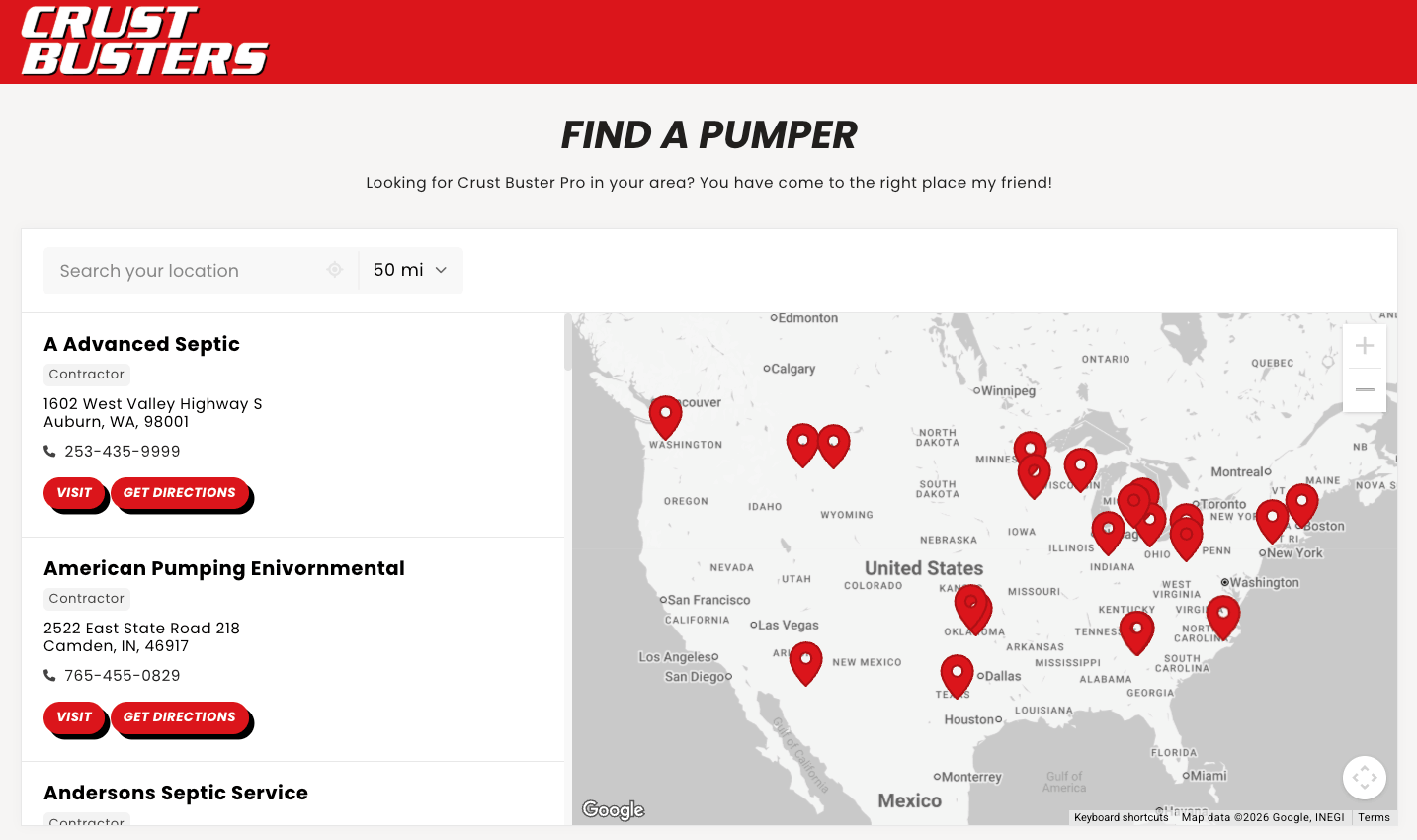
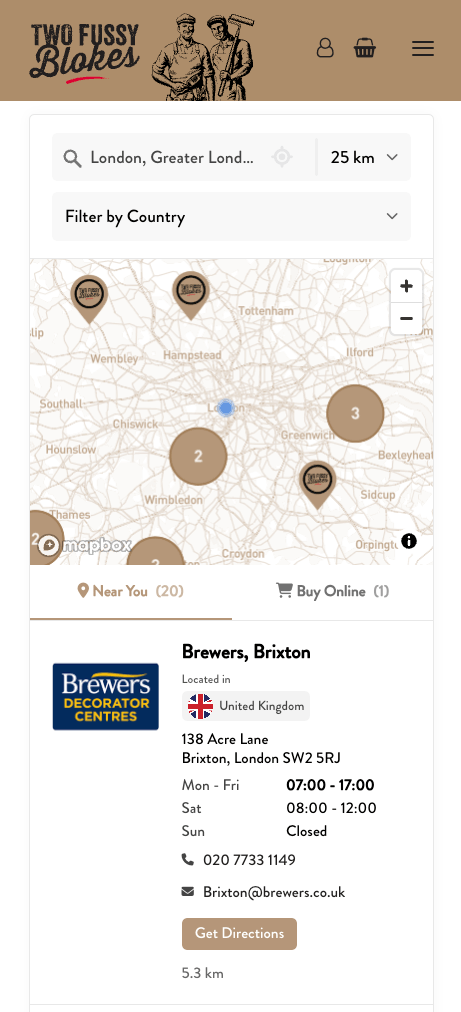
The Storepoint MCP server lets an AI assistant work with your locator. MCP is the connection format that assistants use to work with other apps.
You’ll need: a Storepoint store locator account and an assistant that supports remote MCP connections. Connect as the locator’s owner, or as a team member with the developer or admin role.
For the simplest setup, follow the Claude guide or ChatGPT guide.
In another MCP client, add a remote server with this URL and choose OAuth sign-in:
https://mcp.storepoint.co/mcp
Your assistant opens a Storepoint sign-in page. Sign in, choose the locator you want to use, and approve the connection.
Ask: “Use Storepoint to list my locations.” You can then ask it to add a location, update details, create a custom field, or get your embed code. Give the assistant the exact details you want and review changes before approving them.
Use the website embed guide to put the map on your site.
What do I enter in a client that uses JSON settings?
For clients such as Cursor that accept an mcpServers configuration, add this entry:
{
  "mcpServers": {
    "storepoint": {
      "url": "https://mcp.storepoint.co/mcp"
    }
  }
}
Save the settings and use the client’s sign-in option to connect Storepoint.
Can I use a private API key instead of signing in?
Yes. Scripts and clients without a sign-in flow can send a private API key as a Bearer header. Get the key from the Developer Portal in your Storepoint dashboard and keep it private. Follow the MCP developer reference for authentication and request details.
What can an assistant do through the Storepoint MCP server?
It can read and manage the connected locator’s locations, custom fields, settings, analytics, and embed code. This includes adding and deleting locations. Storepoint marks actions that change data so clients can request confirmation. Confirmation behavior depends on your client and its settings.
How do I end an MCP connection?
Remove Storepoint from your assistant’s connection settings. If you use a private API key, revoke it in Storepoint’s Developer Portal. Your saved locator data stays in Storepoint.