Store Locator for Elementor
Add a beautiful store locator to your Elementor site in minutes. No coding, from just $25/month.
Your fonts and colors. Works the way you need. Out of the box.Plus our team is here to help you brand-match every detail.
Set up in minutes No coding required Brand-matched design
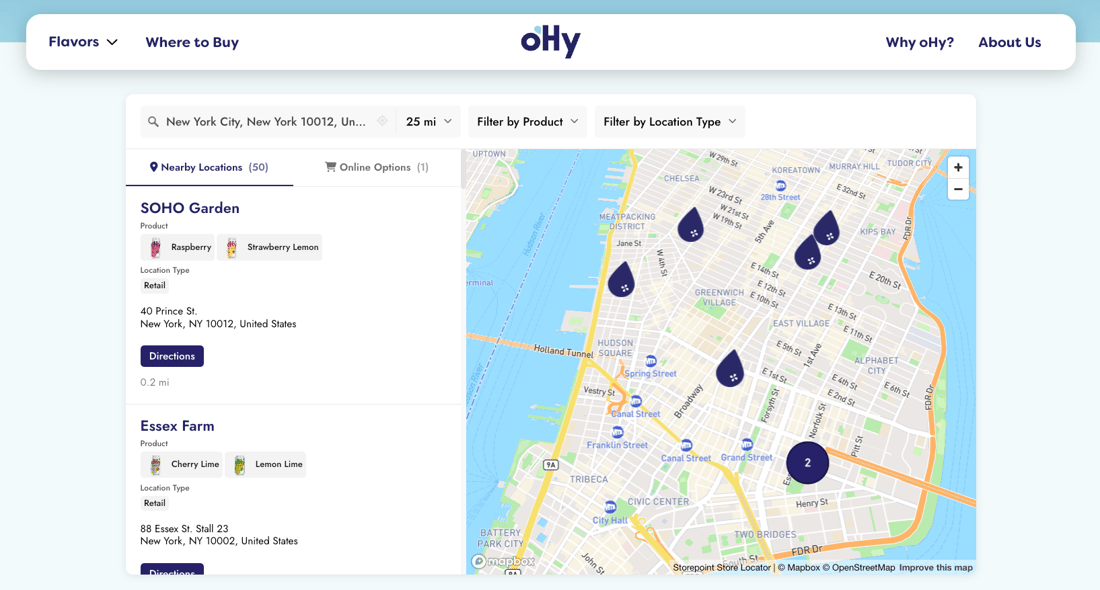
















Quick to set up. Easy to manage. Beautifully on-brand.
Quick to set up
Copy your snippet from the dashboard, drop it into Elementor's HTML widget. Or use our WordPress plugin shortcode. Live in minutes.
How do I add it to Elementor? Setup guideEasy to manage
Add locations one by one, import a spreadsheet, sync a Google Sheet, and many other options. Updates appear on your Elementor page instantly.
Beautifully on-brand
Easily match your fonts, brand colors, and Elementor design right in the dashboard. Or send us your site and we'll style it for you, free on every plan.
Manage locations any way you like.
Import from a spreadsheet, sync a Google Sheet, add locations from the dashboard, and more. Set up custom fields, tags, and filters for whatever your business needs. Once your locator is embedded, you never need to open the Elementor editor again to update your locator.
- Simple location management dashboard
- Drag-and-drop CSV import and updates
- Google Sheets sync for automatic updates
- Custom fields, tags, and filters
- Custom syncs and integrations
"It makes my map beautiful and easy for me to update. Adding new locations takes seconds."
Tom R. · Founder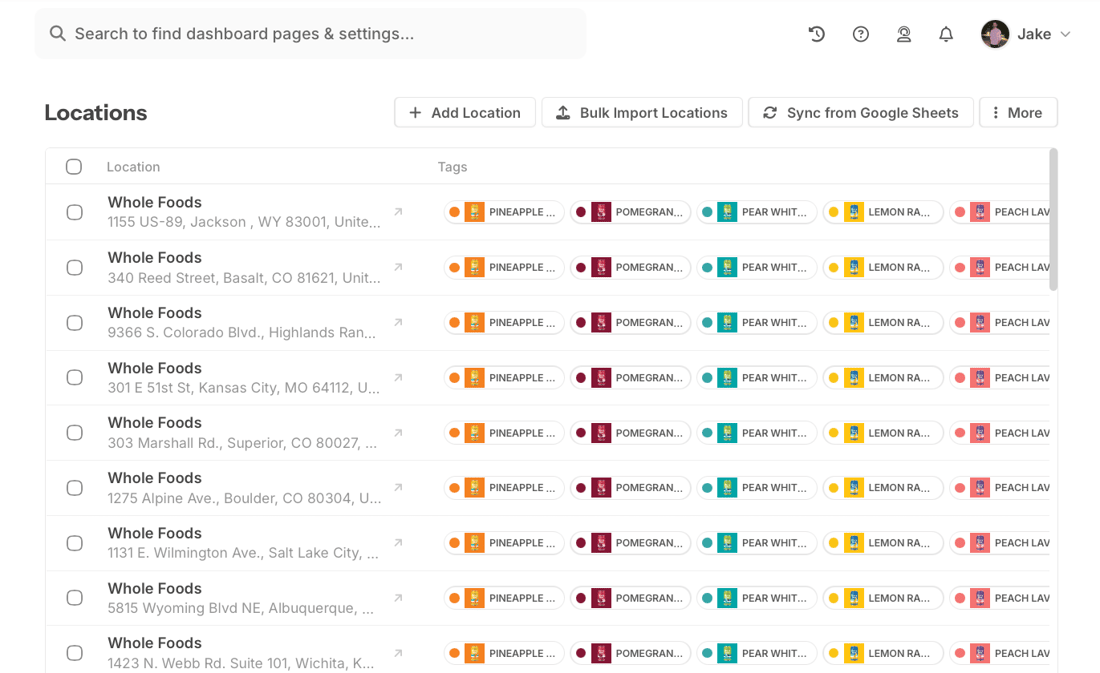
Visitors find you in seconds.
Your visitors search by city, postcode, zip code, and more to find what's nearby. Add filters for products, services, or categories. Each listing shows the details, links, and hours you set up.
- Filter by product, service, or anything else you want to tag
- Search with autocomplete and GPS auto-detect
- Show details, links, and buttons on each listing
- One-tap directions on any device
"Very easy to implement. The filtering options made it easier for our customers to see which stores were carrying which products."
Adam · Owner, Health & Wellness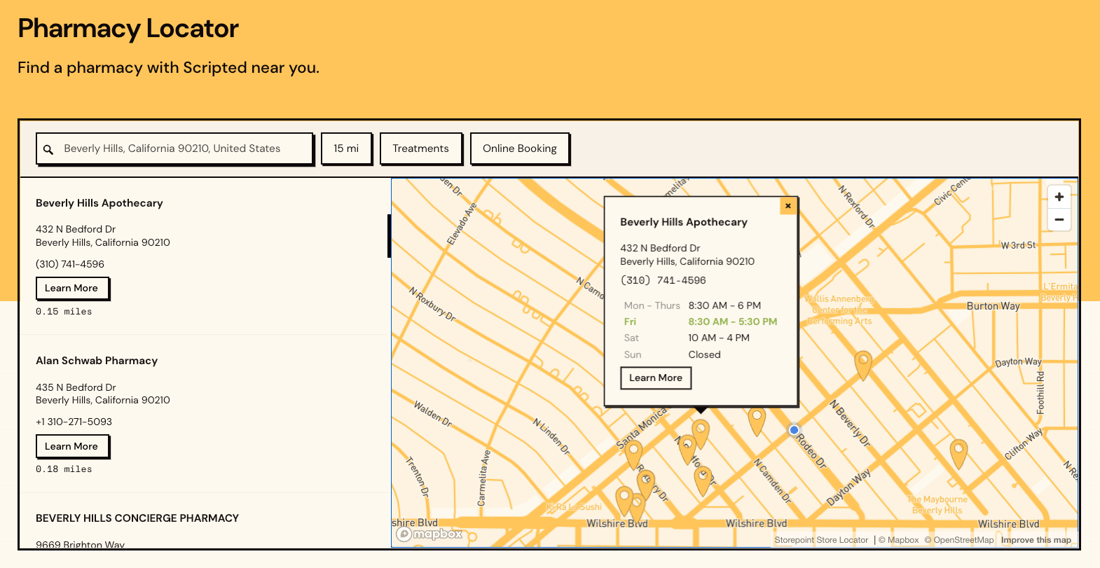
Looks like part of your design.
Elementor pages are crafted in detail: padding, radius, type scale, colors. Your store locator should feel the same. Set fonts, brand colors, and section styles right in the dashboard. Or send us your site and we'll style the locator to match your Elementor design, free on every plan.
- Works with Elementor Free, Elementor Pro, and the Hello theme
- Match your fonts, brand colors, and button radius
- Custom map markers, themes, and brand-color pins
- Full CSS access for designers
"From first click to final product was about 15 minutes. He created a beautifully customized map with basically no direction. I'm a stickler for design and the product is beautiful."
Maggie · Article One Eyewear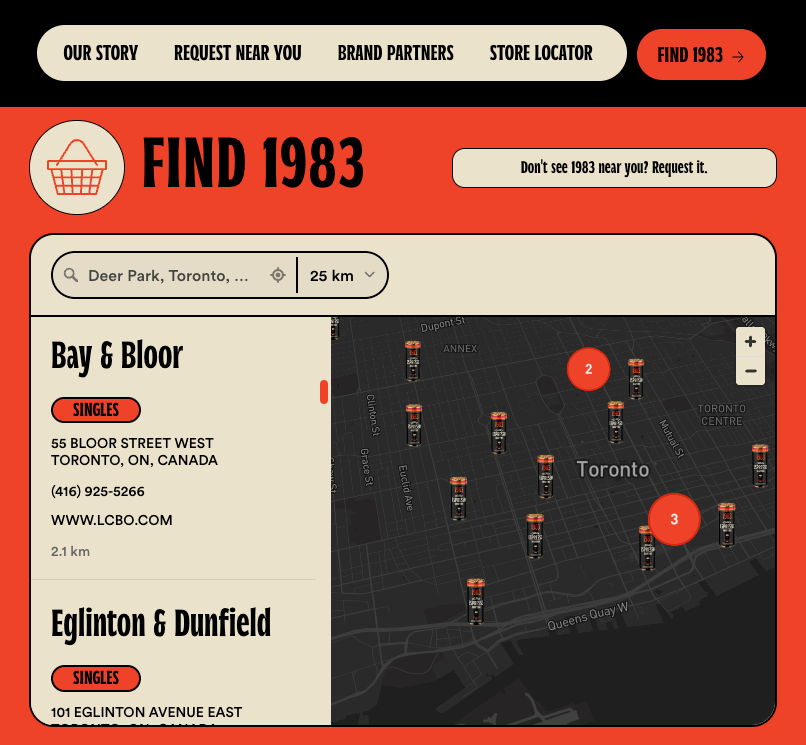
On your Elementor page in minutes
Import from a spreadsheet, sync a Google Sheet, or add them one by one. Set up tags, filters, and custom fields for booking links, social icons, or anything else your site needs.
Pick map styles, colors, and custom pins from the dashboard. Or send us your site link and our team matches your fonts, colors, and Elementor design for you. Free on every plan.
Drag the HTML widget where you want the locator, paste your snippet, hit Update. Prefer a shortcode? Install our WordPress plugin and add [storepoint] instead.
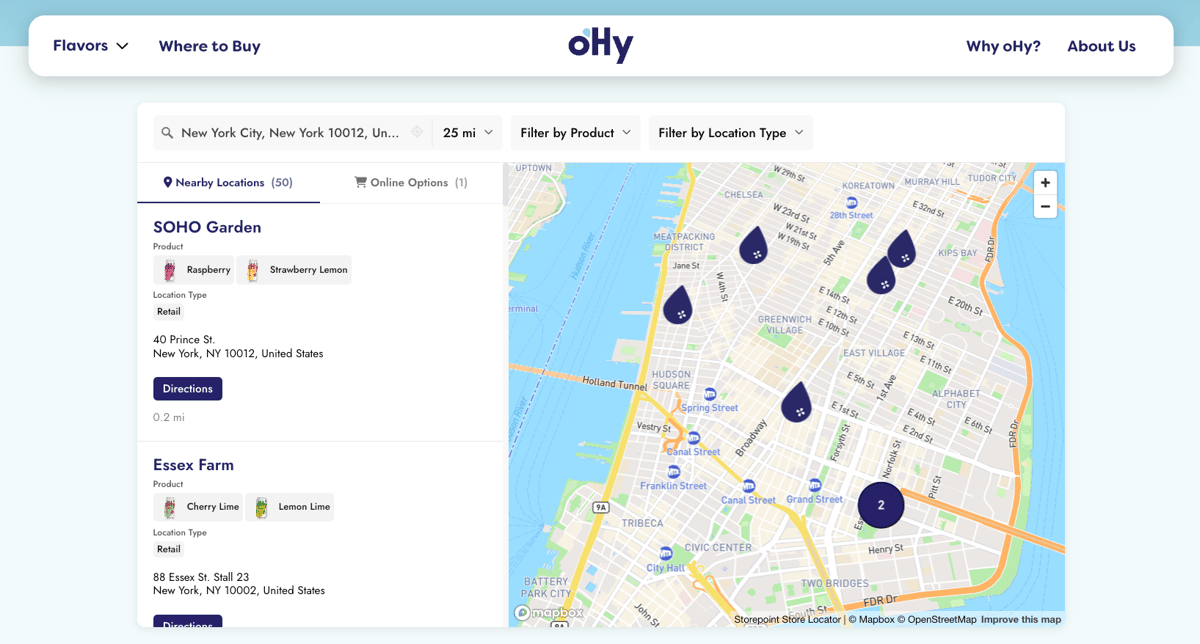
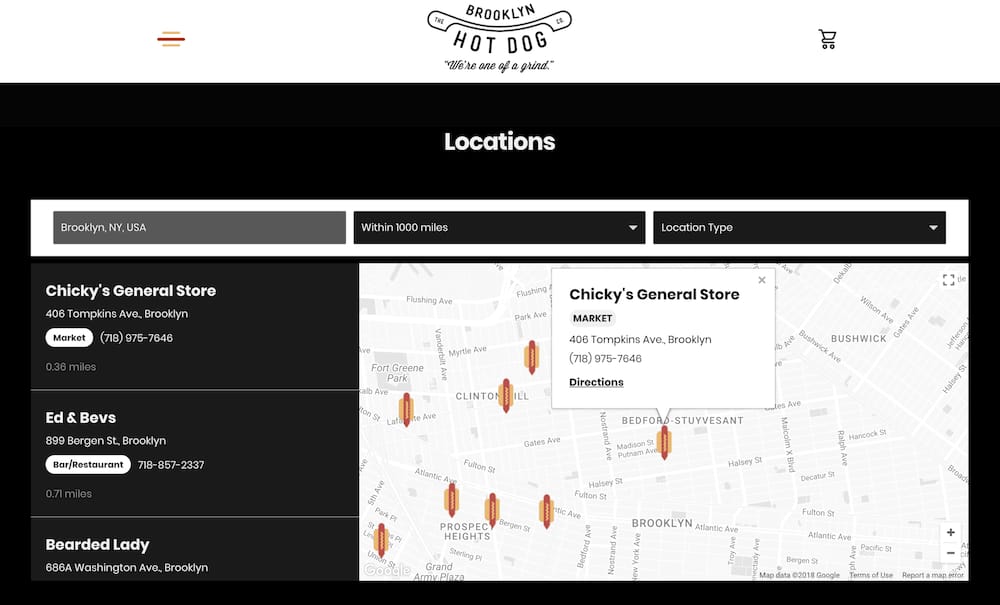
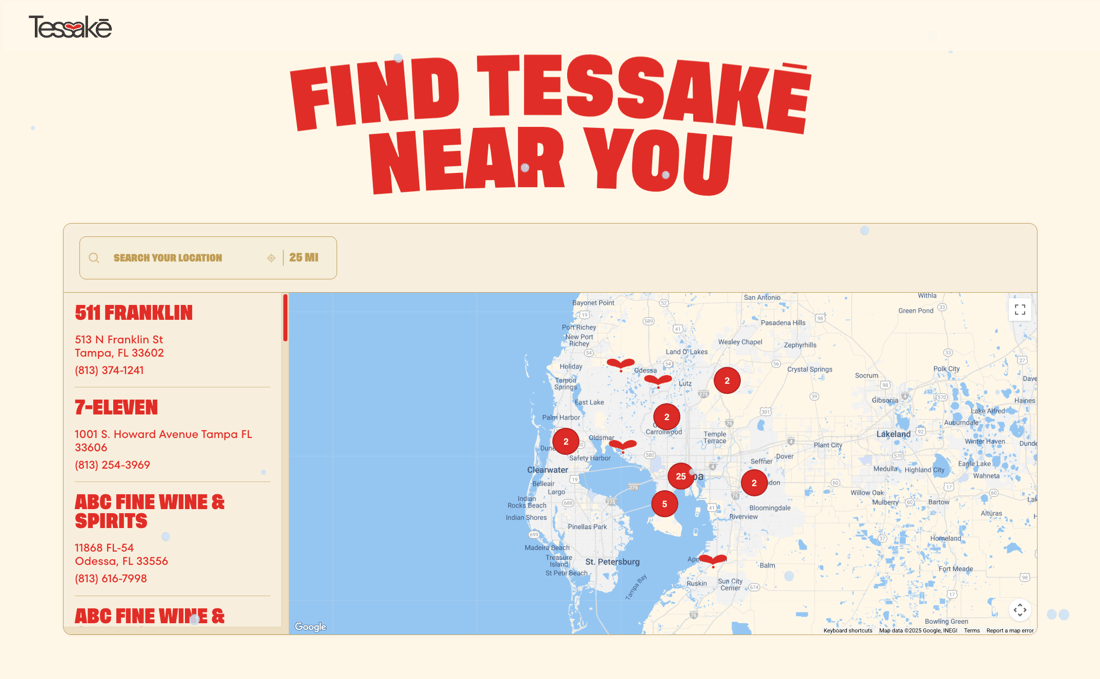
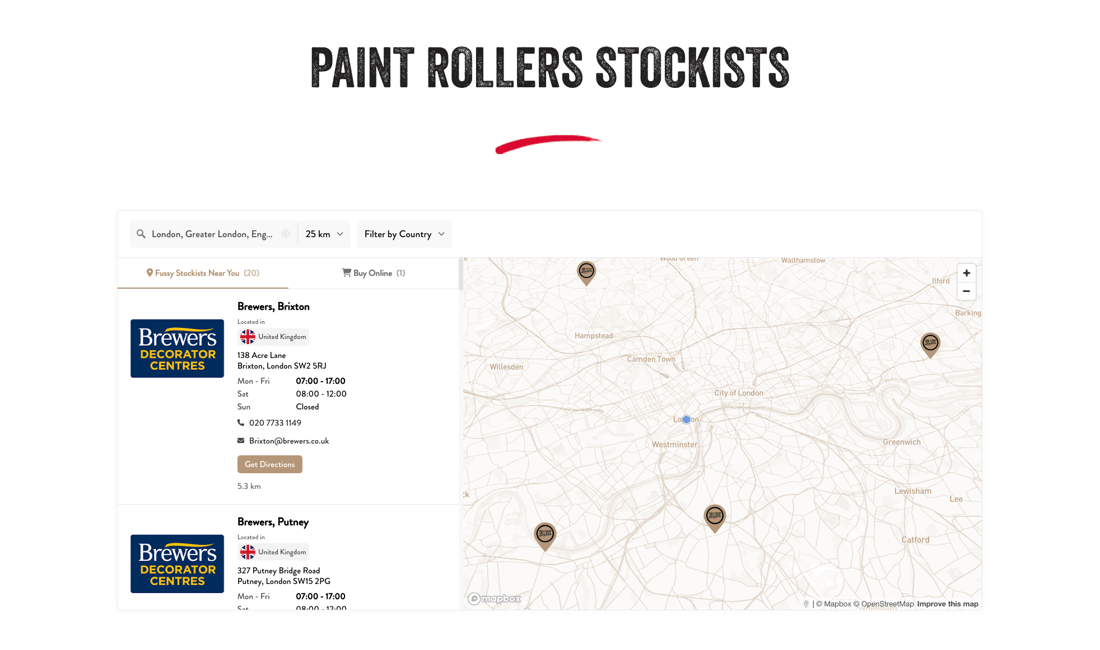
Locators built with Storepoint
Our customers love using Storepoint
"From first click to final product was about 15 minutes. He created a beautifully customized map with basically no direction. I'm a stickler for design and the product is beautiful."
"The design is professional and clean and custom to our brand. It's affordable and their customer service is exceptional. Love the sync to Google Sheets too."
"I needed something smooth, professional, customizable and easy to use. We're not tech experts. It met all those expectations and the end result is something I'm proud to have on my website."
"It makes my map beautiful and easy for me to update. Customers love the experience and so do I. Adding new locations takes seconds."
Common questions
What's the workflow for dropping a store locator into an Elementor page?
Sign up at app.storepoint.co/dashboard, add your locations, copy your snippet from the Embed sidebar. In WordPress, edit your locator page and hit Edit with Elementor. Search "HTML" in the widget panel, drag the widget onto your section, paste the snippet into the HTML Code field, hit Update. The locator renders live in the Elementor preview and on the published page. Elementor walkthrough.
Is there a native Elementor store locator widget?
No, neither Elementor Free nor Elementor Pro ships one. A few third-party widgets exist in the Elementor add-on marketplace, but most run as PHP plugins that execute on every page load. Storepoint runs as a hosted widget instead. Embed it through Elementor's built-in HTML widget, or install the Storepoint WordPress plugin and drop [storepoint] into a Shortcode widget. The locator rendering happens on our infrastructure.
Is Storepoint an Elementor add-on, app, plugin, or widget?
Storepoint is a hosted store locator app and software. Two install paths on an Elementor page. Path A: paste the embed snippet into Elementor's built-in HTML widget, no WordPress plugin needed. Path B: install the Storepoint WordPress plugin from wordpress.org and drop [storepoint] into Elementor's HTML or Shortcode widget. Both share one dashboard. Path B adds central token management, automatic WPML and Polylang language detection, and per-page tag filtering.
Does the Storepoint WordPress plugin work inside Elementor?
Yes. Install the Storepoint plugin from wordpress.org, paste your Public Locator Token once under Settings > Storepoint, then add [storepoint] inside Elementor's HTML widget or Shortcode widget on any page. Useful for multilingual sites (auto-detects WPML and Polylang), and for showing different filtered locators on different pages with [storepoint tags="dealer,premium"].
Does it require Elementor Pro or work with the free version?
Elementor Free is enough. The HTML widget and Shortcode widget both ship in the free version alongside Elementor Pro and the Hello theme. Whichever you run, the same Storepoint snippet (or shortcode) drops in. Pro users get extra page-builder features (theme builder, popups, dynamic content) but nothing extra is required for the locator itself.
How do I show a multi-location map inside Elementor?
Through the HTML widget on any Elementor page. The locator delivers an interactive map with up to 200 pins on Starter, 2,000 on Pro, 10,000 on Business, with marker clustering for clean rendering. Visitors get city or postcode search, autocomplete, GPS auto-detect, filters for product, service, or anything else you want to tag, and one-tap driving directions. Each pin opens to show hours, contact info, photos, and Custom Field buttons (Book Now, View Menu, social icons like Instagram or LinkedIn).
Can I make the locator look like the rest of my Elementor design?
Style your map, brand colors, fonts, buttons, and custom map markers in the dashboard, live in minutes. Want a closer match? Once it's embedded on your site or a test page, send us the URL and our design team matches the locator's typography, colors, button radius, and section padding to your Elementor design tokens, free on every plan. Need pixel-level control? Your designer gets full CSS access. Compatible with Elementor Free, Pro, and the Hello theme. Designer Katie W. described the result as "professional, clean, and custom to our brand."
Does this work for stockist pages, dealer locators, or service finders built in Elementor?
Yes, all three work the same way. Tag retailers or providers by product line, brand, or service type in the Storepoint dashboard, then turn the tags into filters. Add Custom Field buttons per location for purchase links, booking URLs, or social icons. For territory-based dealer networks, Spotlight (Business plan) lets you assign exclusive dealers to specific regions: customers searching within a territory see only the assigned dealers there.
Does the locator hurt my site's Lighthouse score or PageSpeed Insights?
No measurable hit. The locator script is non-blocking and loads from our CDN after Elementor finishes rendering. WordPress paints at normal speed, your theme and plugins load first, the locator hydrates after. No PHP execution server-side for the locator (Path A), no extra database queries per visit. Particularly relevant for Elementor sites already running heavy with widgets and animations.
I pasted the embed but the locator isn't showing up. What now?
Two common causes from real support tickets. One: a caching plugin holding the old version. Open WP Rocket, W3 Total Cache, LiteSpeed Cache, WP Super Cache, or your host's panel (Kinsta, WP Engine, SiteGround, Cloudways) and hit Purge. Two: if the HTML widget itself isn't visible in the Elementor editor, you're on a non-admin role. Elementor restricts that widget to administrators by default; an admin can grant access under Elementor > Role Manager.
Does this locator have the features I need for my Elementor page?
Yes. Beyond what's covered above, Storepoint includes filters with multiple filter groups (filter by product, service, certification, brand, or anything else you want to tag), Custom Fields for per-location buttons (Book Now, Buy Online, View Menu, social links), custom map markers and themes (different markers by location type, product, or service), keyword search, GPS geolocation, opening hours with live open and closed status, multilingual labels, search analytics, territory rules, Google Sheets and CSV sync, full custom CSS for designers, and developer APIs. On Elementor specifically, that includes Elementor Free, Pro, the Hello theme, and pre-filtered embeds via WordPress plugin shortcode. If you have a specific feature in mind for your use case, it's likely already built in. Explore all features . Don't see what you need? Email [email protected] and we'll help you find a path with what's built, or work with you to add what's missing.
Add a store locator to your Elementor page
Matches your design. Ready in minutes. From just $25/month.
Set up in minutes Works with Elementor Free & Pro Brand-matched design