Airtable integration
Create a locator map for your website from Airtable data
Turn your Airtable records into a searchable map and location directory. Connect a table or view, choose the details visitors see, and keep your locations up to date from Airtable.
- 7-day free trial
- Works on any website
- Free design customization
Airtable
Storepoint
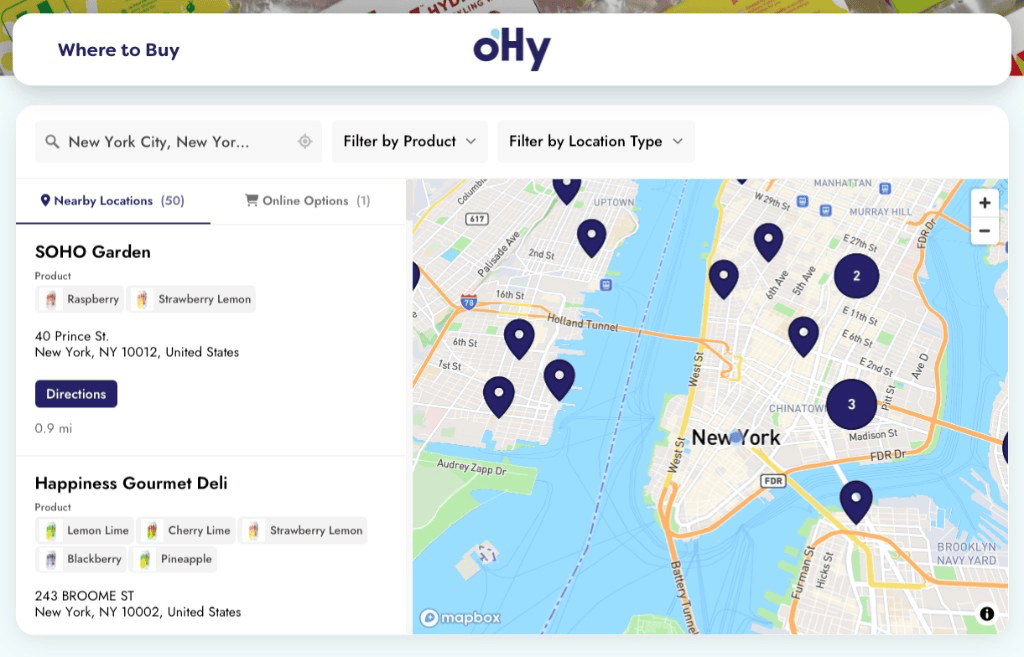
A store locator built for your website
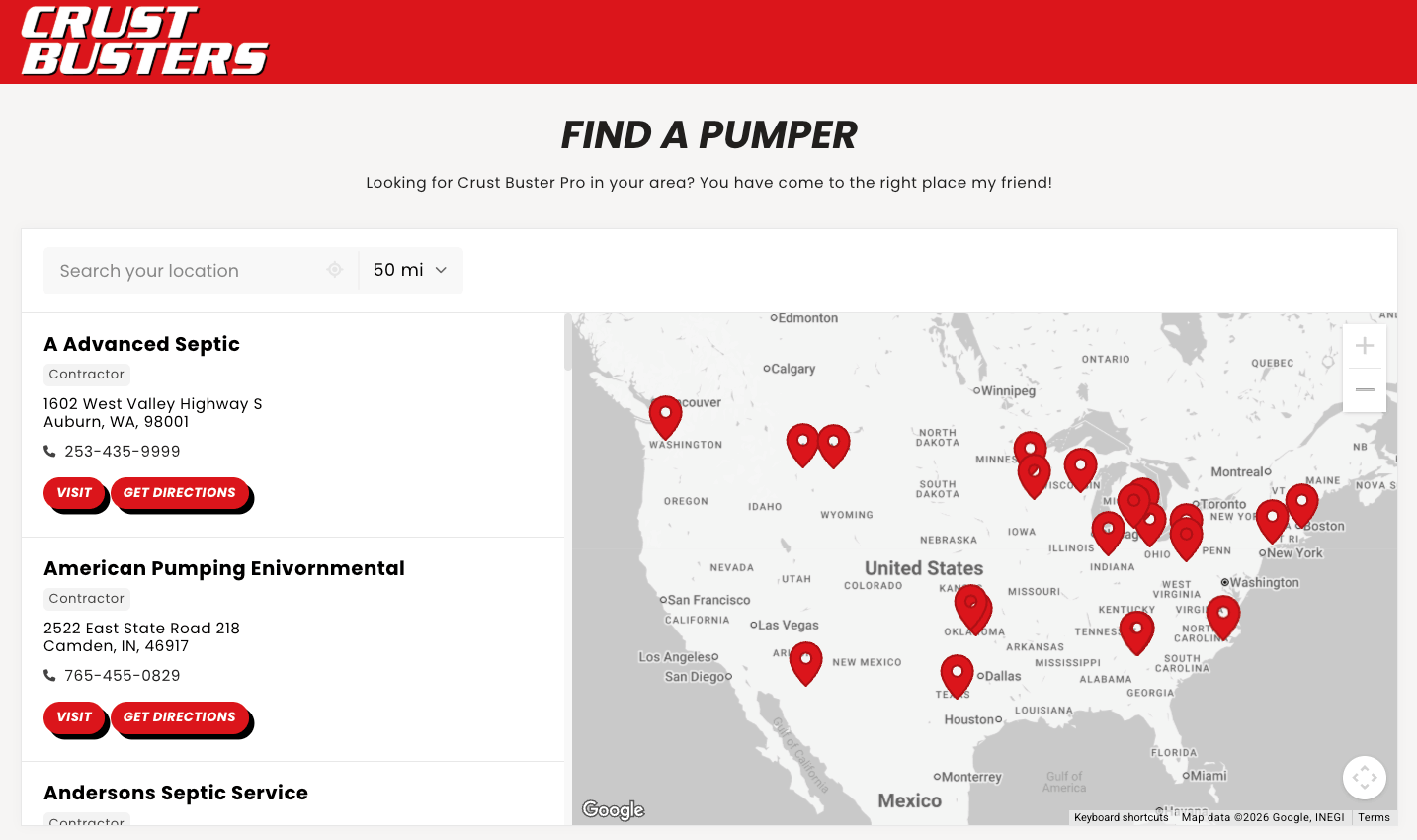
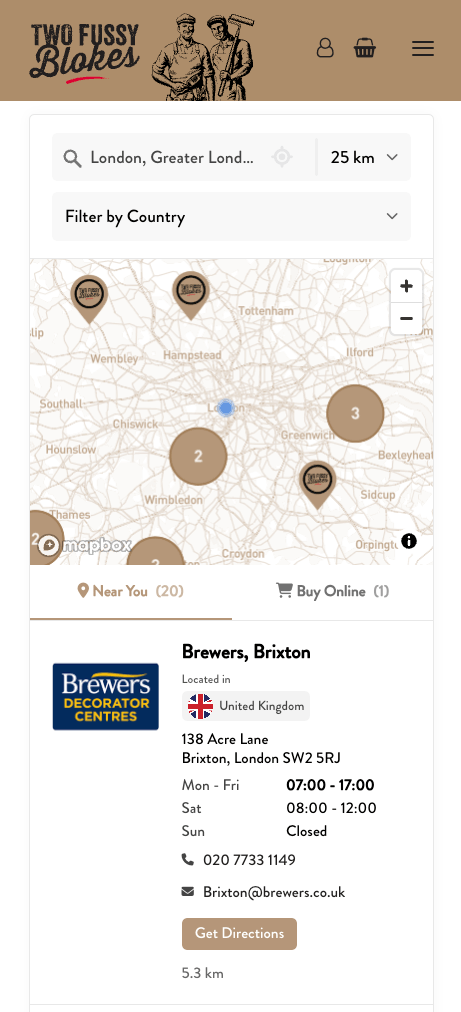
Use your Airtable locations for a store finder, business directory, or map of local providers. Visitors can browse the map and results list, find nearby locations, and filter by what they need. See our store locator examples.
Questions about Airtable and Storepoint
How do I turn Airtable records into a map for my website?
Connect Airtable to Storepoint, choose your base, table, and optional view, then match your location names, addresses, and other public details. Copy and paste the locator into your website. Keep editing in Airtable and sync changes to the same map. Follow the Airtable setup guide for the steps.
Can I build a business or provider directory with an Airtable map?
Yes. Use one Airtable record per physical location, with a name and address. Storepoint displays those locations on a map and in a searchable results list. Visitors can find nearby businesses or providers, filter by category or service, and see the contact details you choose to publish.
Can I choose which Airtable records appear on the map?
Yes. In Storepoint, select a table and, if needed, a view within it. Only records in that selection feed your locator. For example, an Approved locations view can leave out drafts or locations you are not ready to publish.
Can visitors filter the map using my Airtable fields?
Yes. Map supported Airtable fields, such as multi-select products or services, to Storepoint tags. Then organize those tags into filters. Visitors can narrow the map to locations with the product, service, or category they need.
Will my map update when I change a location in Airtable?
Yes. Choose scheduled syncing to update addresses, contact details, and other mapped fields after a successful sync. You can also sync manually. Optional live updates can request earlier checks when your Airtable access supports them. Keep editing in Airtable; you do not need to replace the website embed.
What information does each Airtable location need?
Each location needs a name and a usable address. You can also map phone numbers, website links, tags, and supported custom fields. Complex fields, such as attachments or linked records, may need a text or formula field first. The Airtable setup guide shows how to prepare your fields.
Do visitors need an Airtable account to use the map?
No. Visitors use the locator embedded on your website without signing in to Airtable or opening your base. You choose which records and mapped fields supply the public location details. Keep internal notes and other private fields unmapped.
Do I need the Airtable Map extension or a developer?
No. Storepoint connects directly to your Airtable table or view and provides the website map. You do not need to set up the Map extension, write a custom integration, or use Zapier. Authorize the connection, match your fields, and paste the locator into your website. Storepoint reads your selected records and does not write changes back to your base.