HubSpot integration
Create a locator map for your website from HubSpot data
Turn your HubSpot company records into a searchable store, dealer, or office locator. Choose which locations appear and keep their details up to date from your CRM.
- 7-day free trial
- Works on any website
- Free design customization
HubSpot
Storepoint
A store locator built for your website
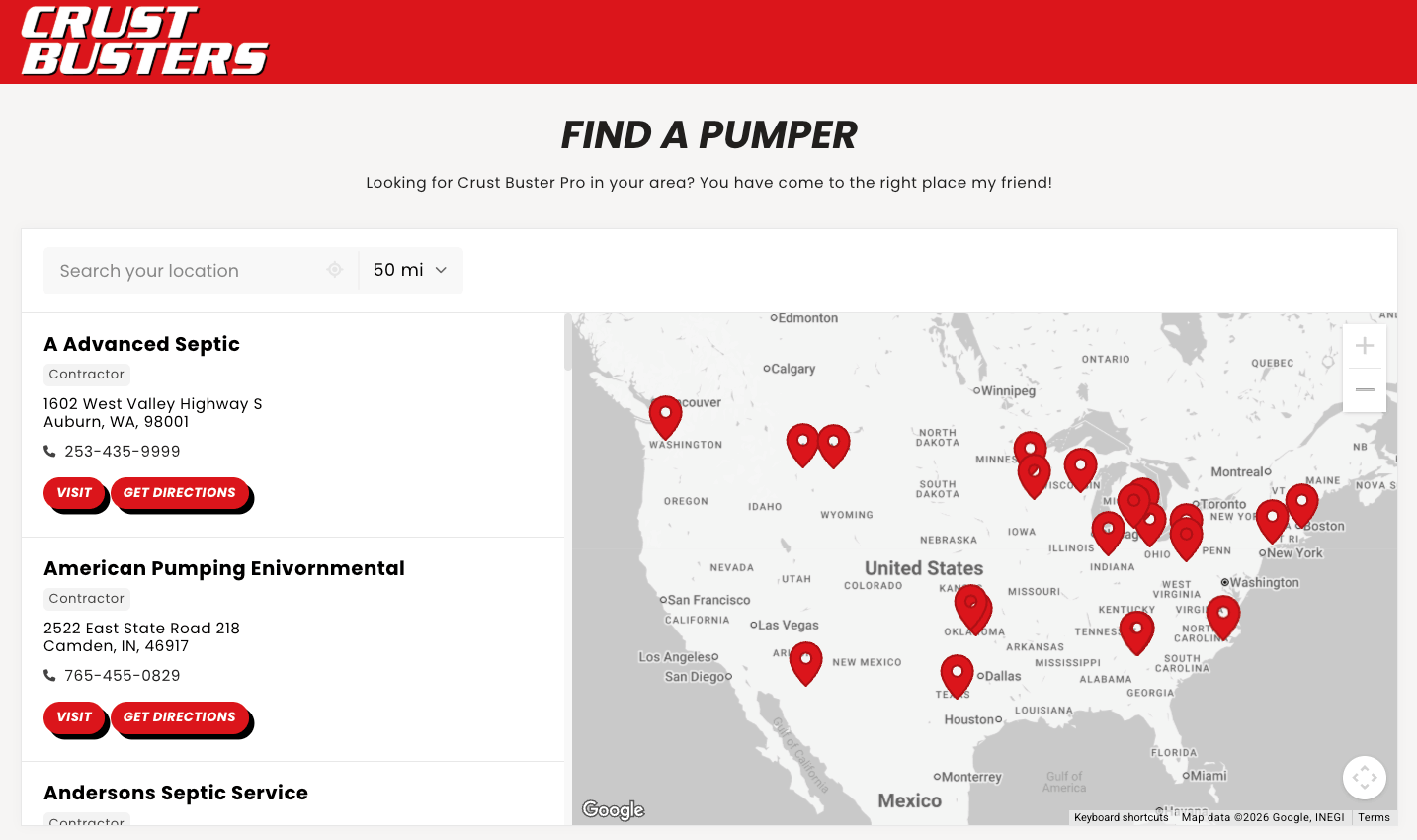
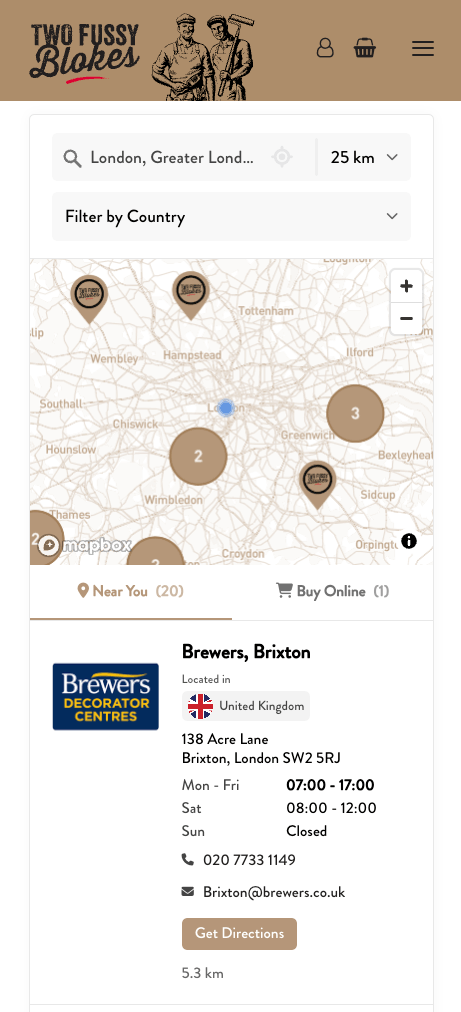
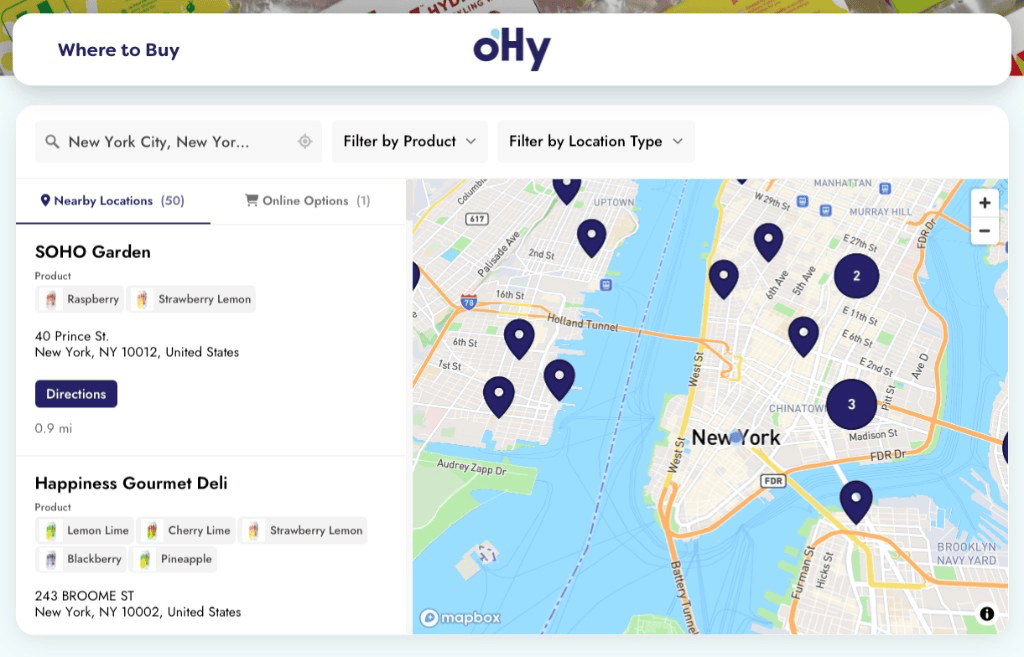
Keep your location data in HubSpot. Storepoint turns it into an interactive map and searchable directory on your website, helping visitors find a nearby location with the products or services they need. See our store locator examples.
Questions about HubSpot and Storepoint
How do I turn HubSpot data into a map for my website?
Connect HubSpot to Storepoint, choose the company records you want to display, and match their names, addresses, and public details to location fields. Then copy and paste your locator into your website. Each selected company becomes a location on the map. Follow the HubSpot setup guide for the steps.
Can I create a store or office locator with postal code search?
Yes. Visitors can enter a city, ZIP code, or postal code to find nearby locations, view them on a map and in a results list, and get directions. Use HubSpot company records for your stores, offices, branches, or dealers, with a separate record and address for each location.
Can I show only approved dealers or selected HubSpot companies?
Yes. Choose an active or static company segment containing the locations you want to publish. For example, an Approved dealers segment can select companies using a status property. You can also select all companies if every record should supply a location.
Can visitors filter locations using custom HubSpot properties?
Yes. Map supported company properties, such as products, services, or dealer types, to Storepoint tags. Then organize those tags into filters. You can also map supported custom company properties to public location details. Only the properties you map become public location details; leave internal CRM fields unmapped.
How do I show multiple branches of one HubSpot company?
Give each physical location its own company record, name, and address, then include those records in your selection. Branches can share the same website domain and still have their own map pins. Selecting a parent company does not automatically include its branches.
Will my locator update when I change details in HubSpot?
Yes. Choose scheduled syncing to keep addresses, contact details, and other mapped company properties up to date on your website. You can also sync manually. Keep editing your records in HubSpot; you do not need to replace the website embed each time.
Can I embed the locator on a HubSpot website or landing page?
Yes. The CRM connection supplies the locations, and the embed code displays the map on your page. Follow the HubSpot CMS embed guide to add it to a website or landing page. Your website can also be hosted elsewhere, such as WordPress or Shopify, while your location data stays in HubSpot.
Do I need HubDB or a developer to build the locator?
Storepoint provides a ready-made locator you can connect to HubSpot Companies and embed on your website, with no custom map development or Zapier setup. The direct integration reads Companies, including supported custom company properties. It does not sync HubDB tables, Contacts, or custom CRM objects, and it does not write changes back to HubSpot.