Zapier integration
Automate your store locator with Zapier
Connect your apps to a searchable map on your website. Use Zapier to add locations and automate updates from the tools your team already uses.
- 7-day free trial
- Works on any website
- Free design customization
Zapier
Storepoint
A store locator built for your website
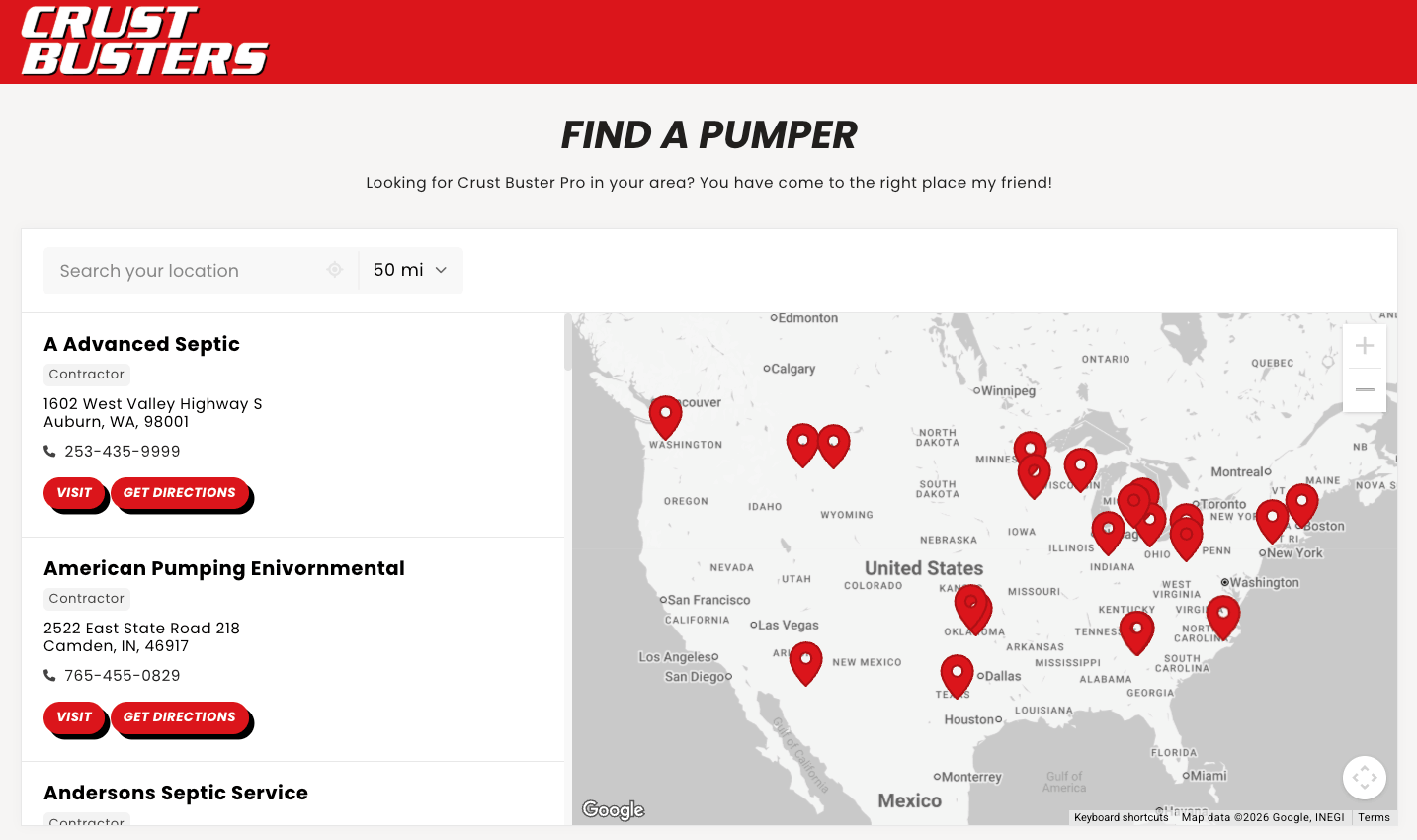
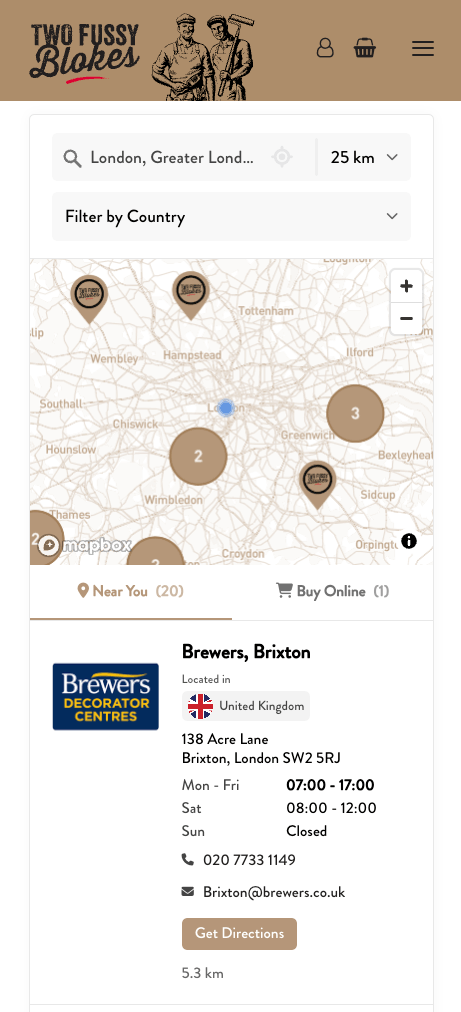
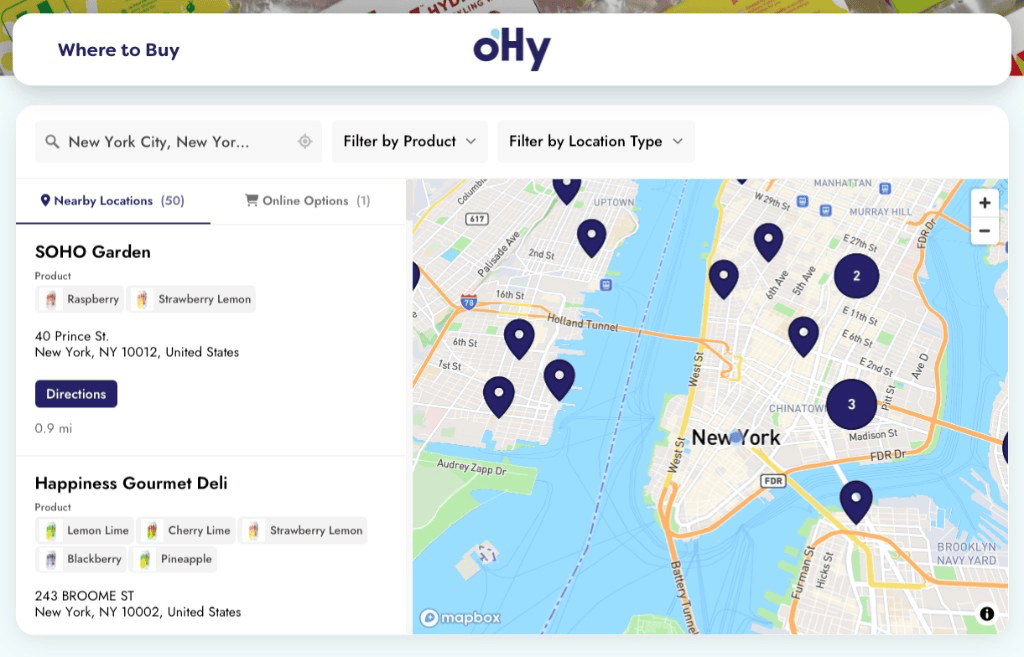
Storepoint is a store locator app that puts your locations on a searchable website map. Zapier connects the tools your team uses to that map, so your workflows can add locations and keep their details up to date.
Questions about Zapier and Storepoint
How does Zapier connect my apps to a website locator?
Zapier runs a workflow when a chosen event happens in another app, then sends location data to Storepoint. Storepoint displays those locations in a searchable map on your website. You can use it for a store locator, dealer finder, branch map, or another location directory.
Which Storepoint actions can I use in Zapier?
Use Find Location, Create Location, and Update Location. Find can create a location if it is missing. For ongoing updates, a common flow is your app’s trigger, then Find with create-if-missing, then Update. Your source app and Zapier settings determine when the workflow runs.
Can I connect a CRM, form, or database through Zapier?
Yes, when that app has a suitable Zapier trigger that supplies the location data you need. Creating a location needs a name and usable address. Updating it reliably also needs a permanent record ID. For example, a new CRM record could add a location, or a changed database record could update its details. Available triggers and plan requirements depend on the app and workflow.
How do I update a location without creating duplicates?
Use the source record’s permanent ID as the External Reference in Find Location. Pass the returned Storepoint Location ID to Update Location, using the same Storepoint connection in both steps. That lets repeat runs find and update the same location. The Zapier setup guide shows the field mapping.
Should I use Zapier for Airtable, HubSpot, or Google Sheets?
For standard location syncing, start with Storepoint’s direct Airtable, HubSpot CRM, or Google Sheets connection. Zapier is useful when you need a different supported trigger or a workflow across apps.
How do I get started with Storepoint in Zapier?
Accept the Storepoint app invitation linked in the setup guide. Then create a Zapier connection key in Storepoint, connect it in Zapier, and choose your trigger and actions. Test a location before turning on the workflow. You can add the finished locator to any website with a copy-and-paste embed.