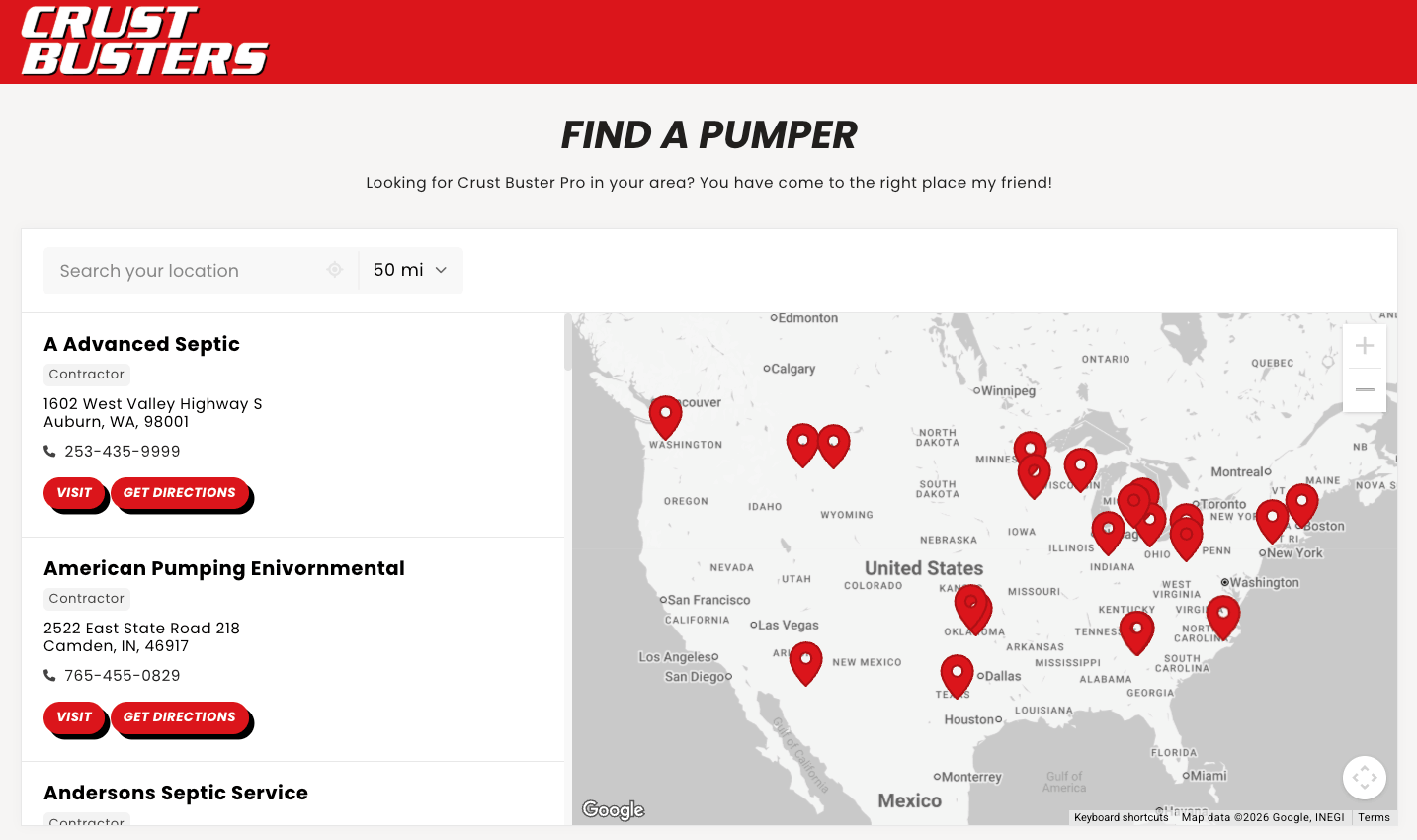
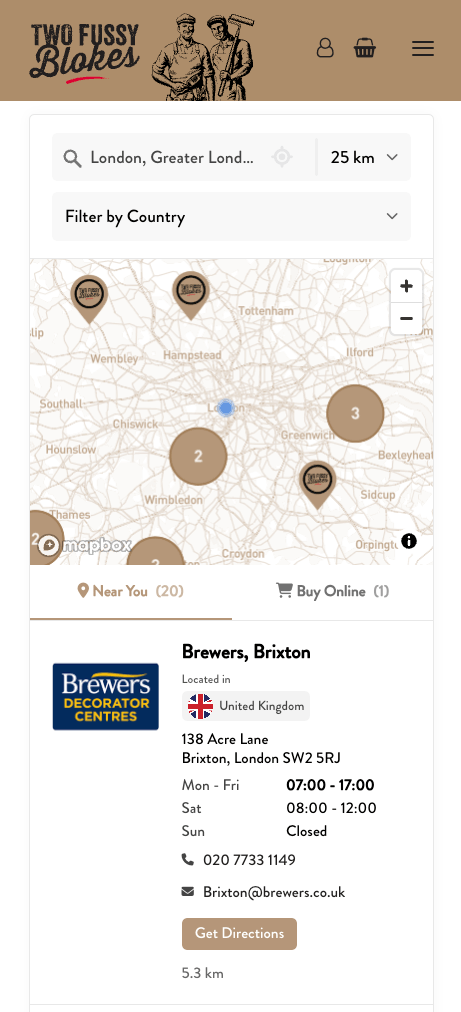
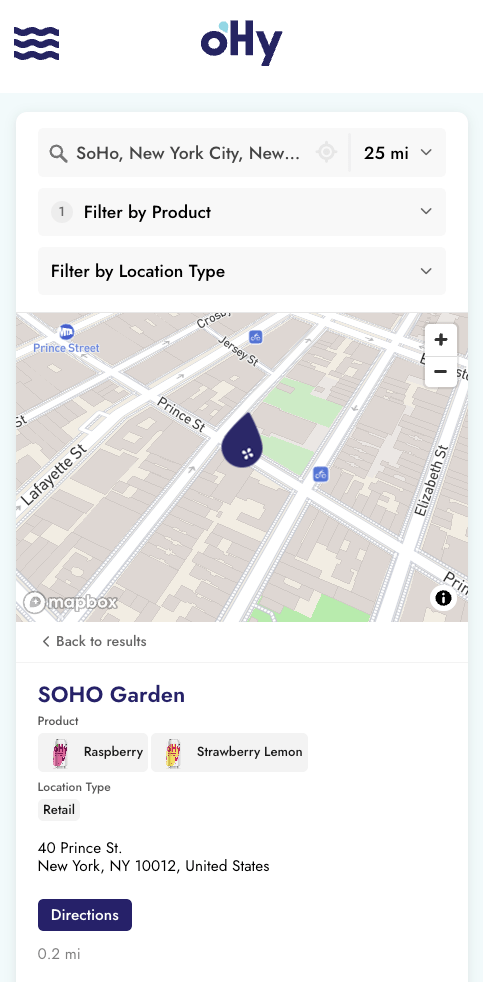
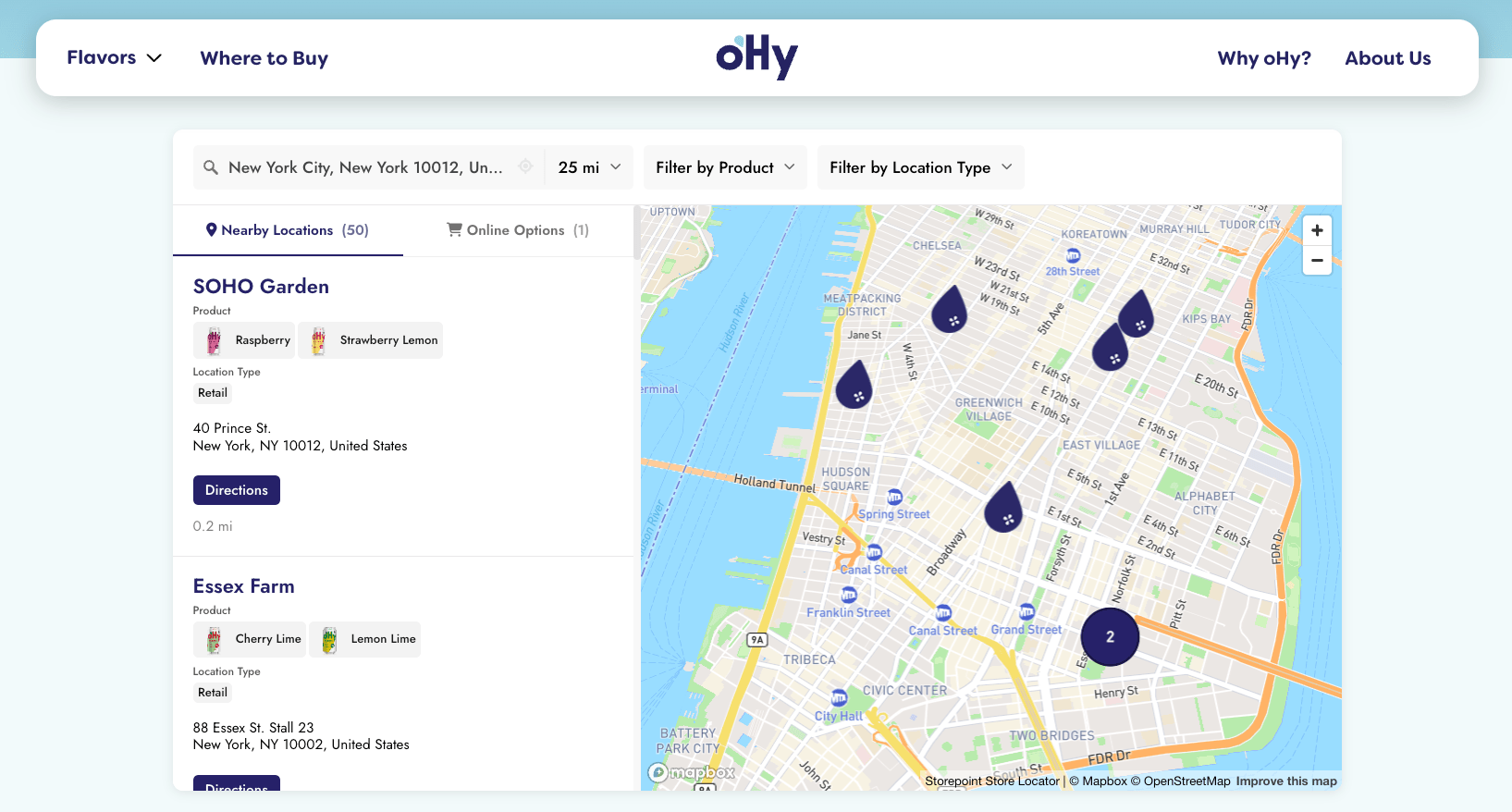
Storepoint puts all kinds of locations onto an interactive, searchable map, embedded on your website with a single snippet. Visitors type a city, zip code, or address, see the closest locations sorted by distance, and get one-tap directions. When your locations change, you edit them in a dashboard and your live map updates in seconds.
Start a free 7-day trial See live examples
7-day free trial. Plans from $25/month after.
Works on any website: Shopify, WordPress, Squarespace, Wix, Webflow, custom builds, and more.
A multi location map is an interactive, embeddable map that displays all your business locations in one place. Visitors type in their city, zip code, or address to find the closest location, see contact details, and get directions.
Instead of listing addresses on a page or embedding a separate map for each location, a multi location map gives visitors a single searchable view of everywhere you operate. Add or remove locations anytime, and your website stays untouched.
A typical website location map generator goes: build, export code, embed, then re-export and re-embed every time anything changes. That works the day you set it up. It breaks the day your business changes.
Storepoint flips that. One embed snippet on your site, then everything else lives in your dashboard. Three ways your map stays current:
- Edit in the dashboard. Open a location, change the address, name, hours, or tags, save. Live in seconds. Manage Locations.
- Sync a Google Sheet Pro. Connect a sheet once. Your map picks up edits whenever you save the sheet. Teams that already keep location data in spreadsheets live in this one. Google Sheets Sync.
- API and webhooks. Push from your CRM, ERP, dealer portal, or any system that already knows where your locations are. Developer APIs.
Set the embed snippet once. The map runs itself.
Already syncing from somewhere specific (Salesforce, HubSpot, NetSuite, Airtable, an internal tool)? Tell us what you use and we'll point you at the cleanest setup.
A generated map shows visitors where you are. A live map lets them do something about it.
- Proximity search. Visitors type a city, zip, or address. Closest locations sort first, with distance shown on each card.
- Filters. Narrow by product, service, dealer tier, store type, language spoken, or any tag you set on a location. Filters & Tags.
- One-tap directions. Google Maps on Android, Apple Maps on iOS, picked automatically per device.
- Per-location buttons. Book Now, Order Online, Buy on Amazon, Call, social links. Whatever makes sense per pin. Custom Fields.
- Per-location info. Phone, hours, photos, descriptions, certifications, manager names. Whatever your visitors need to decide.
- Custom map markers. Your own pin icons, or different markers per location type. Map Markers.
- Scales to any size. From 5 locations to 50,000, with marker clustering keeping the map clean at every zoom level.
- Mobile-native. Responsive on phones and tablets. Your site's breakpoints picked up automatically.
The map turns into something visitors use, not something they glance at.
Any business that operates in more than one place:
- Retail chains and franchises: every store on one map with hours, services, and directions
- Restaurant groups: guests find the nearest venue and see menus or hours
- Healthcare networks: patients find nearby clinics, practices, or hospitals
- Banks and credit unions: branch and ATM finders
- Offices and branches: corporate offices, regional branches, satellite locations
- Fitness and wellness: gyms, studios, and spas across cities or states
- Non-profits and government: resource centers, donation sites, public facilities
Brands also use the same map as a where-to-buy page, dealer locator, or stockist directory.
Most maps are live in 15 minutes:
- Add your locations. Type them in, drag in a CSV or Excel file, or connect a Google Sheet. Import options.
- Embed the snippet. Copy from your dashboard, paste onto a page on your site. Get your snippet.
- Match your brand. Colors, fonts, map markers, filters. Appearance settings.
That's it. Want the full walkthrough? See How to Create a Store Locator for Your Website.
Send us your website URL and we match the map to your design: fonts, colors, button radius, layout. Free on every plan, 5 locations or 5,000. [email protected]
How do I create a multi location map for my website?
Sign up for a free Storepoint trial, add your locations (typed in or from a spreadsheet), copy the embed code, and paste it into your website. The map is live in minutes.
Do I have to regenerate the map when I add or change a location?
No. Once the snippet is on your site, edits in the dashboard go live in seconds. You never re-embed.
Can I show hundreds or thousands of locations on one map?
Yes. The Business plan supports unlimited pins, and spreadsheet import adds them all at once. Marker clustering keeps the map clean at every zoom level.
Does the multi location map include search?
Yes. Visitors search by zip code, city, or full address. The map shows the closest locations sorted by distance, with directions to each one.
What if I keep my locations in a spreadsheet?
Connect Google Sheets sync Pro once. Edit the sheet, your live map picks up the changes. Everything flows through on its own.
How is this different from a free map widget?
Built-in proximity search, filters, dashboard management, brand customization, mobile responsiveness, and support. Most free widgets show pins on a static map. Storepoint runs as a live tool that grows with your business.
Do I need a Google Maps API key?
You'll need either a Google Maps or Mapbox account for the map tiles. Both have generous free tiers and setup takes a few minutes.
Will the map slow down my website?
No. Your page opens at full speed. The map loads quietly alongside and appears once it's ready, so visitors are never waiting on it.
Do I need to know how to code?
No. Adding the map to your site is a single snippet, and everything else happens in your dashboard. Step-by-step guides cover every major platform (Shopify, WordPress, Squarespace, Wix, Webflow, and more), and the general embed guide covers the rest.
Is it free?
Storepoint offers a free 7-day trial. After that, plans start at $25/month. See pricing.
Brands like Brooklyn Hot Dog Co., oHy, Tessake, Spindrift, and Two Fussy Blokes use Storepoint as their multi location map, dealer locator, where-to-buy page, or stockist directory. See how they look.
Already signed up? Follow the Quick Start Guide from your dashboard.
Questions before signing up? Email us. Small team, real replies, usually within a few hours.
Start your free trial See live examples
- Multi Location Map for Your Website: the product overview
- Create a Store Locator: the full setup walkthrough
- Platform embed guides
- Filters & Tags
- Custom Fields & Buttons
- Multilingual Locator